HashThat tutorials
Step-by-step guides with a picture for every click. Pick a task, follow along, and check your result at the end.
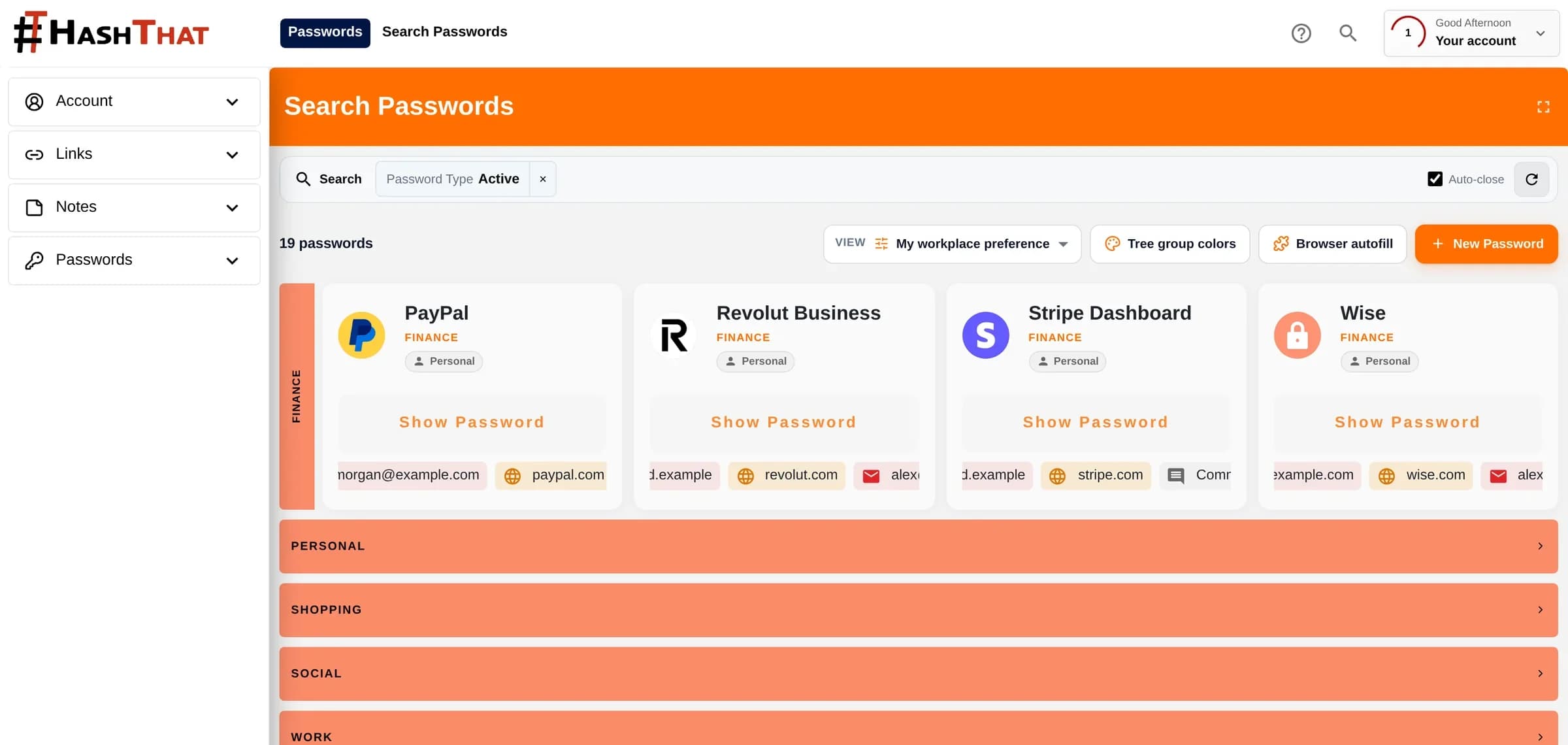
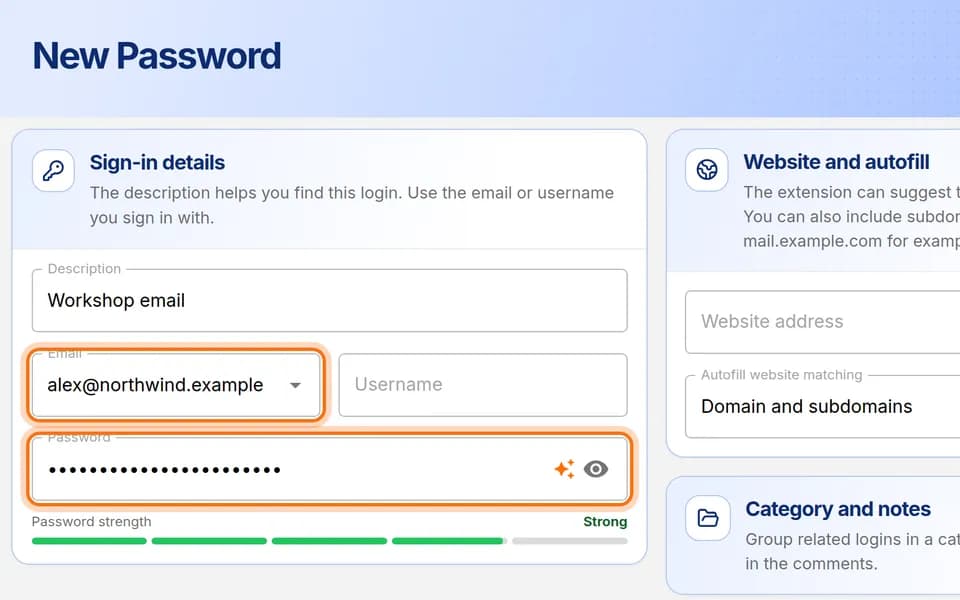 Passwords3 min · 9 steps
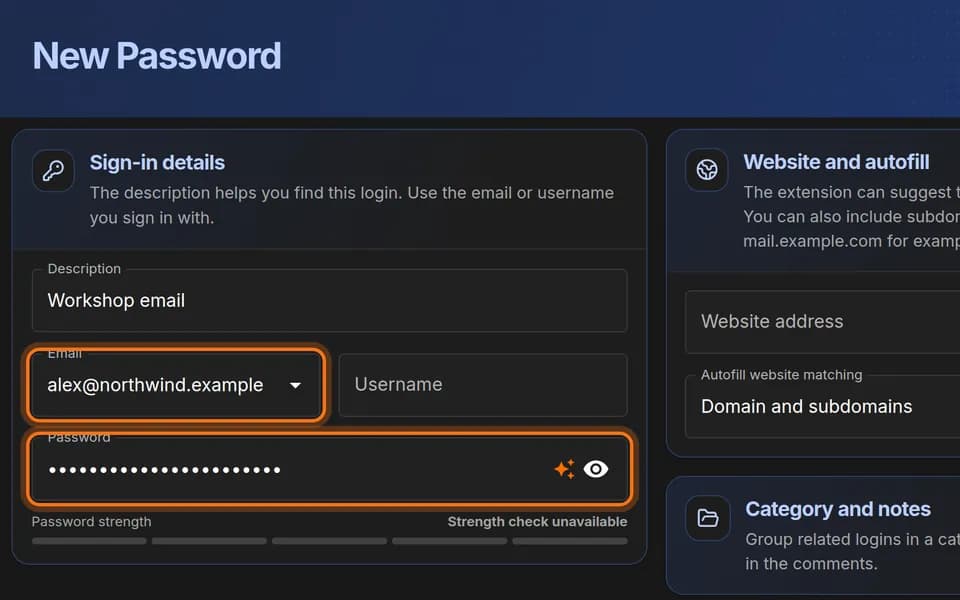
Save your first login
Add one username and password to your vault, step by step, then find it again.
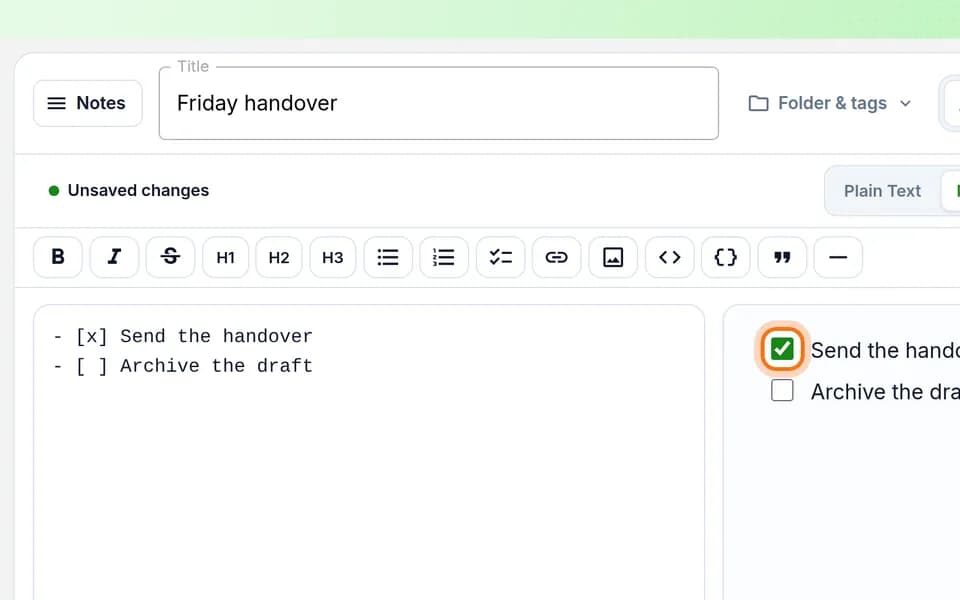 Notes4 min · 8 steps
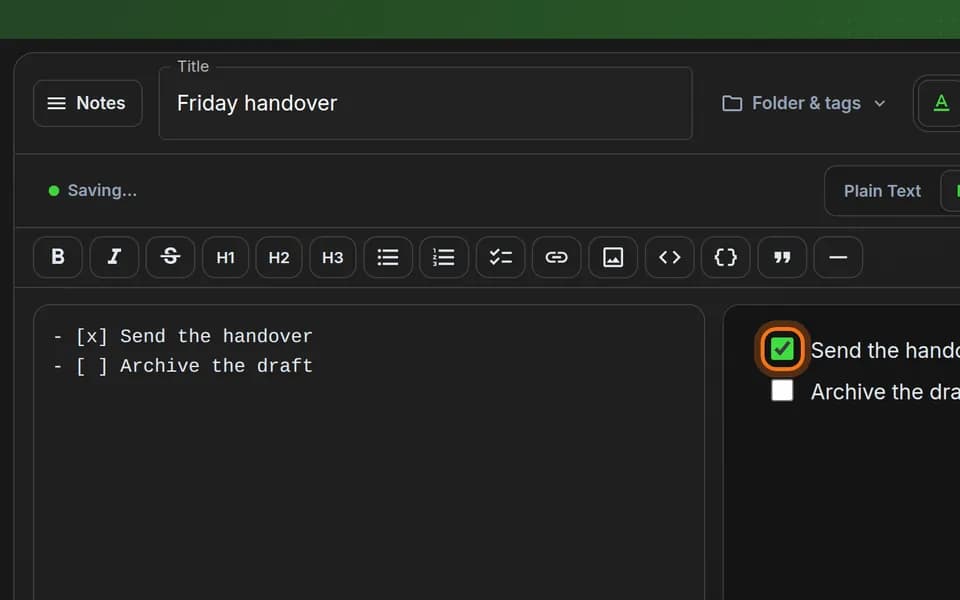
Make a checklist you can tick off
Write a short to-do list in a note, then tick tasks off with a click.
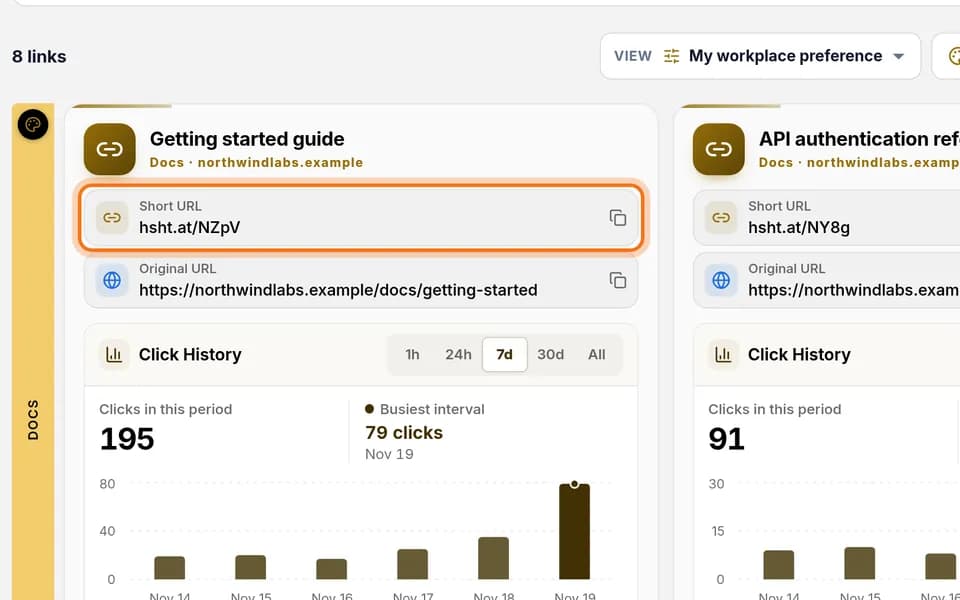 Links3 min · 8 steps
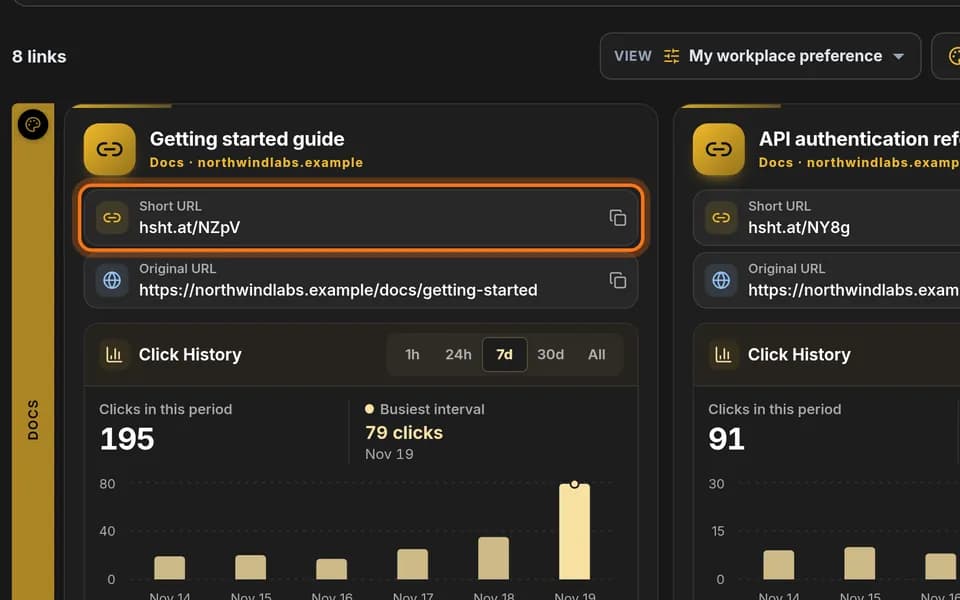
Create your first short link
Turn a long web address into a short one, copy it, and test it before you share it.
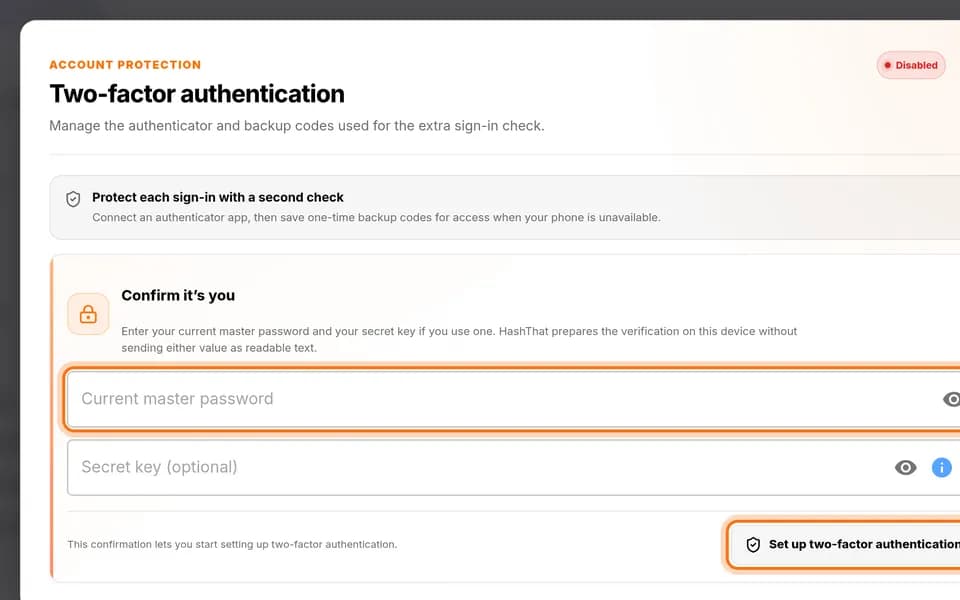 Security6 min · 7 steps
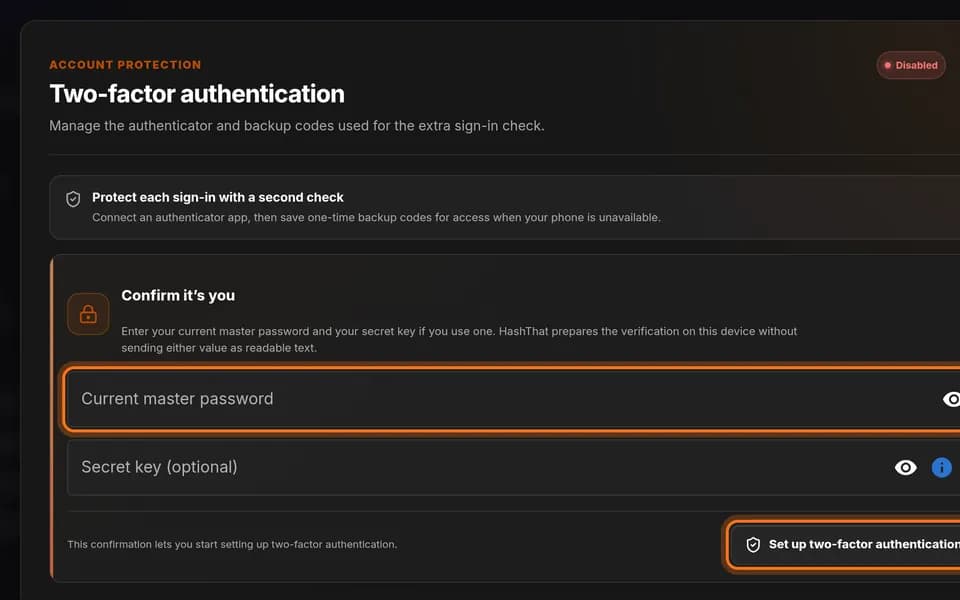
Set up two-factor authentication
Add a second check to your sign-in: a six-digit code from an app on your phone.
 Business5 min · 8 steps
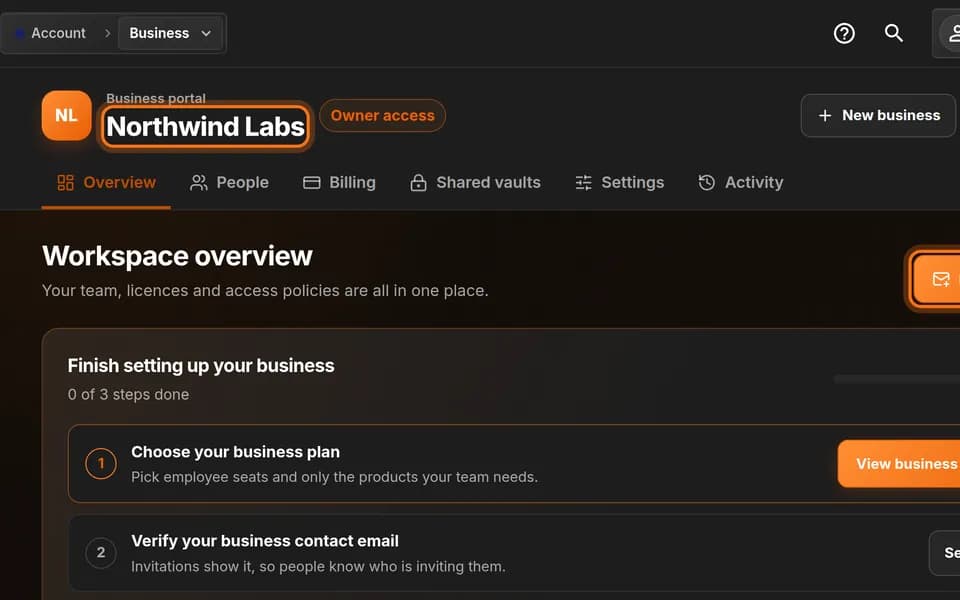
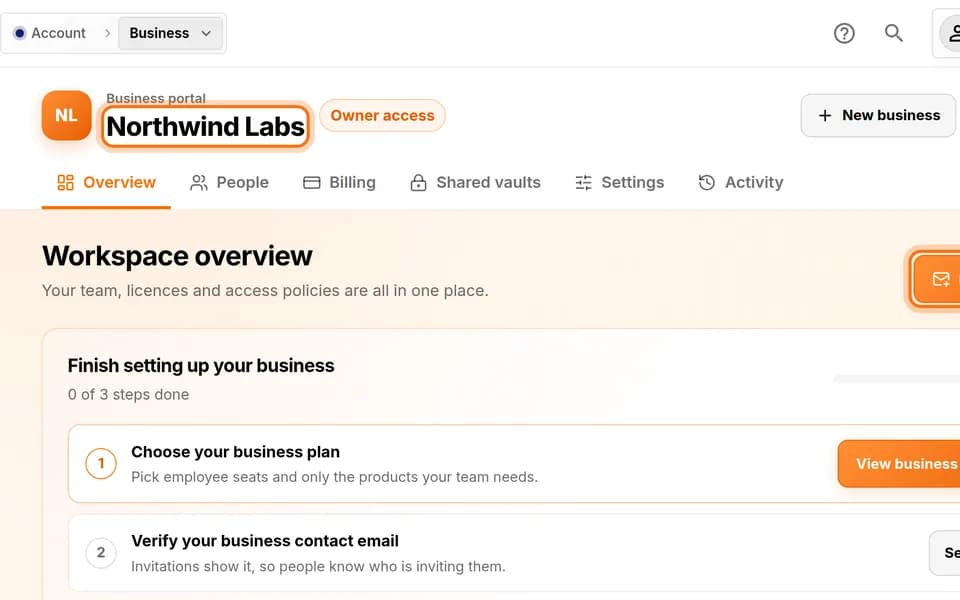
Invite a teammate to your workspace
Send a colleague an invitation to your business workspace and choose which products they get.
 Passwords4 min · 8 steps
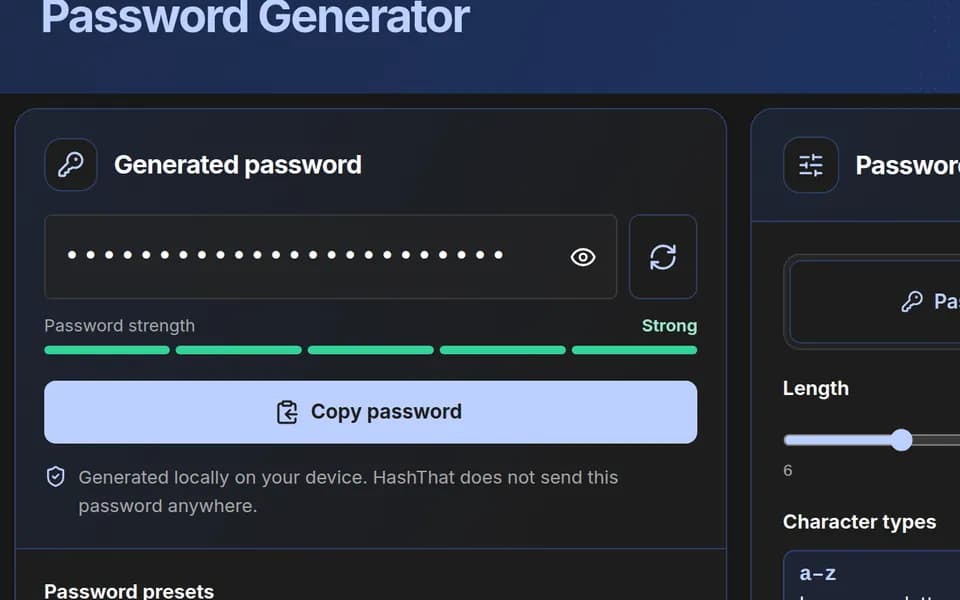
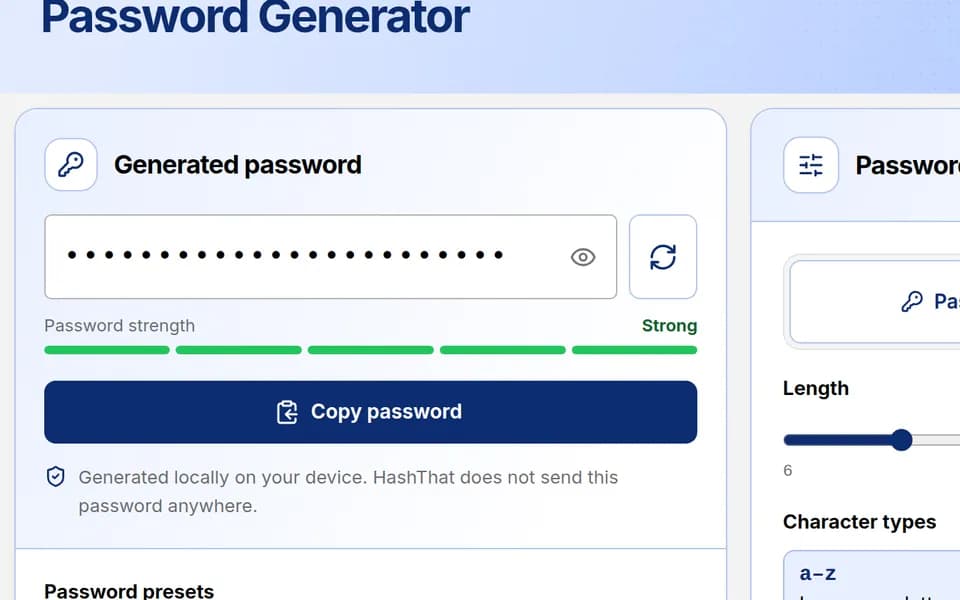
Generate a strong password
Create a random password, adjust it to a website’s rules, copy it, and keep it in your vault.
 Notes4 min · 6 steps
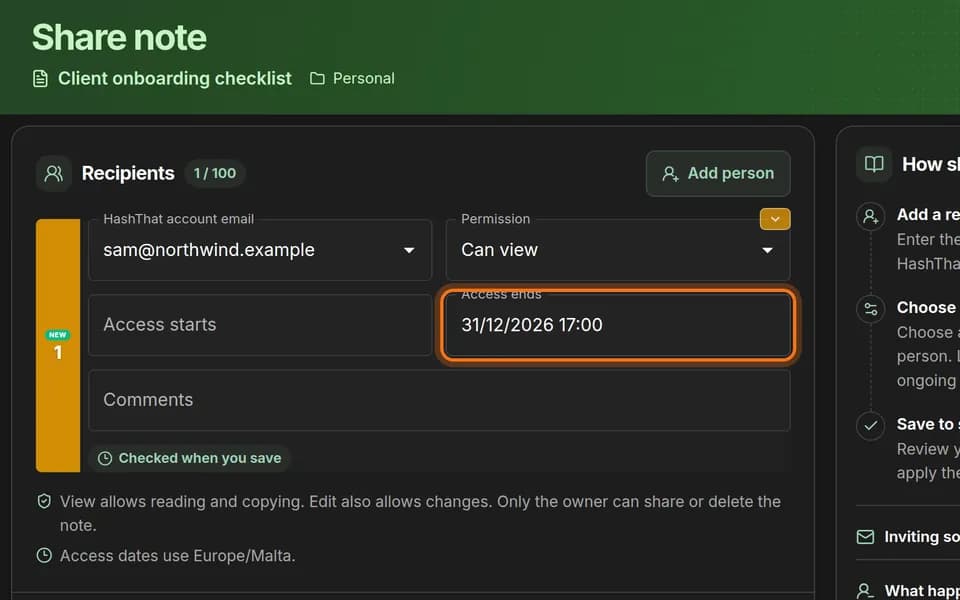
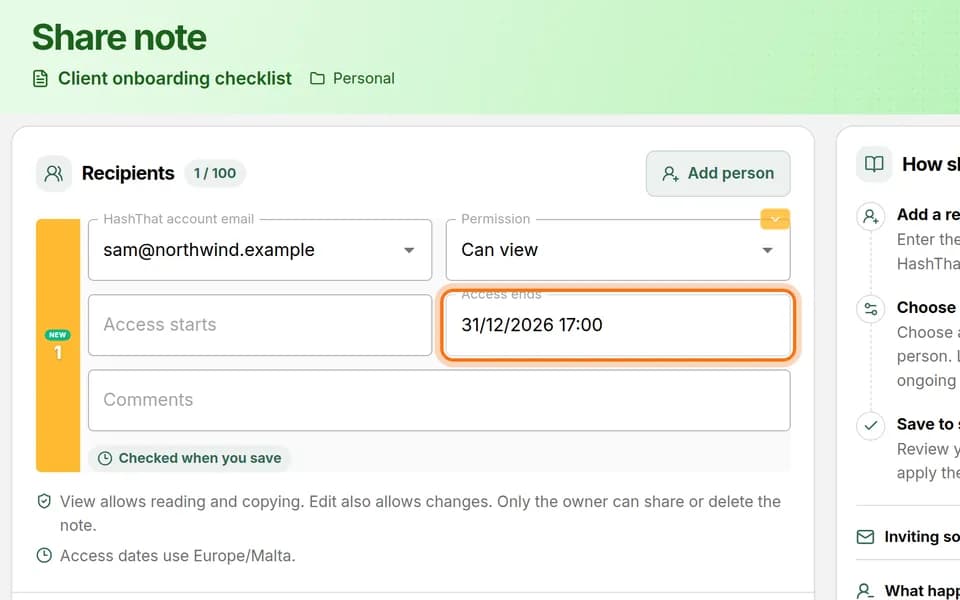
Share a note until a set date
Let one person read a note of yours, and choose the day their access ends on its own.
 Links7 min · 7 steps
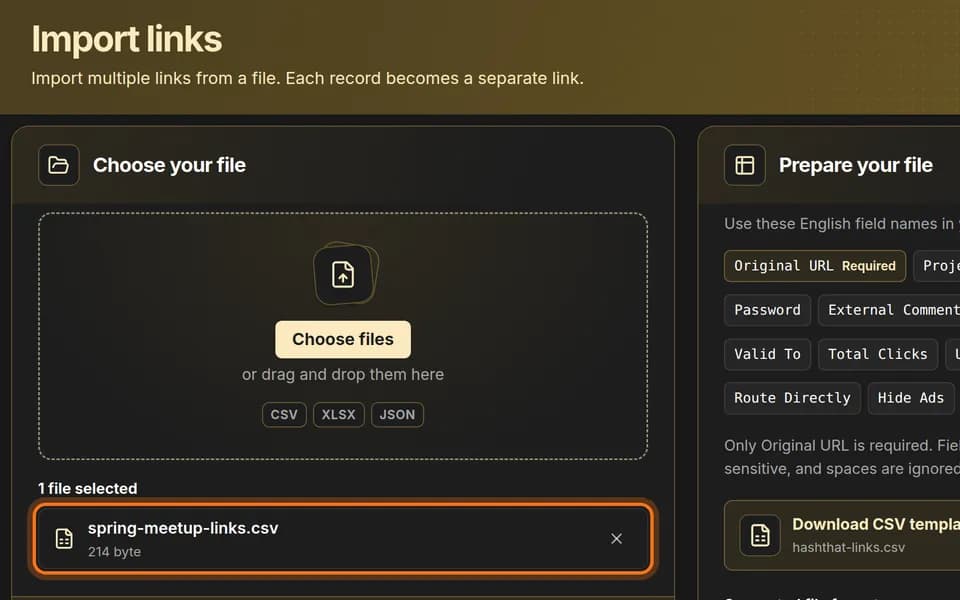
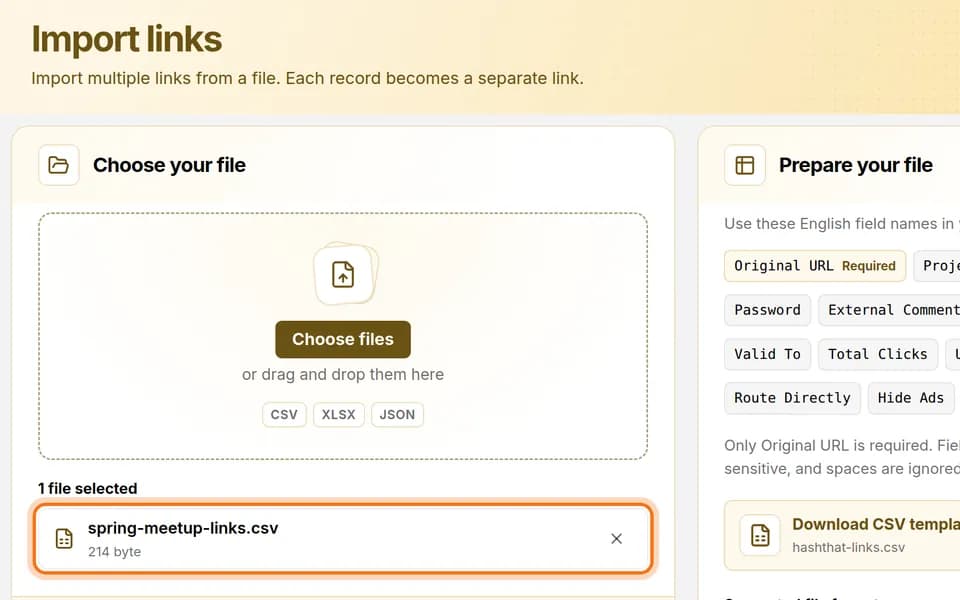
Create many short links from a spreadsheet
Fill in a spreadsheet with one web address per row and import it to get a short link for each.
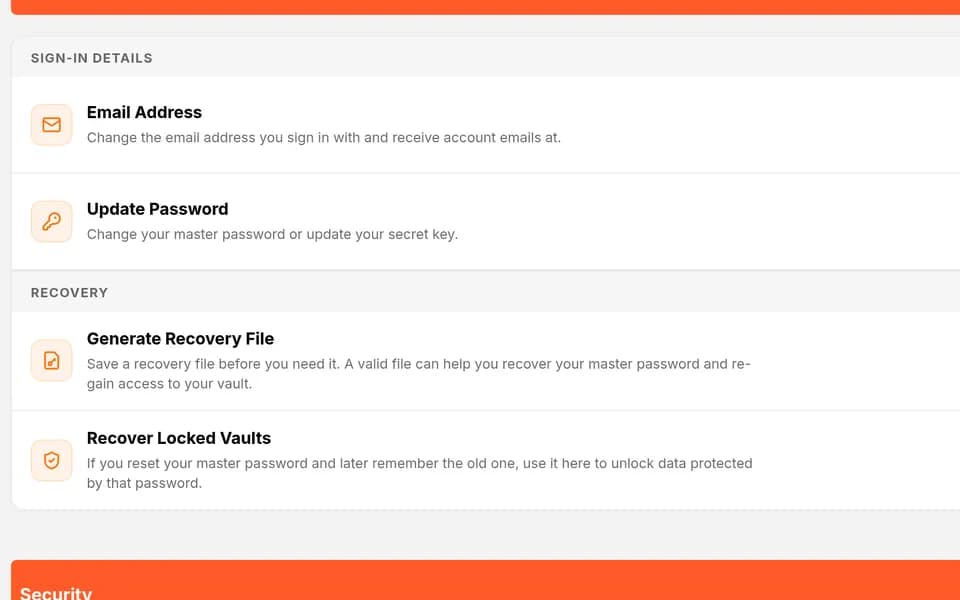 Security3 min · 4 steps
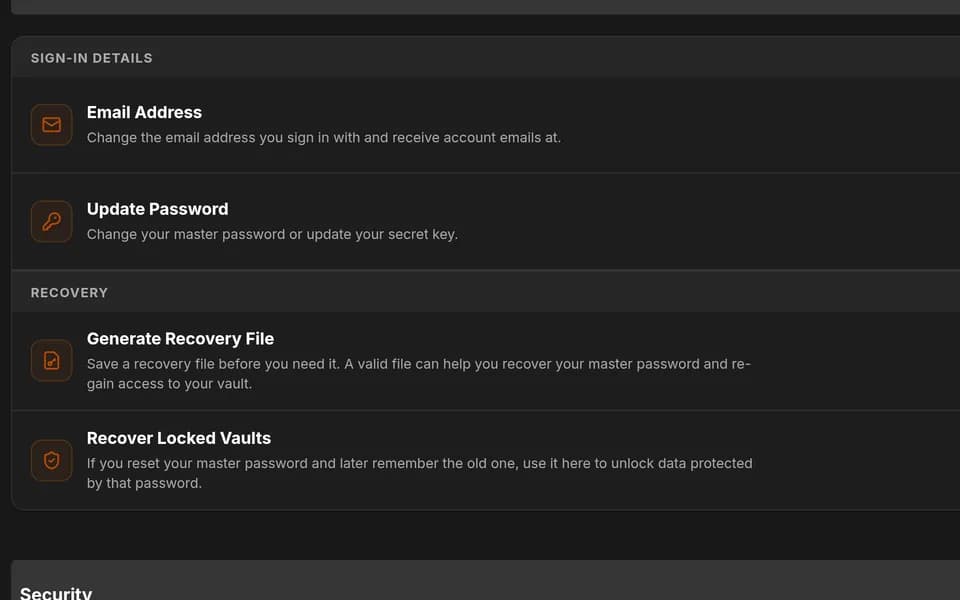
Create a vault recovery file
Download a small file today that can get you back into your vault if you ever forget your master password.
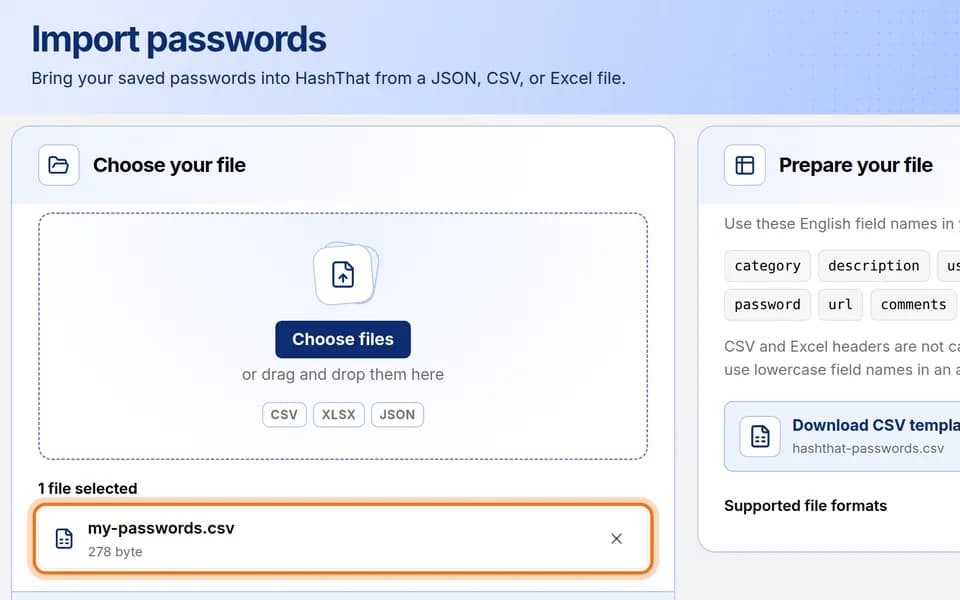 Passwords8 min · 7 steps
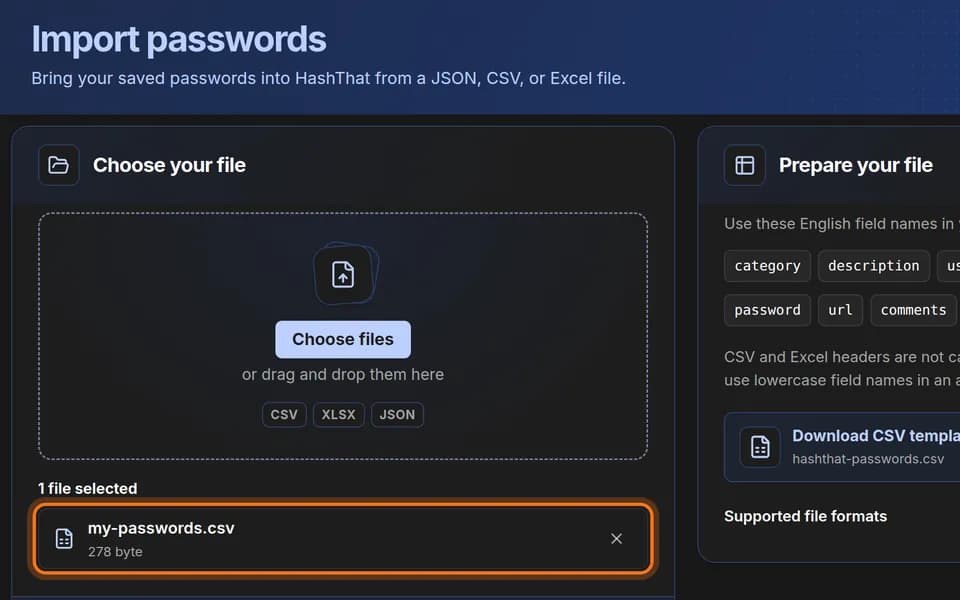
Import passwords from a file
Move many logins into HashThat at once from a CSV, Excel or JSON file.
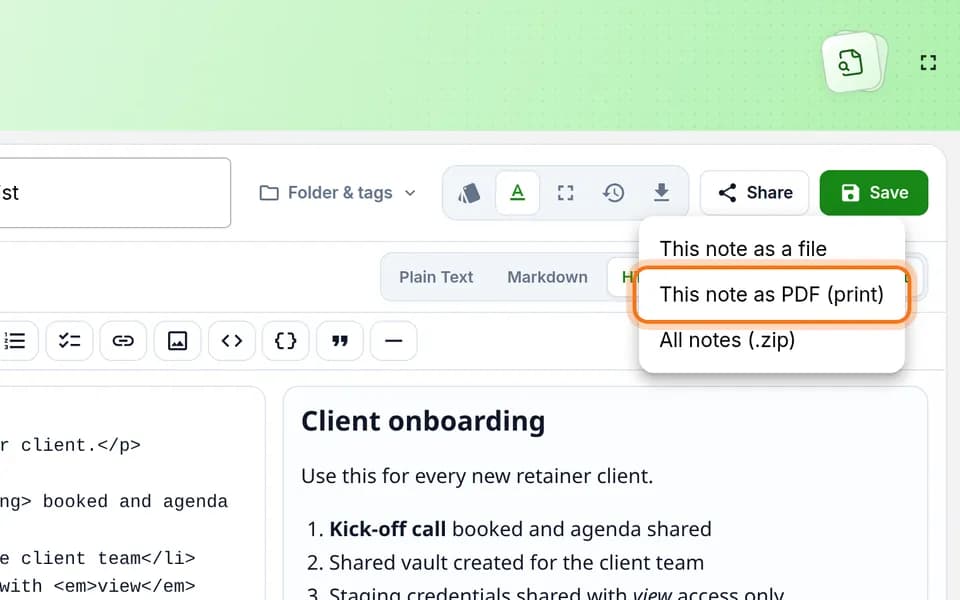 Notes3 min · 5 steps
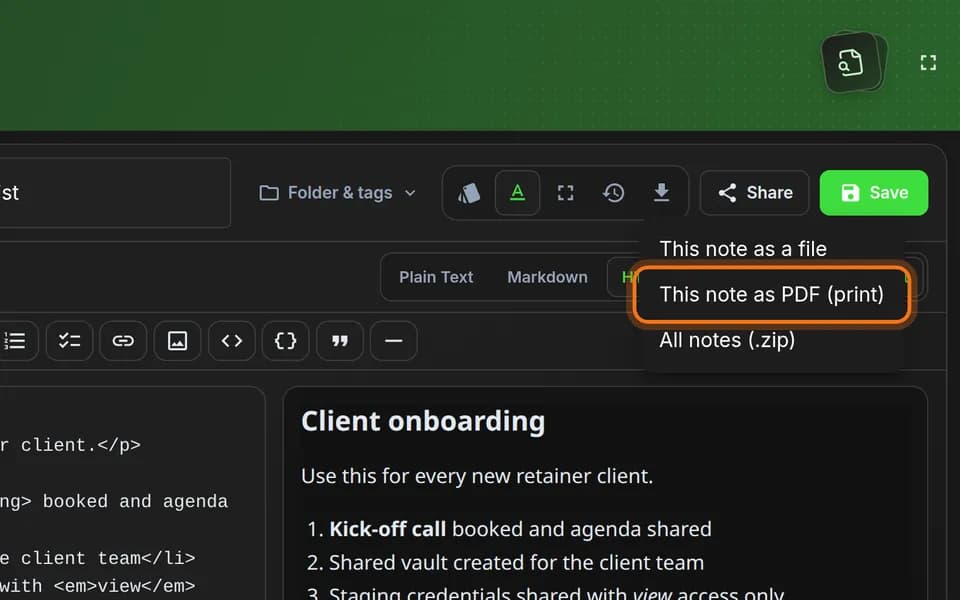
Save a note as a PDF
Turn a finished note into a PDF file on your computer, using your browser’s print window.
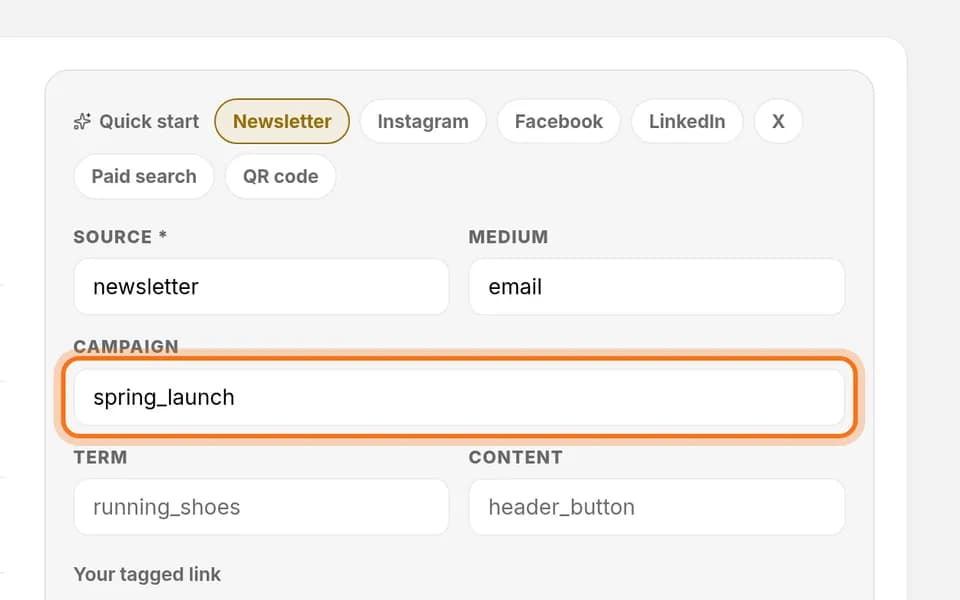 Links6 min · 7 steps
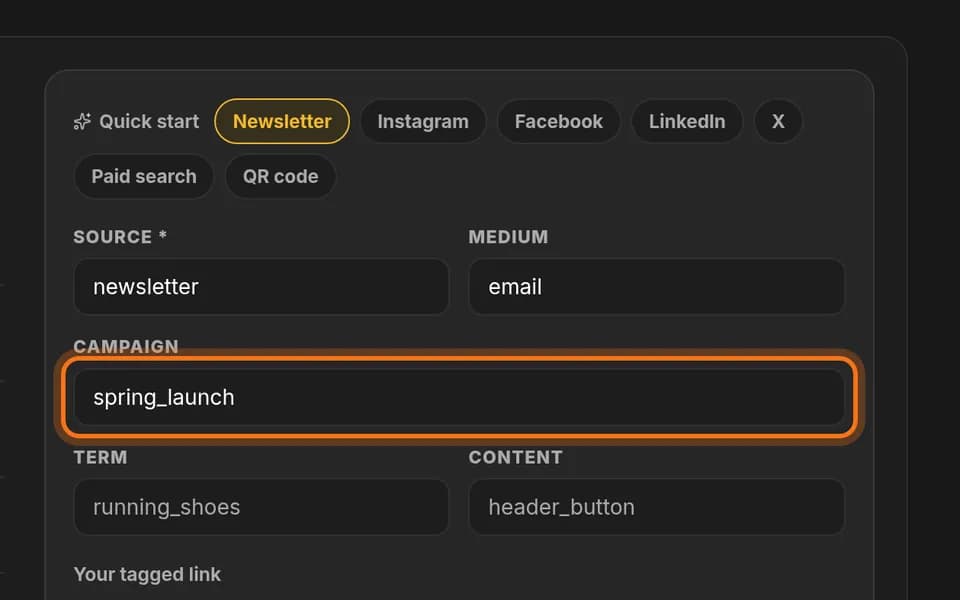
See which channel brings the most clicks
Make one version of your short link for your newsletter and one for Instagram, then compare their clicks.
 Passwords4 min · 6 steps
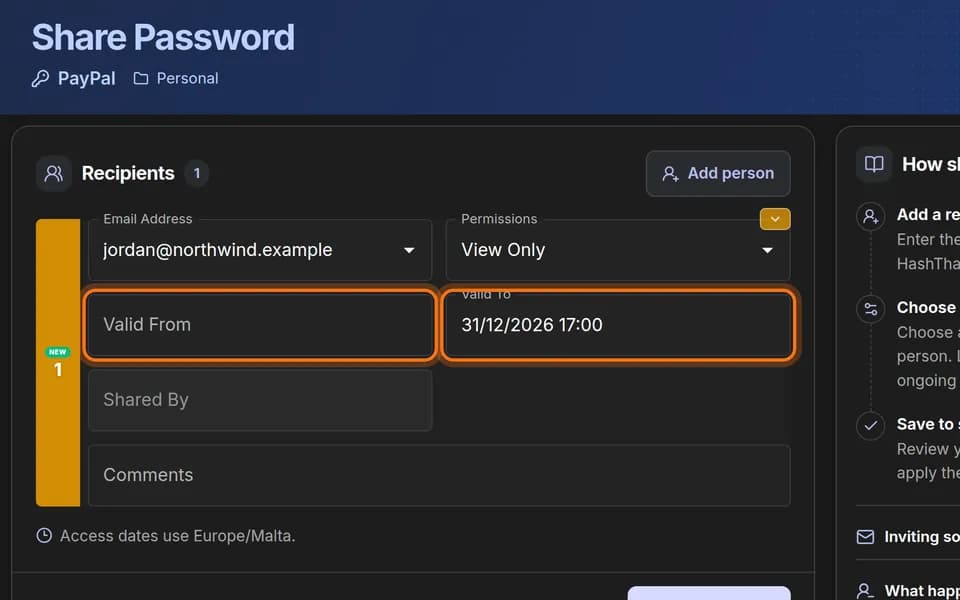
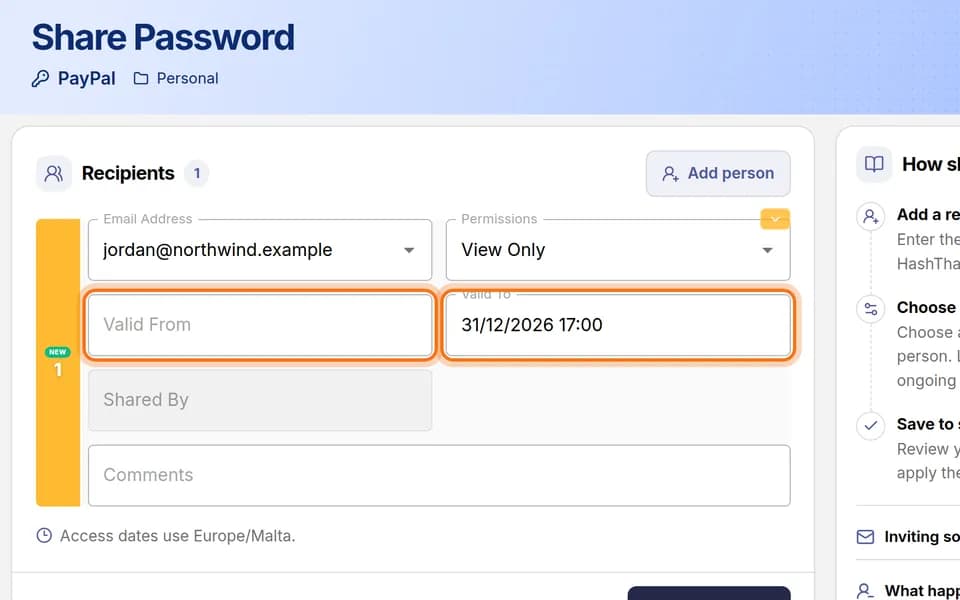
Share a password with one person
Give one person access to one login by email, choose what they may do, and set an end date.
 Links5 min · 6 steps
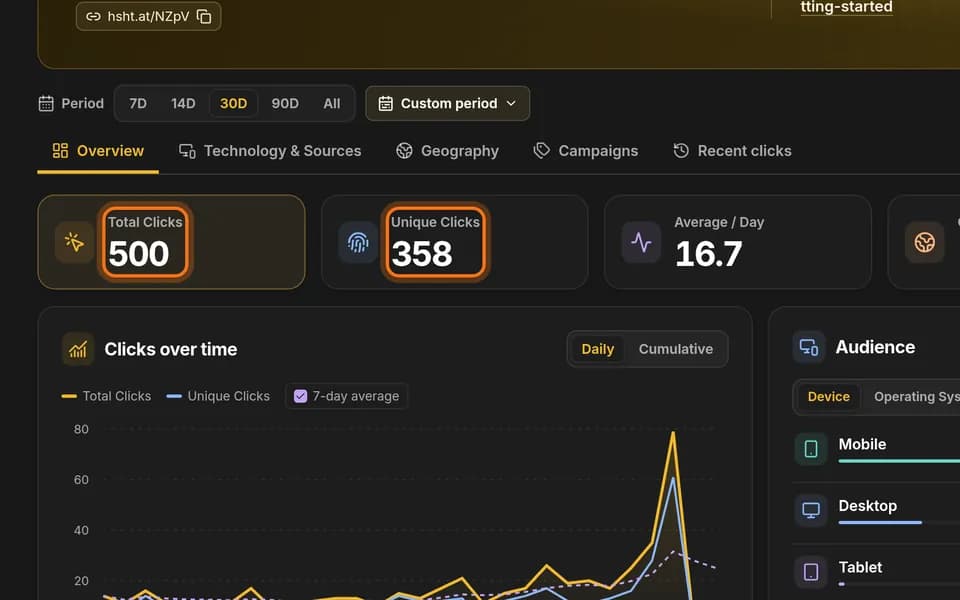
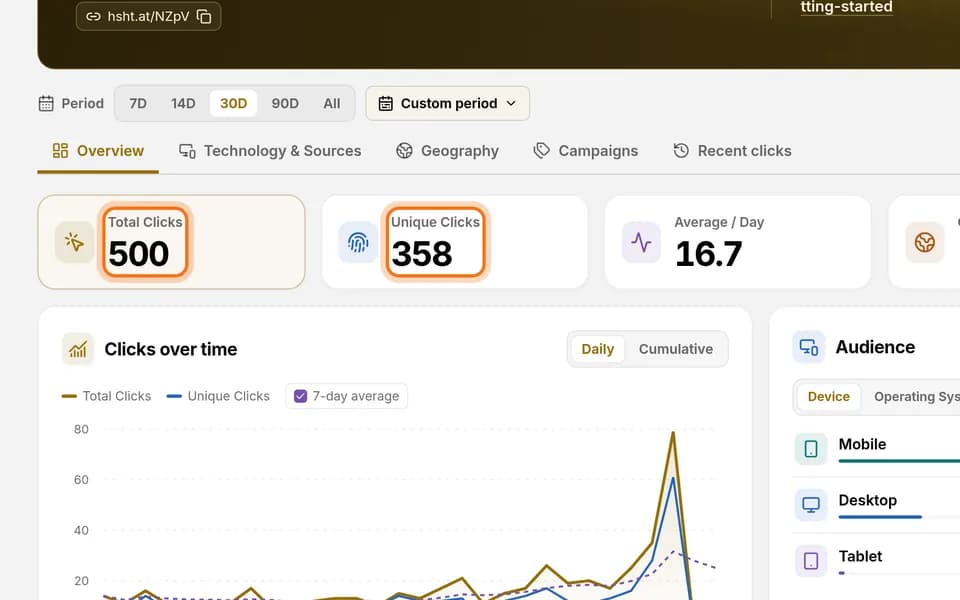
Read a link’s click report and export it
See how many people clicked a short link, find its busiest day, and download the numbers.
 Passwords5 min · 4 steps
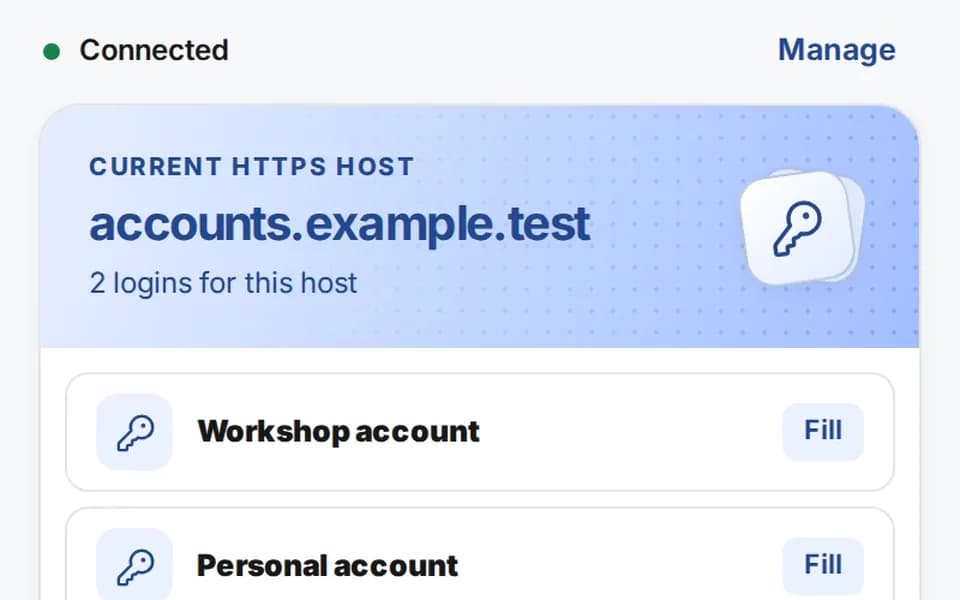
Fill a login with the browser extension
Connect the HashThat Autofill extension to your account once, then fill a saved login on a website with one click.