Create your first short link
Turn a long web address into a short one, copy it, and test it before you share it.
- 8 steps
- About 3 minutes
Before you start
- You are signed in to HashThat, with room for one more link on your plan.
- The web page you want to share is open in another browser tab.
Step 1: Copy the long address
- Go to the tab with the page you want to share.
- Click the address at the top of the browser, so all of it is selected.
- Copy it: press Ctrl + C on Windows or Cmd + C on a Mac.
Share a particular article or product? Open that exact page first, then copy.
Step 2: Open the New Link form
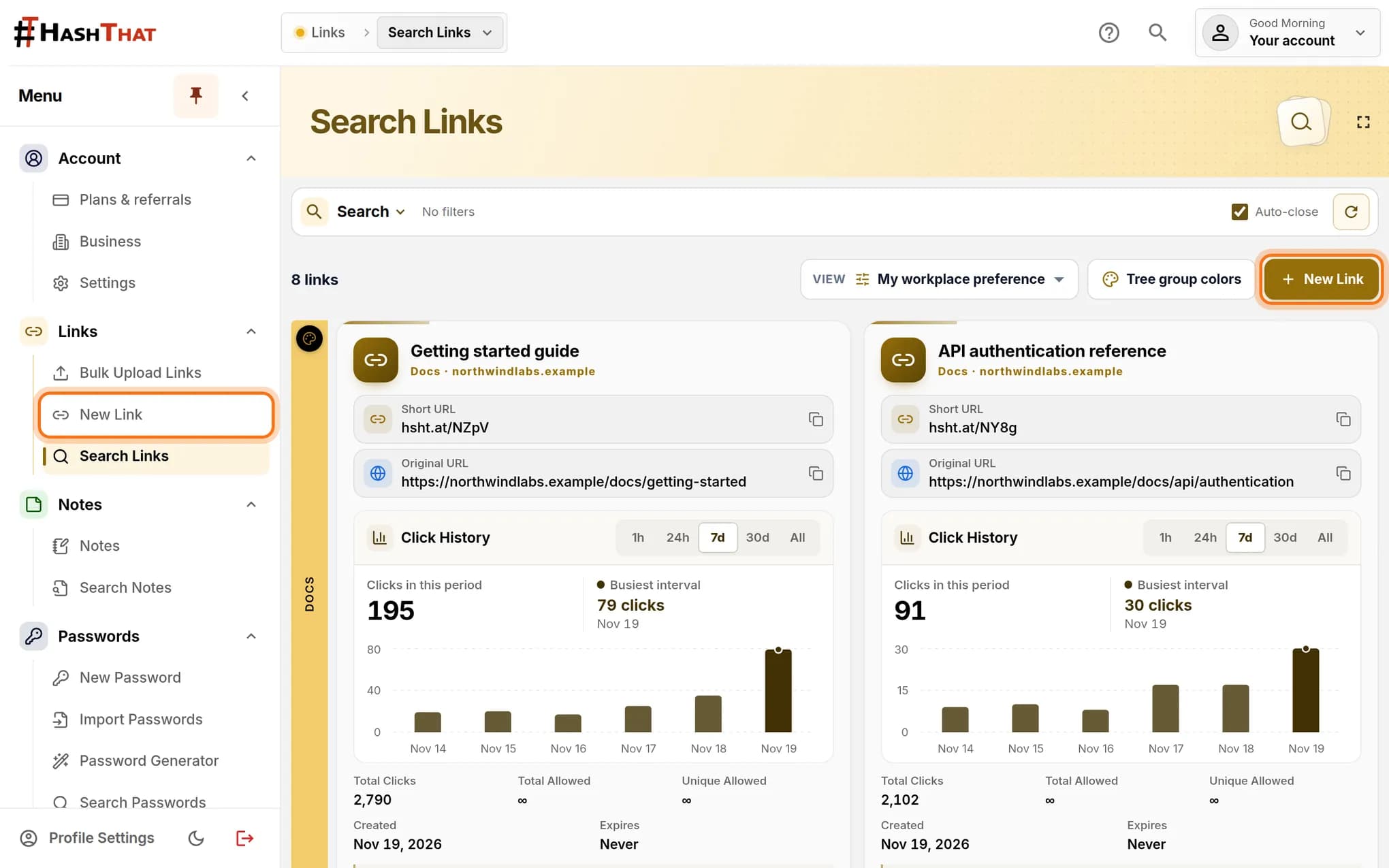
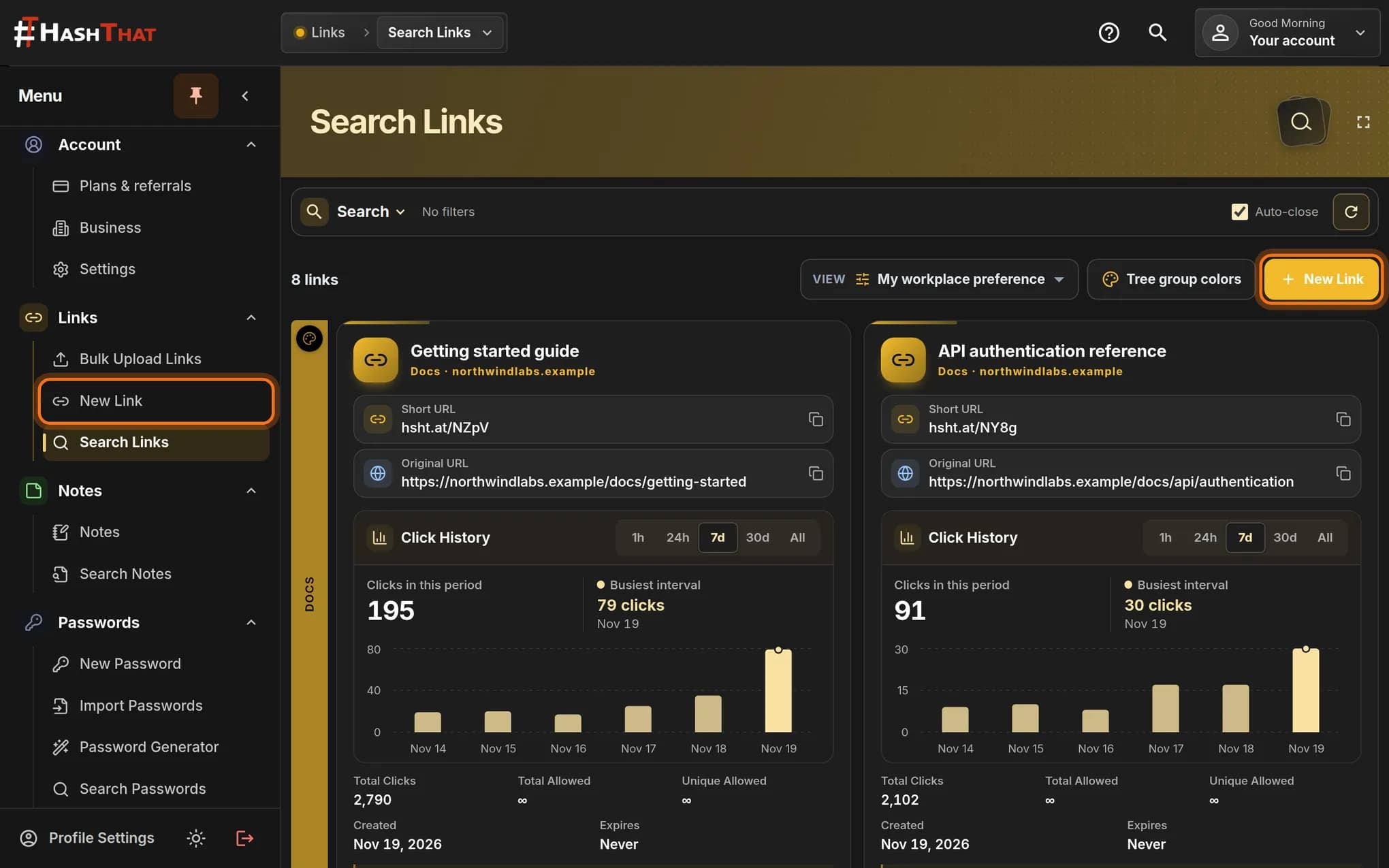
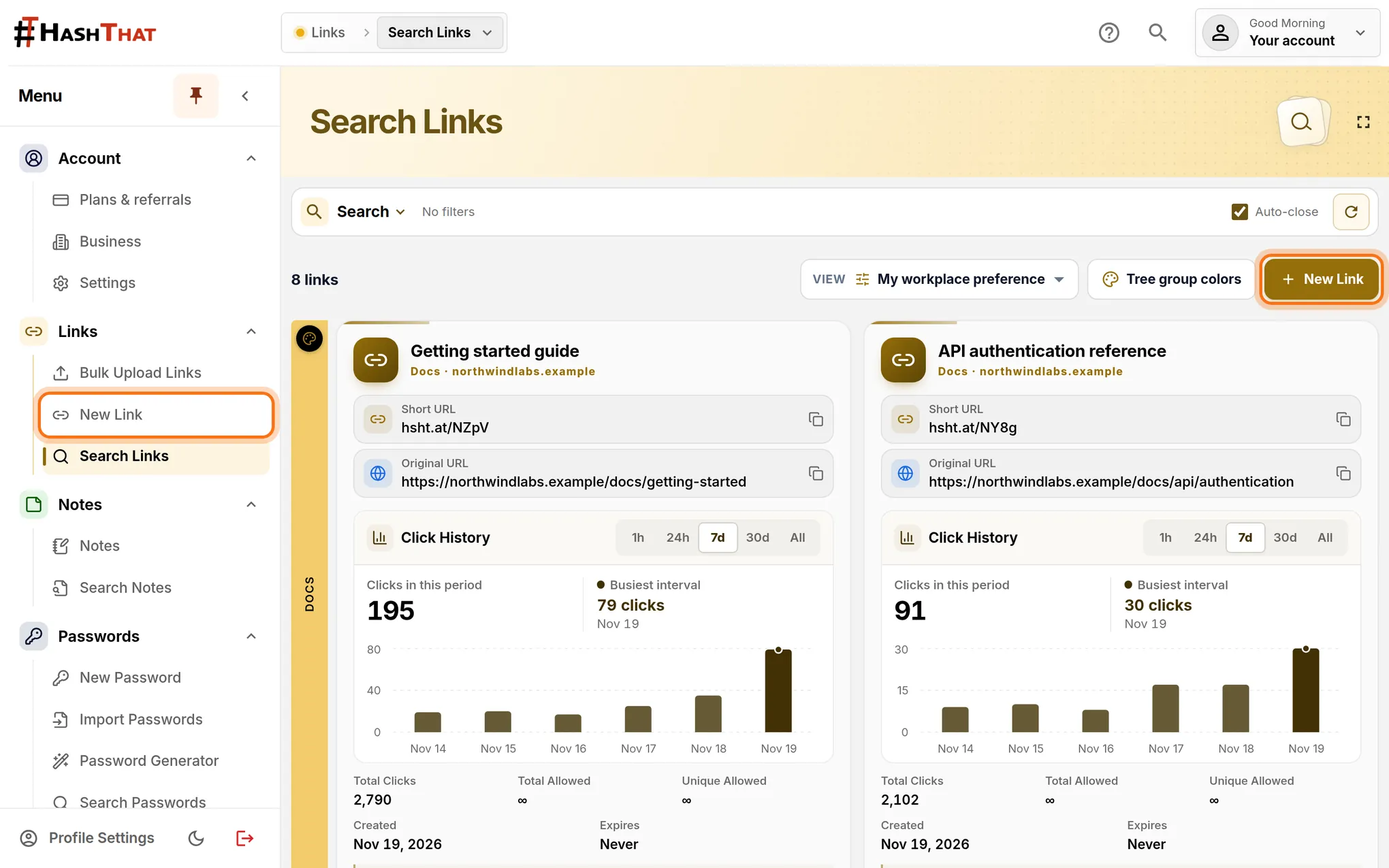
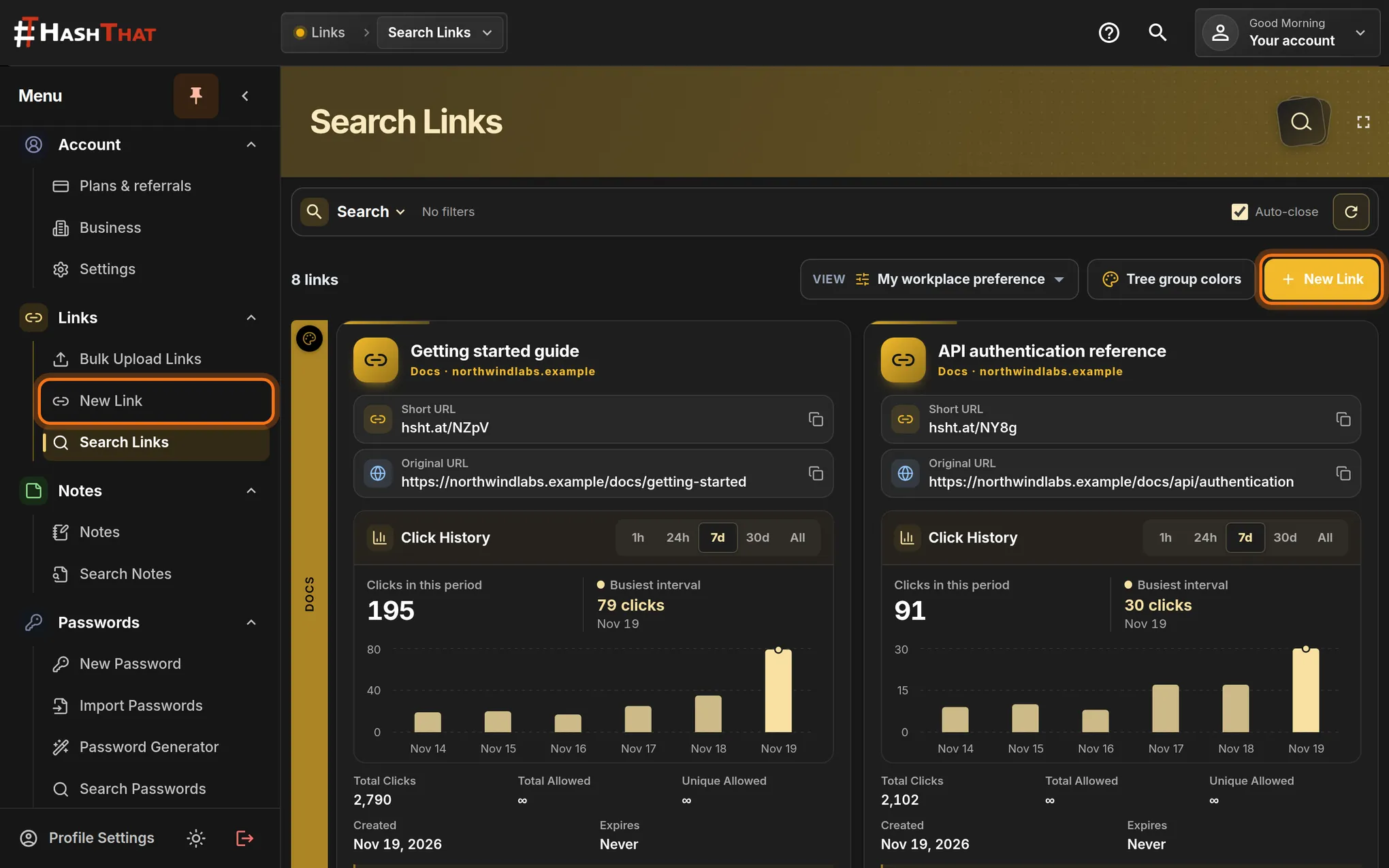
- Return to HashThat and look at the menu on the left.
- Under Links, click New Link.
- If you are on Search Links, the New Link button at the top right does the same thing.
You should see: A page titled New Link.
 Full size
 Full size
Either highlighted control opens the same form. Step 3: Paste the address
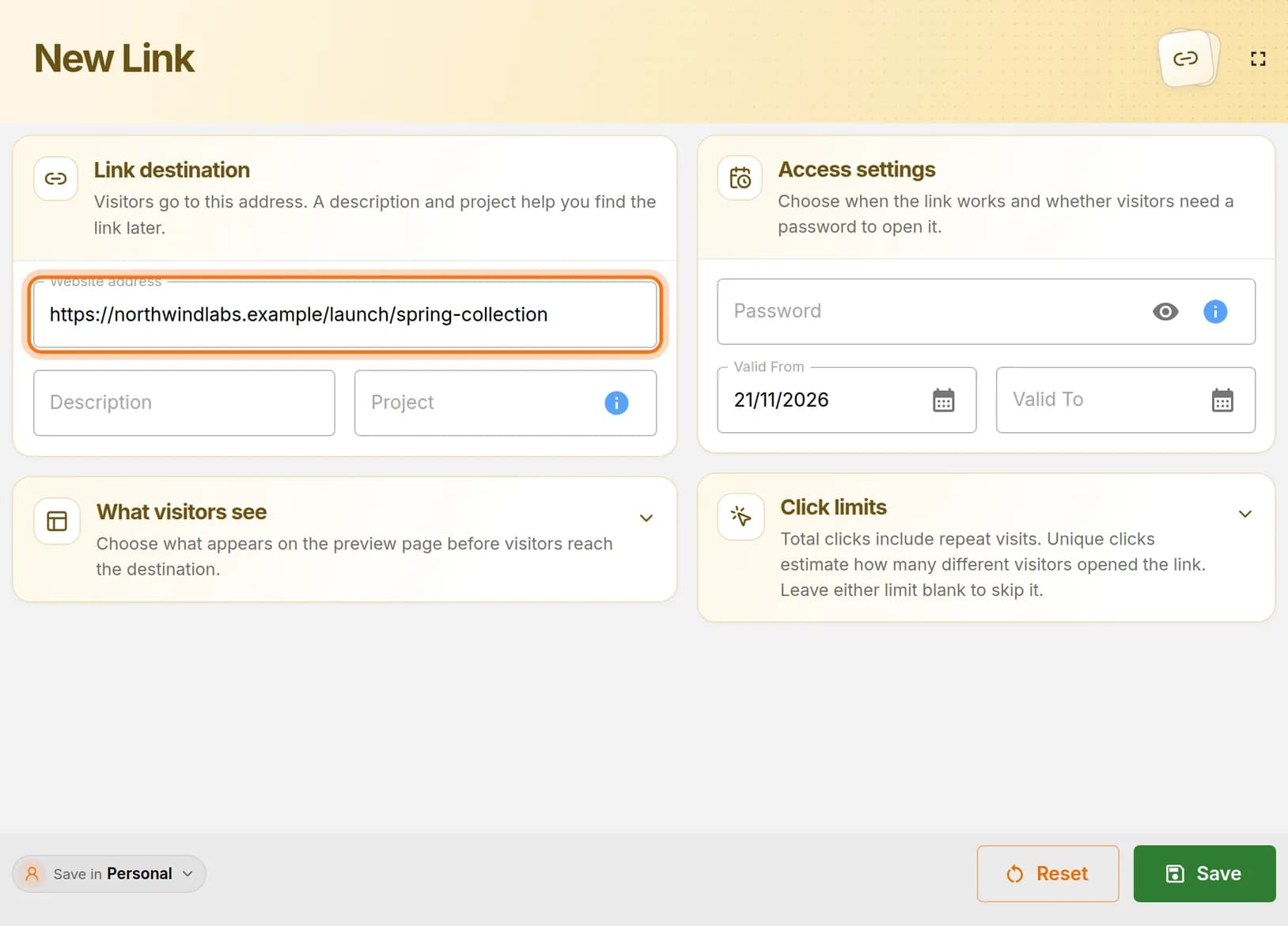
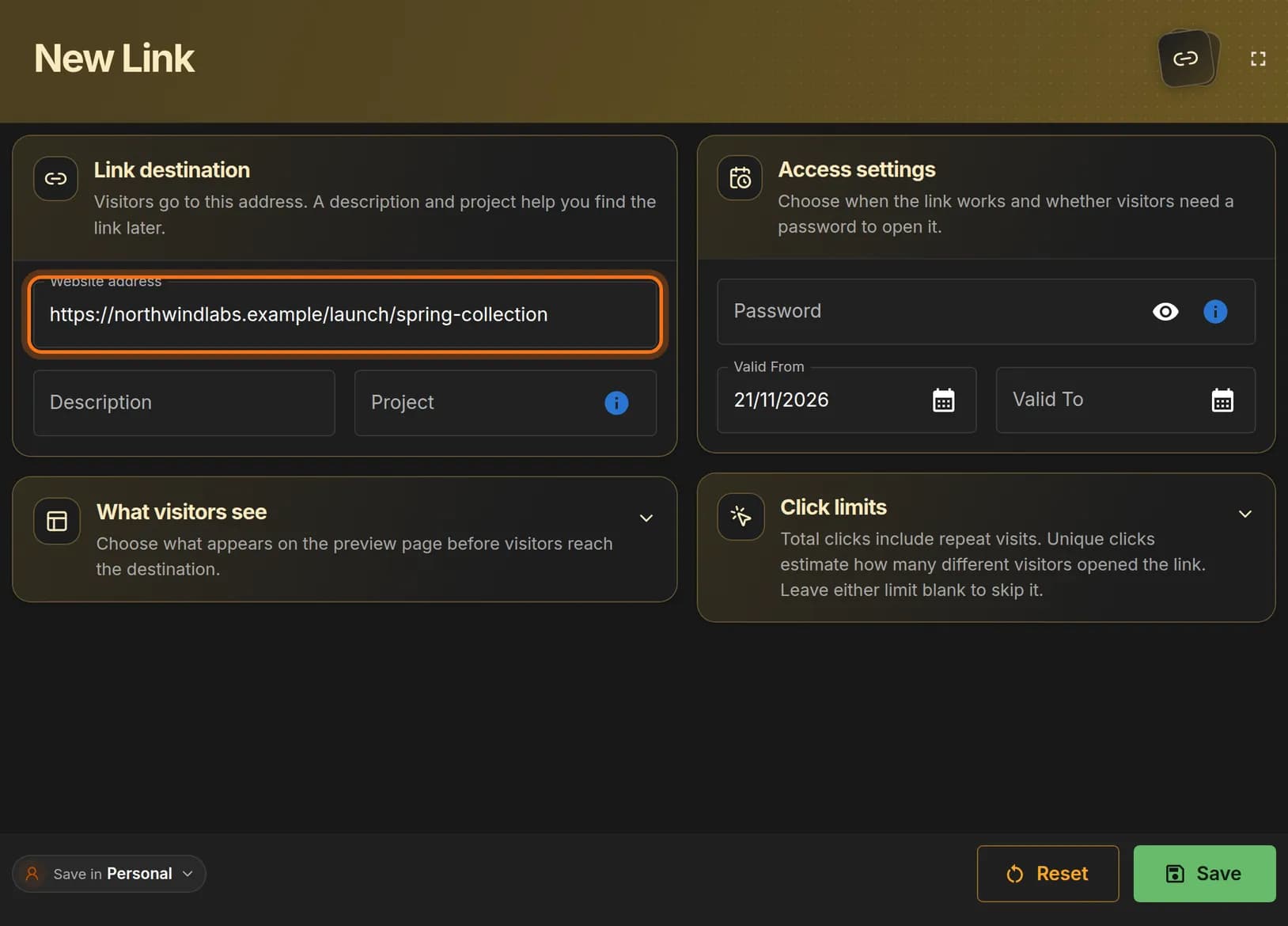
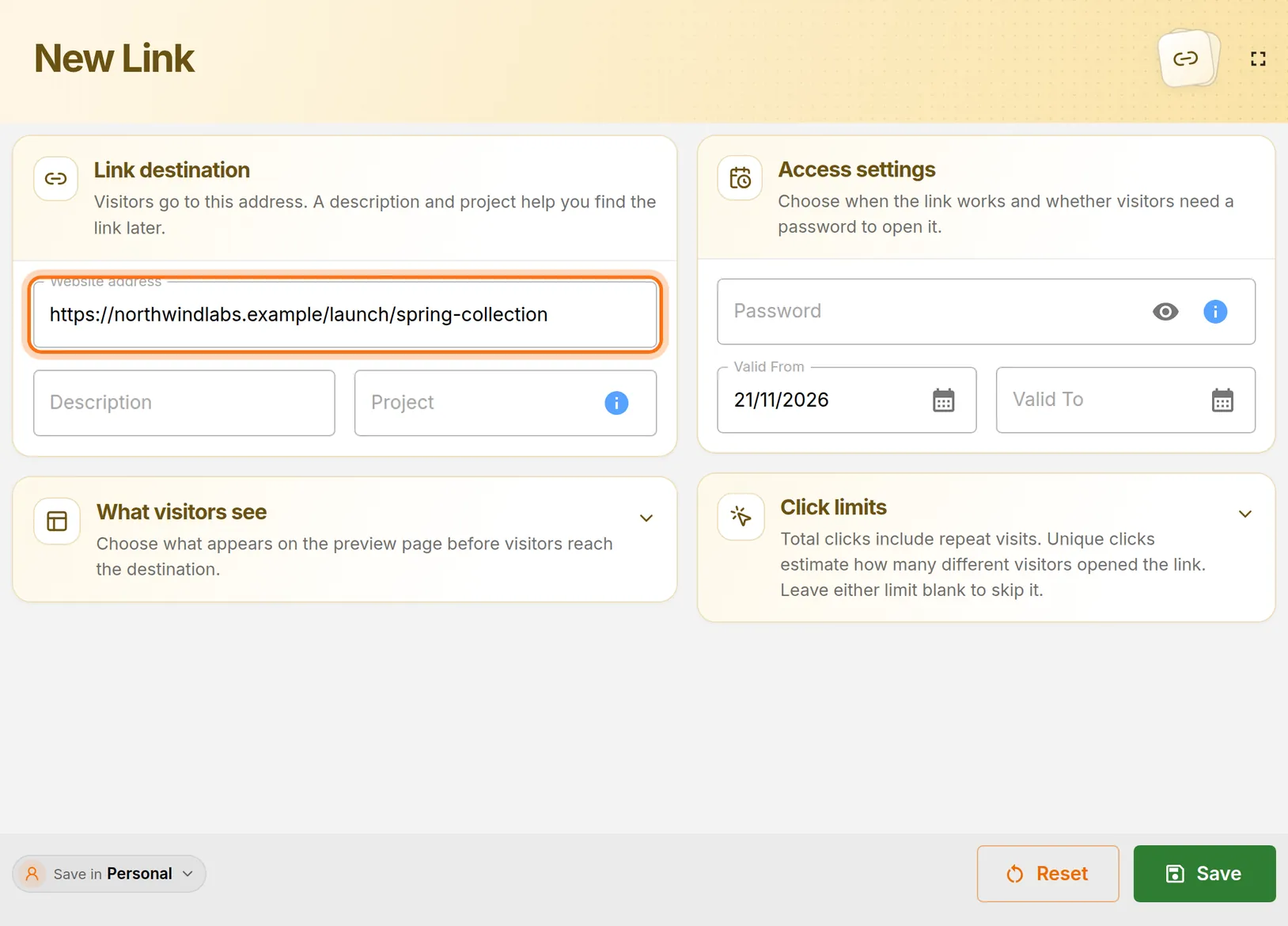
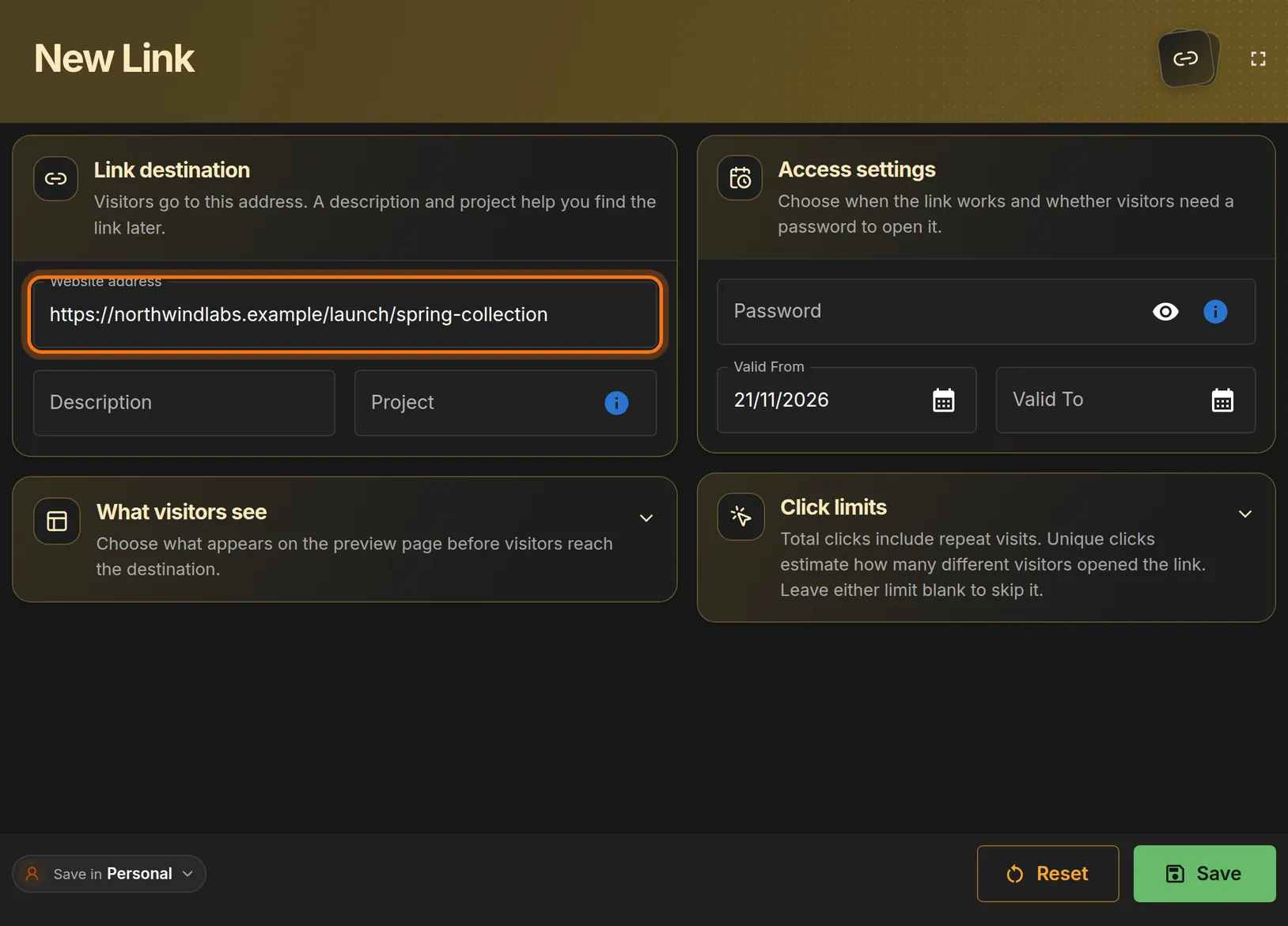
- Click the Website address box.
- Paste: press Ctrl + V on Windows or Cmd + V on a Mac.
- Check that the address starts with https:// and is complete.
 Full size
 Full size
This is the page people land on when they open your short link. Step 4: Name the link
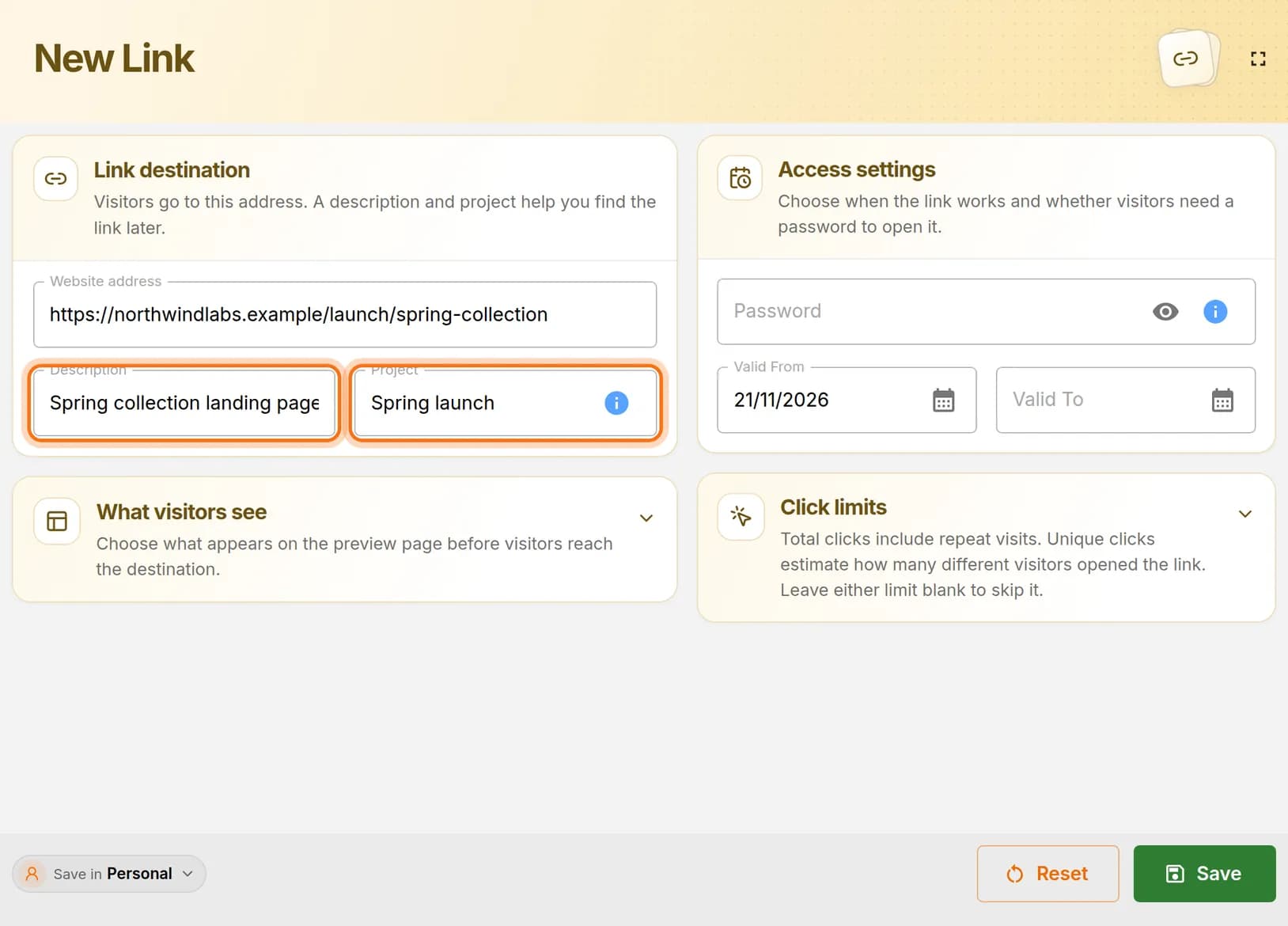
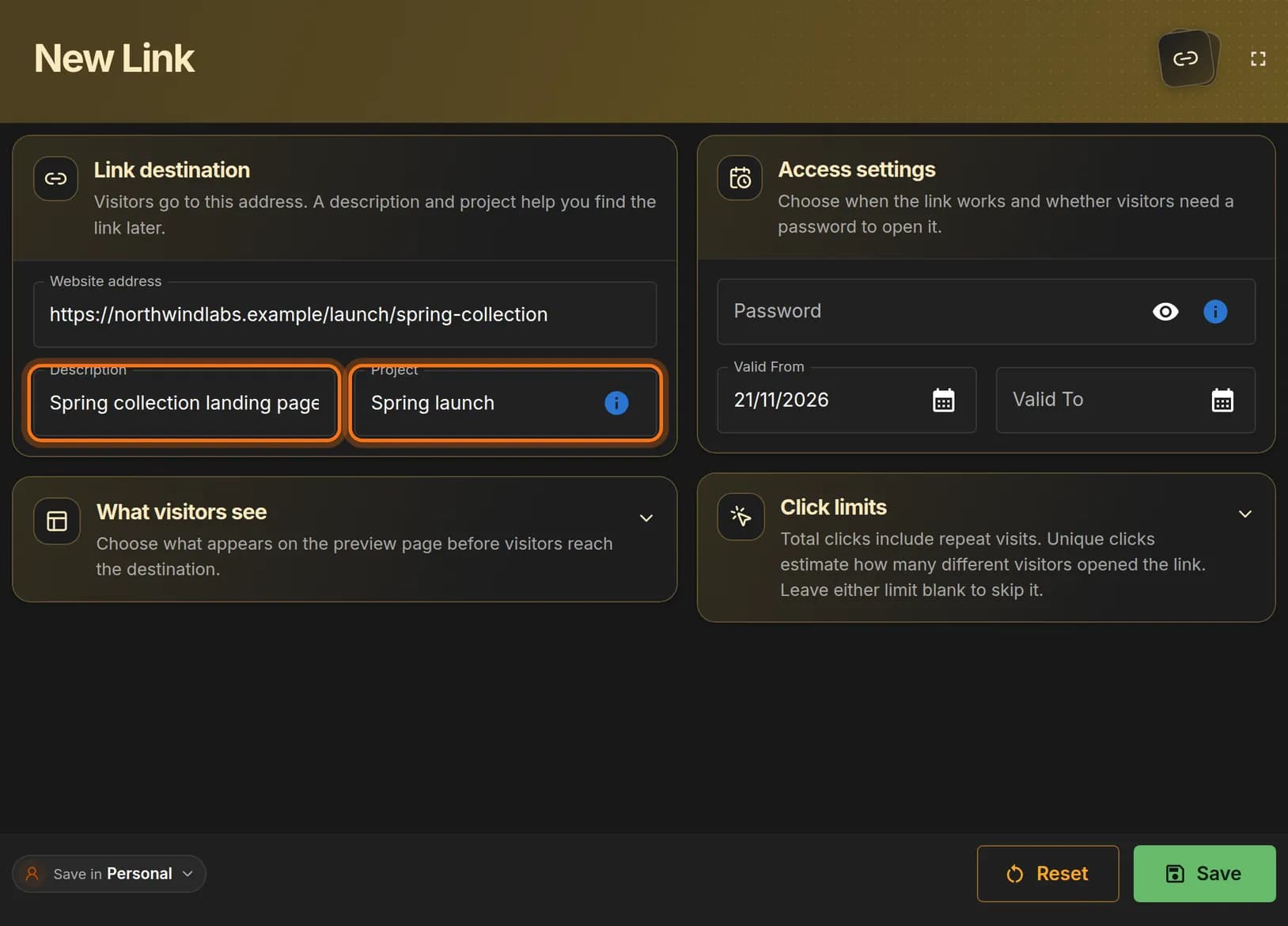
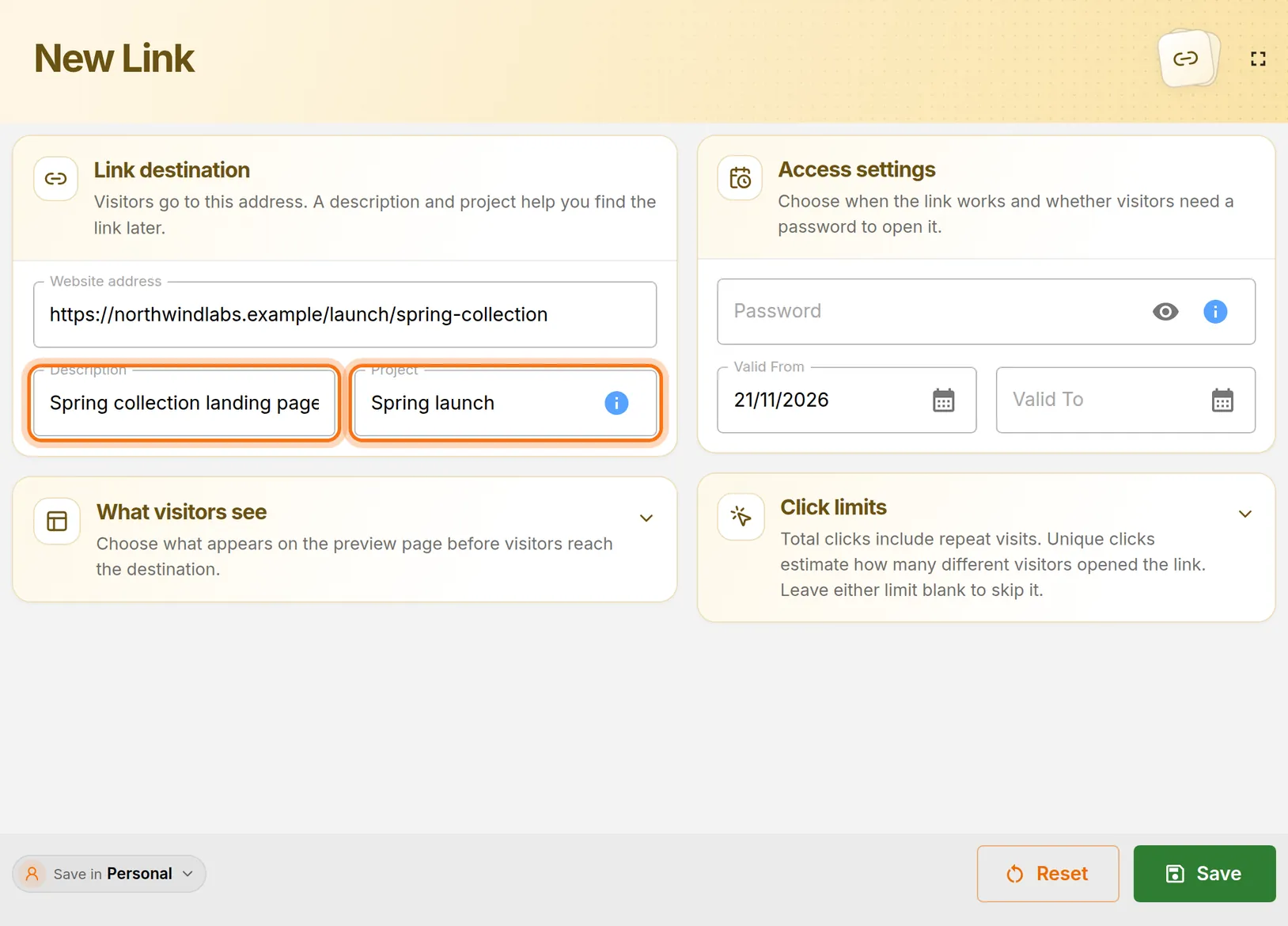
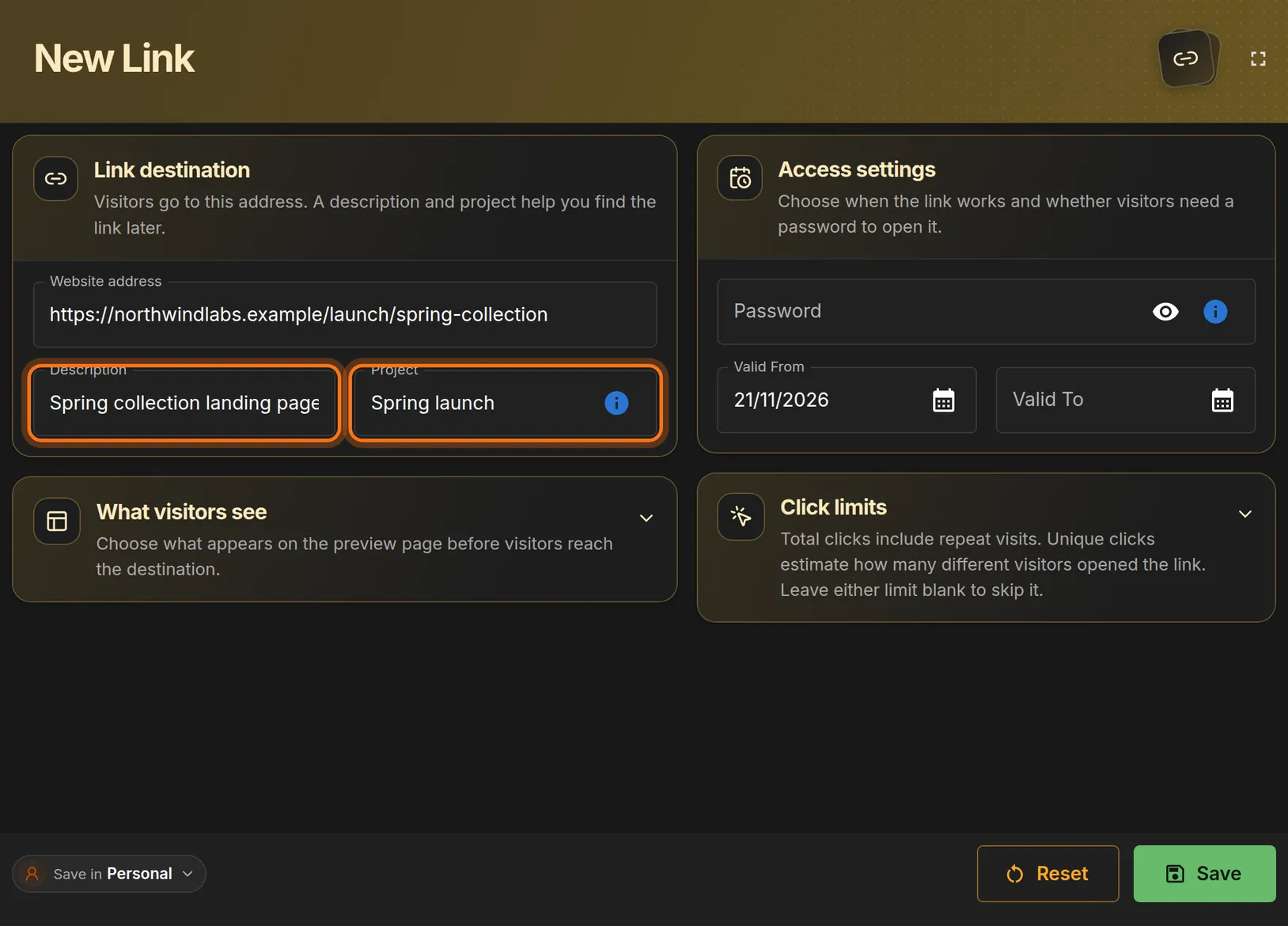
- Click Description and type what the link is for, such as Spring collection landing page.
- Click Project and type a group name, such as Spring launch. Links with the same project are listed together.
 Full size
 Full size
Both boxes are optional, but they make the link easy to find later. The other panels (a password, dates, click limits) are optional. Leave them as they are for a basic link.
Step 5: Save the link
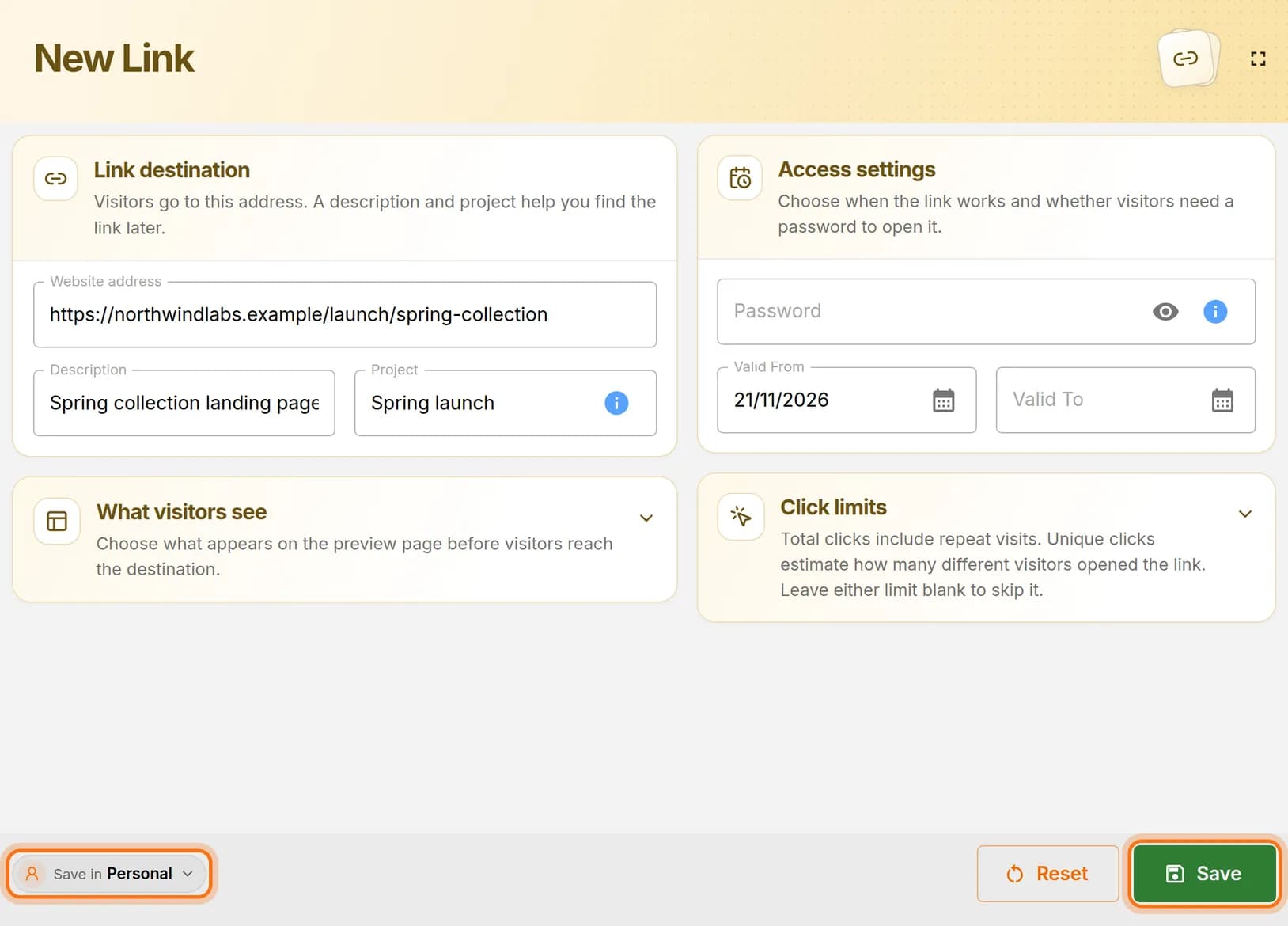
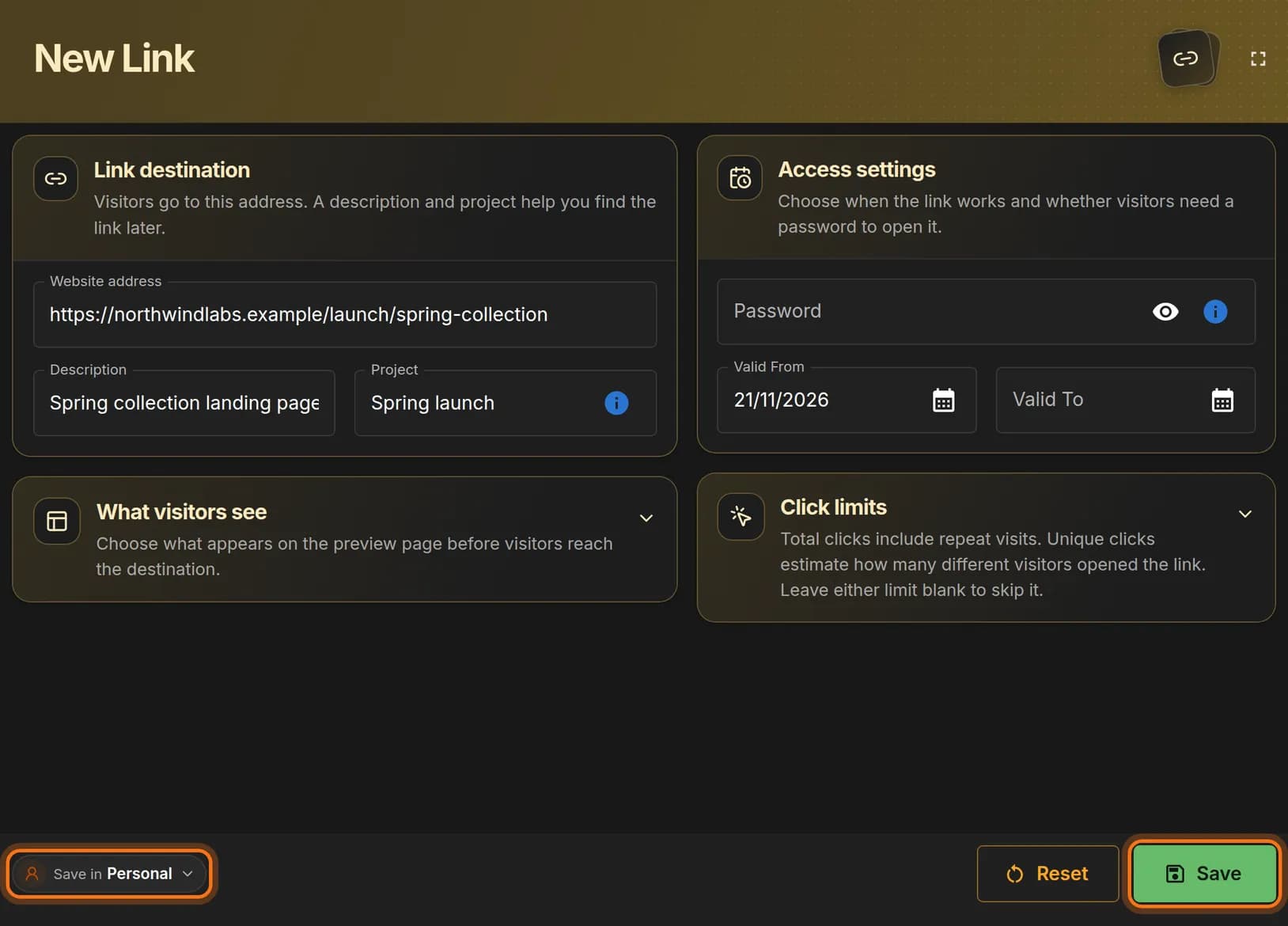
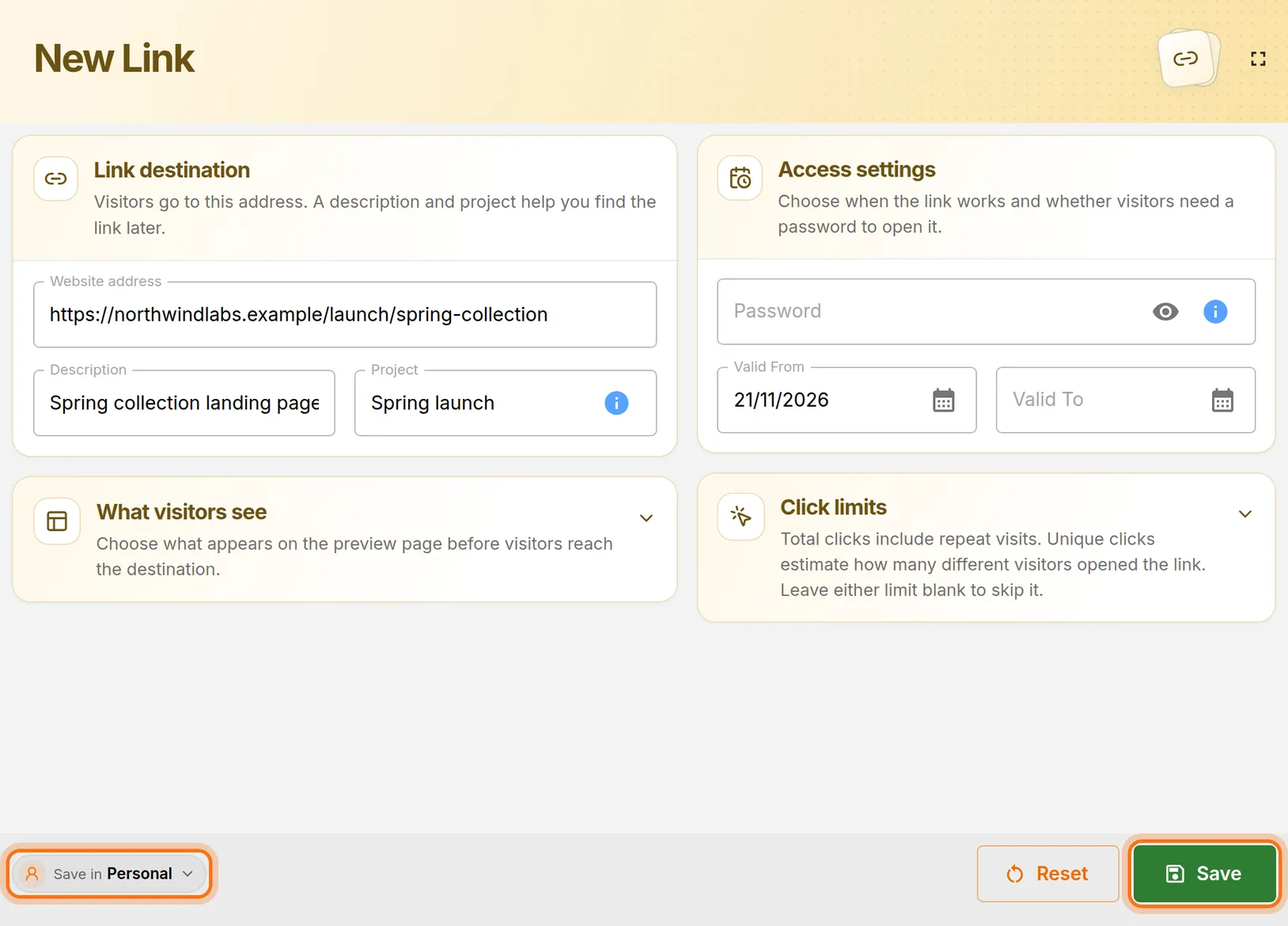
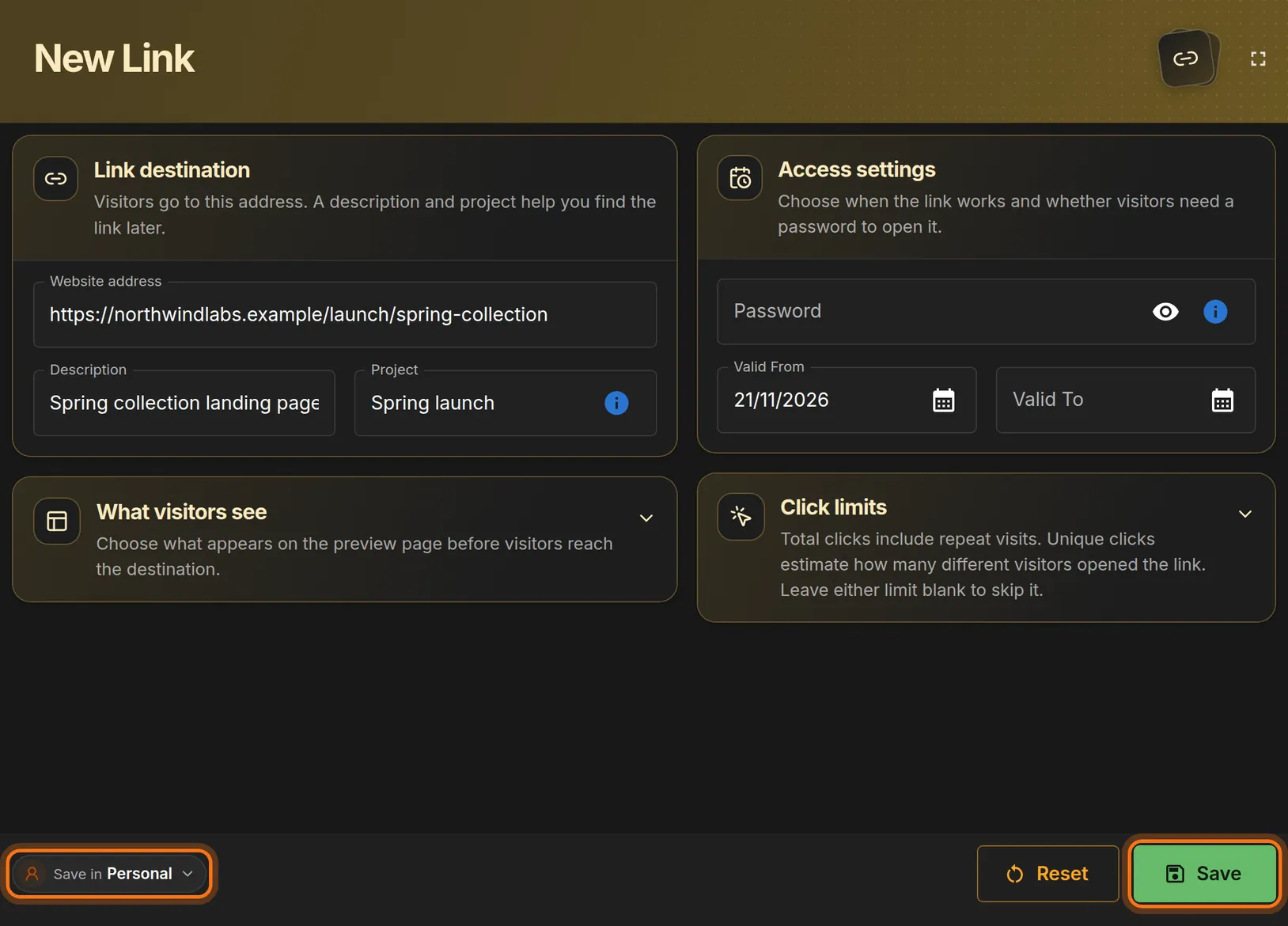
- At the bottom left, check that Save in says Personal.
- Click the green Save button at the bottom right.
You should see: A short confirmation message at the bottom left of the screen, and an empty form.
 Full size
 Full size
The short address is created when you save. Step 6: Copy your short link
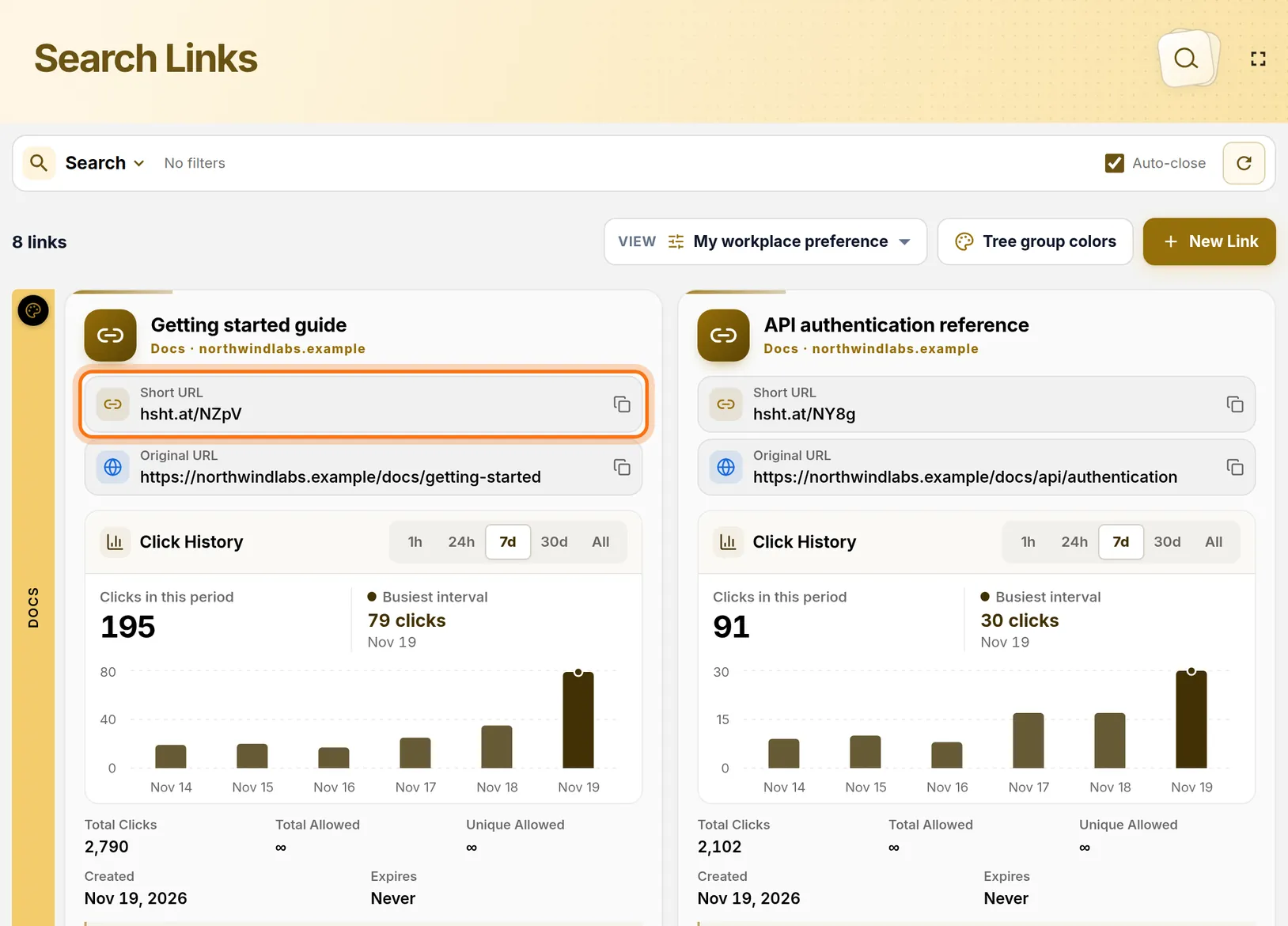
- In the left menu, click Search Links.
- Find the card with your description.
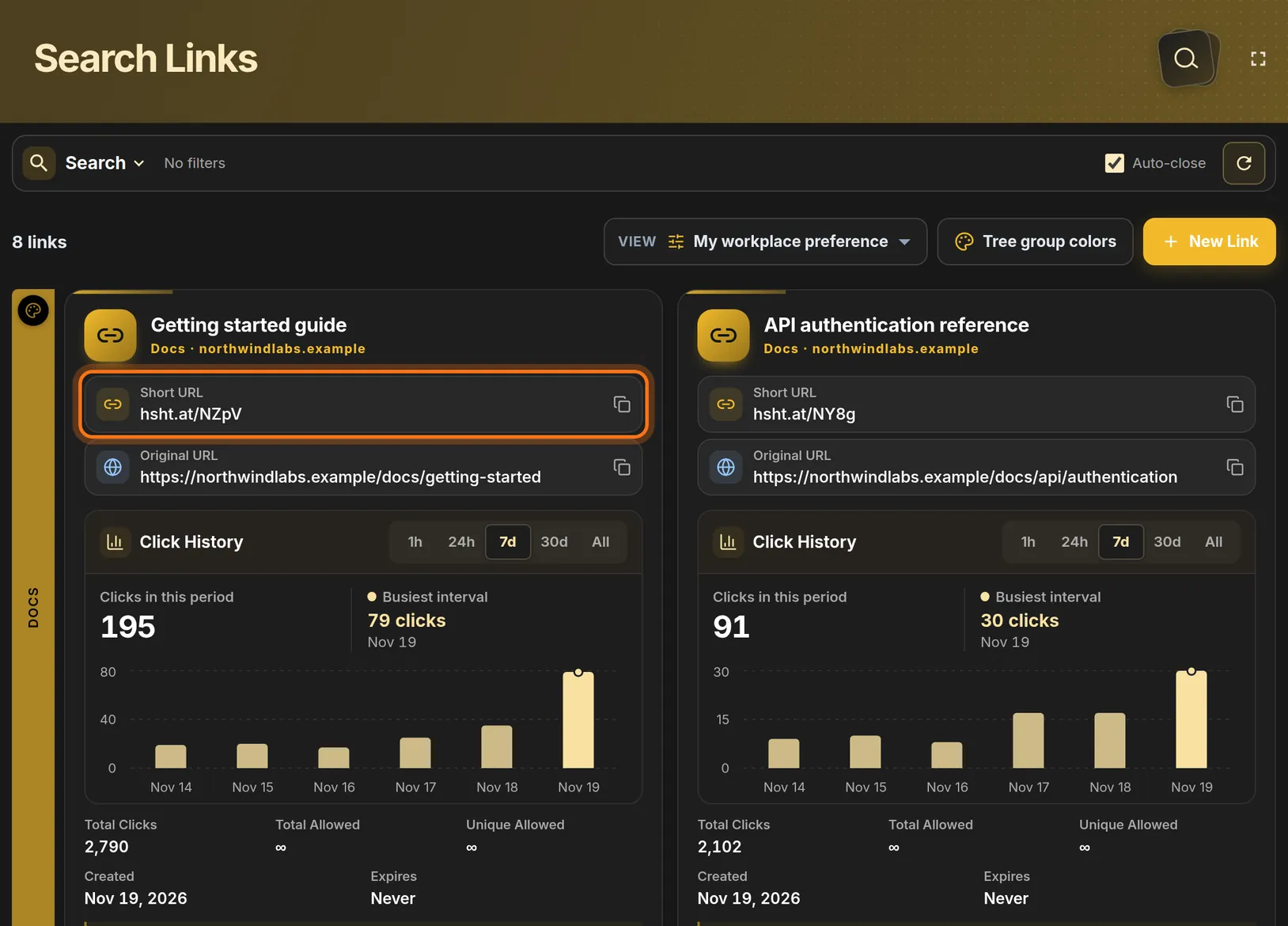
- Click the Short URL row on that card. That copies the short address.
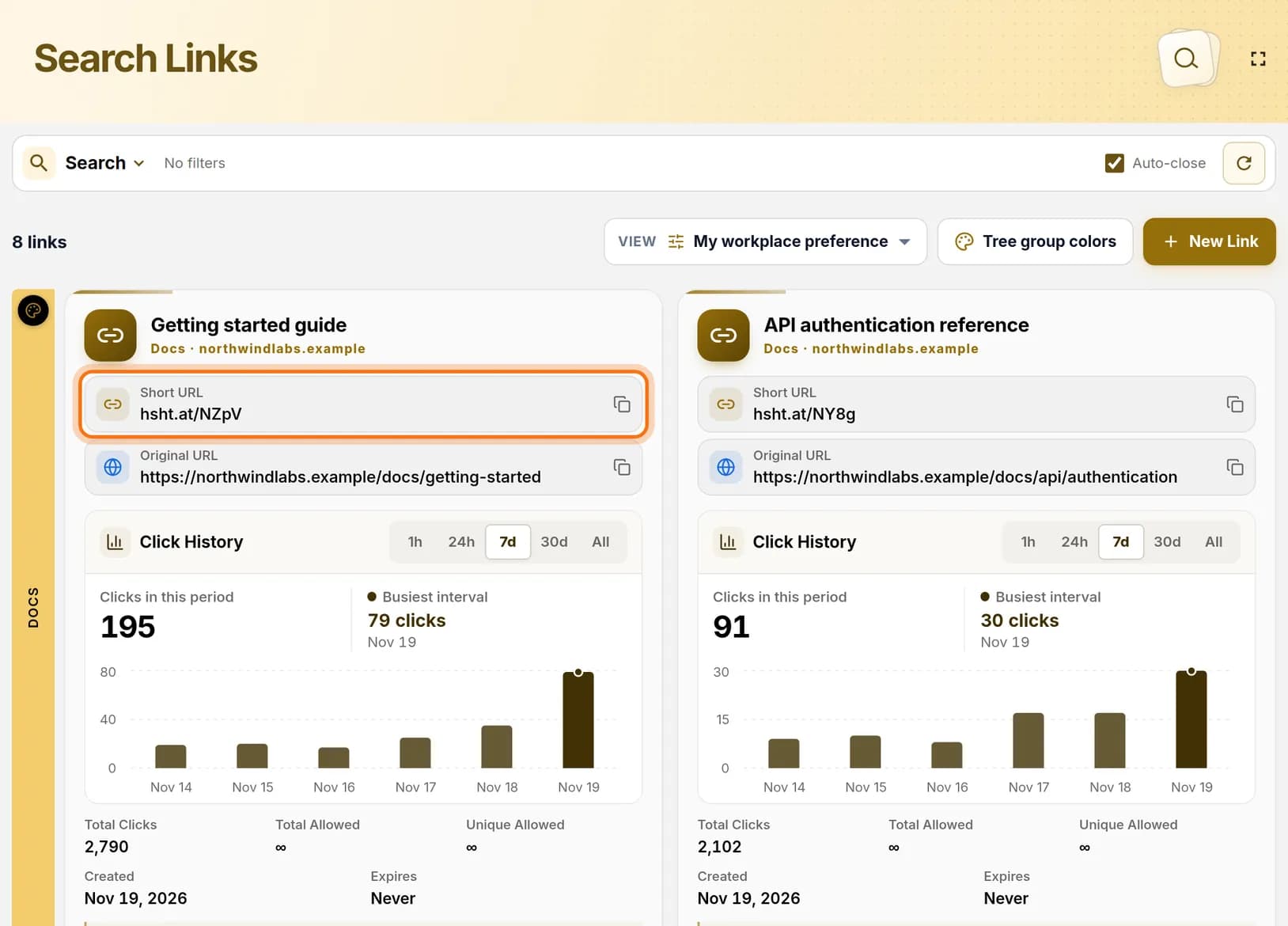 Full size
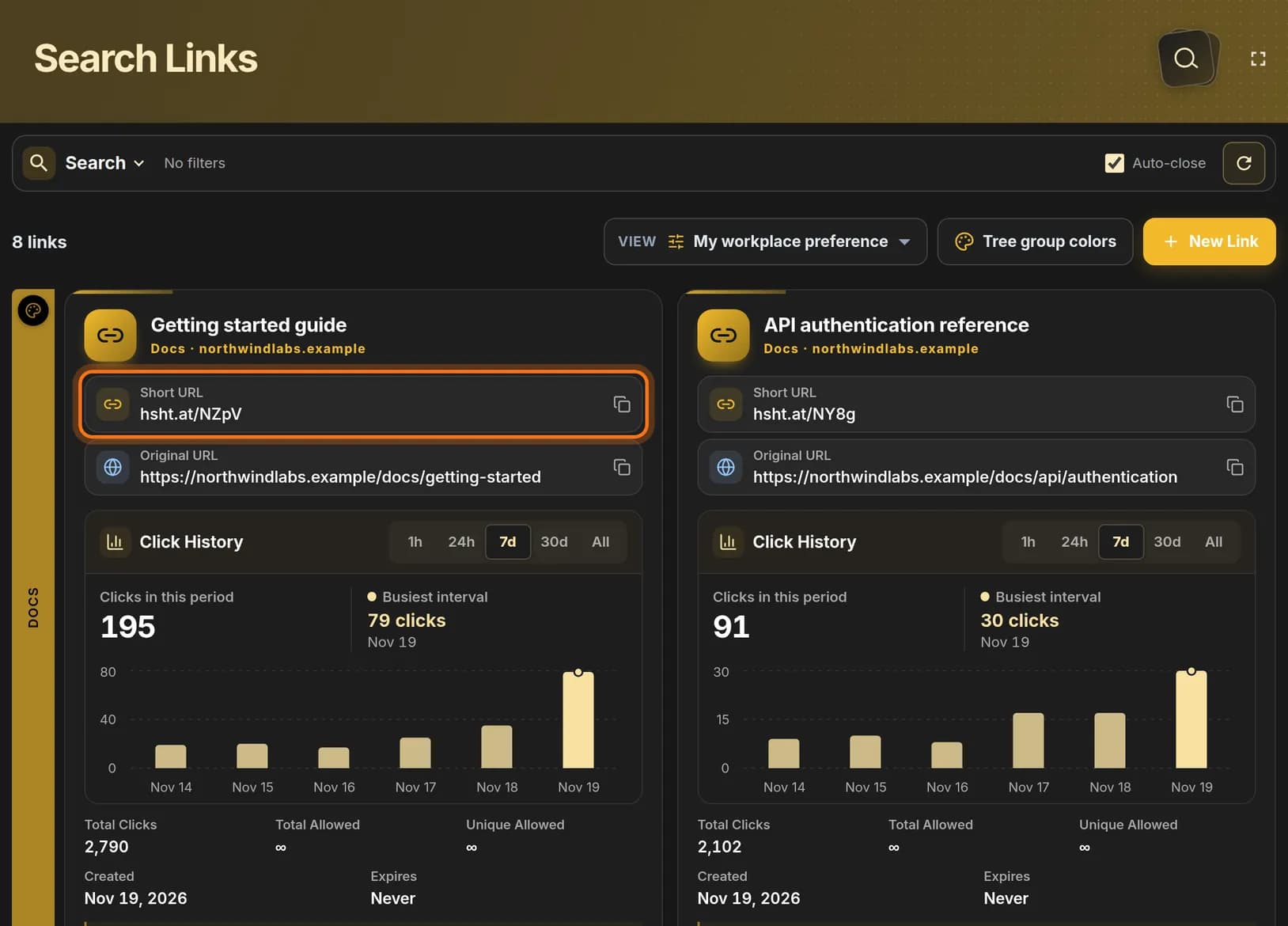 Full size
The Short URL row is the address you share. Step 7: Know the difference between the two rows
- Short URL is the new, short address. Share this one.
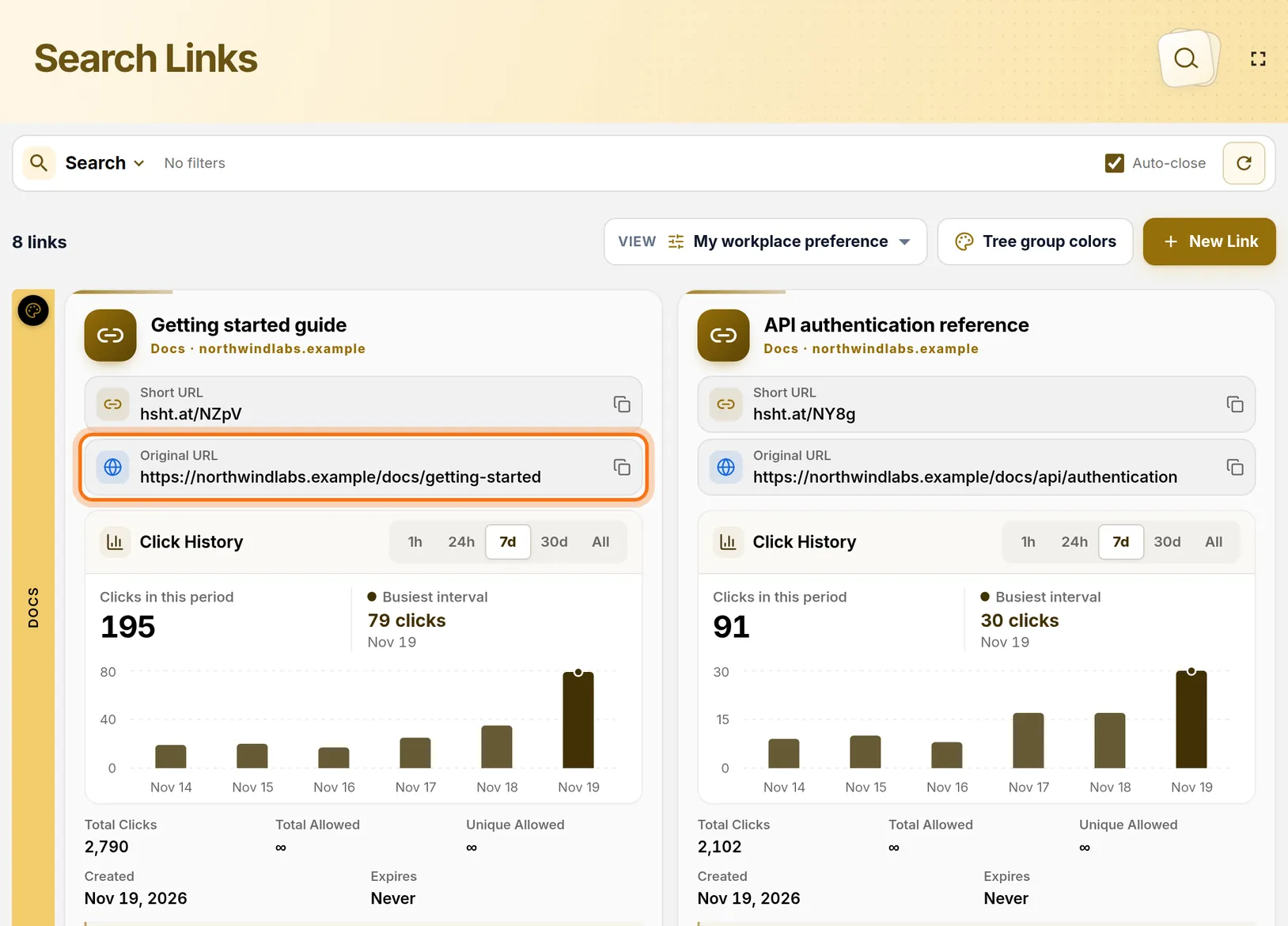
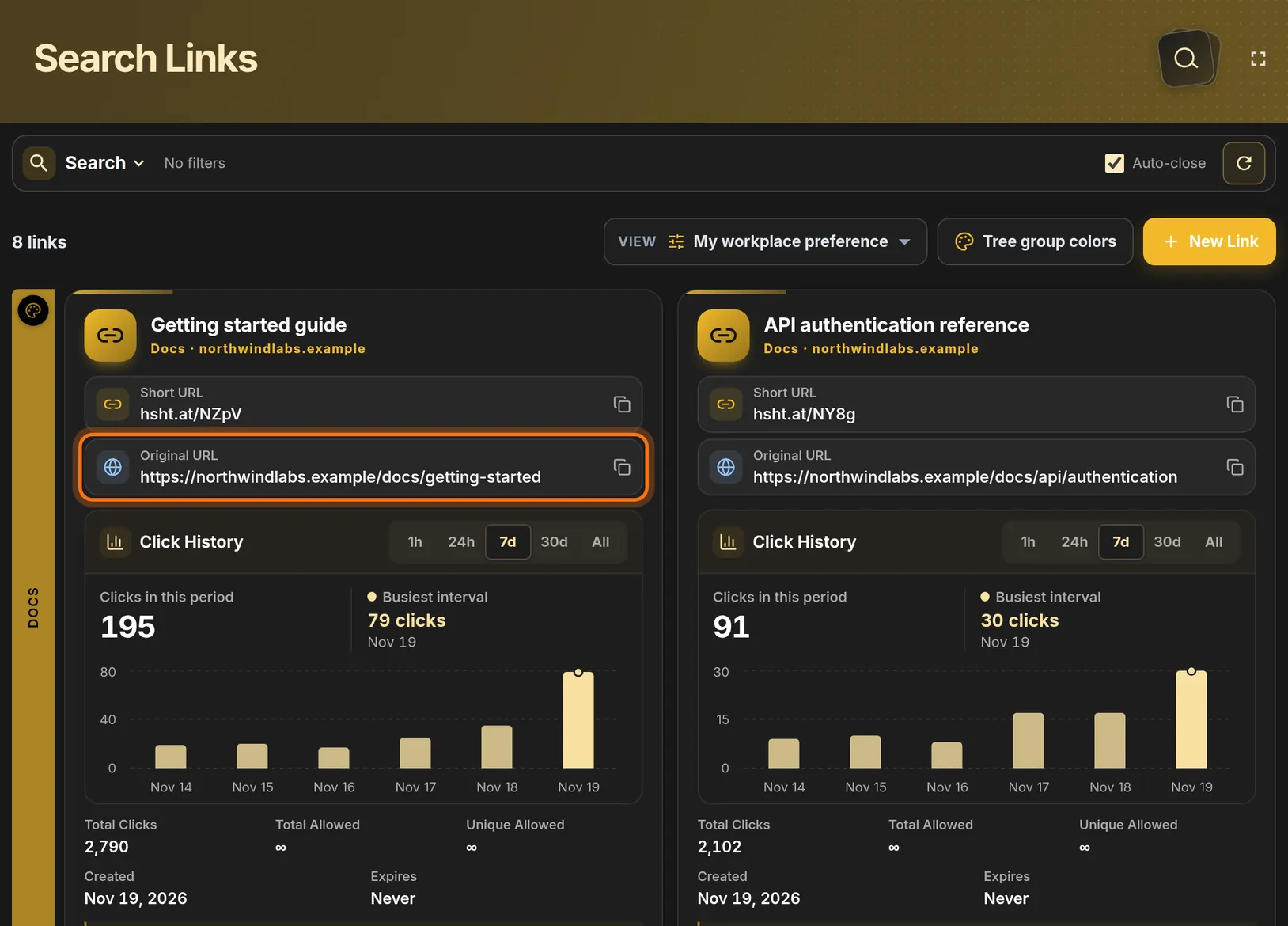
- Original URL is the long address you pasted. Clicking that row copies the long one.
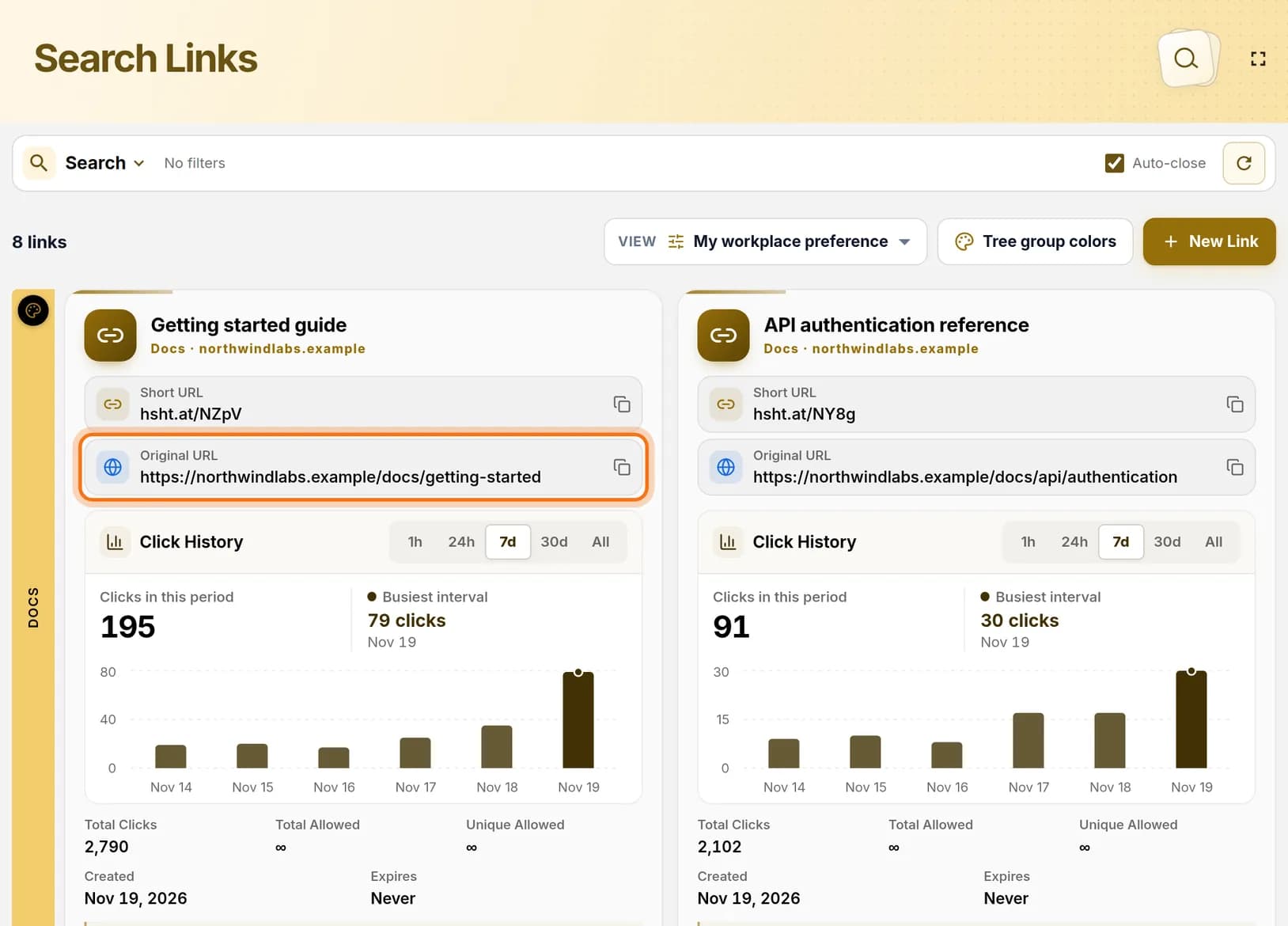 Full size
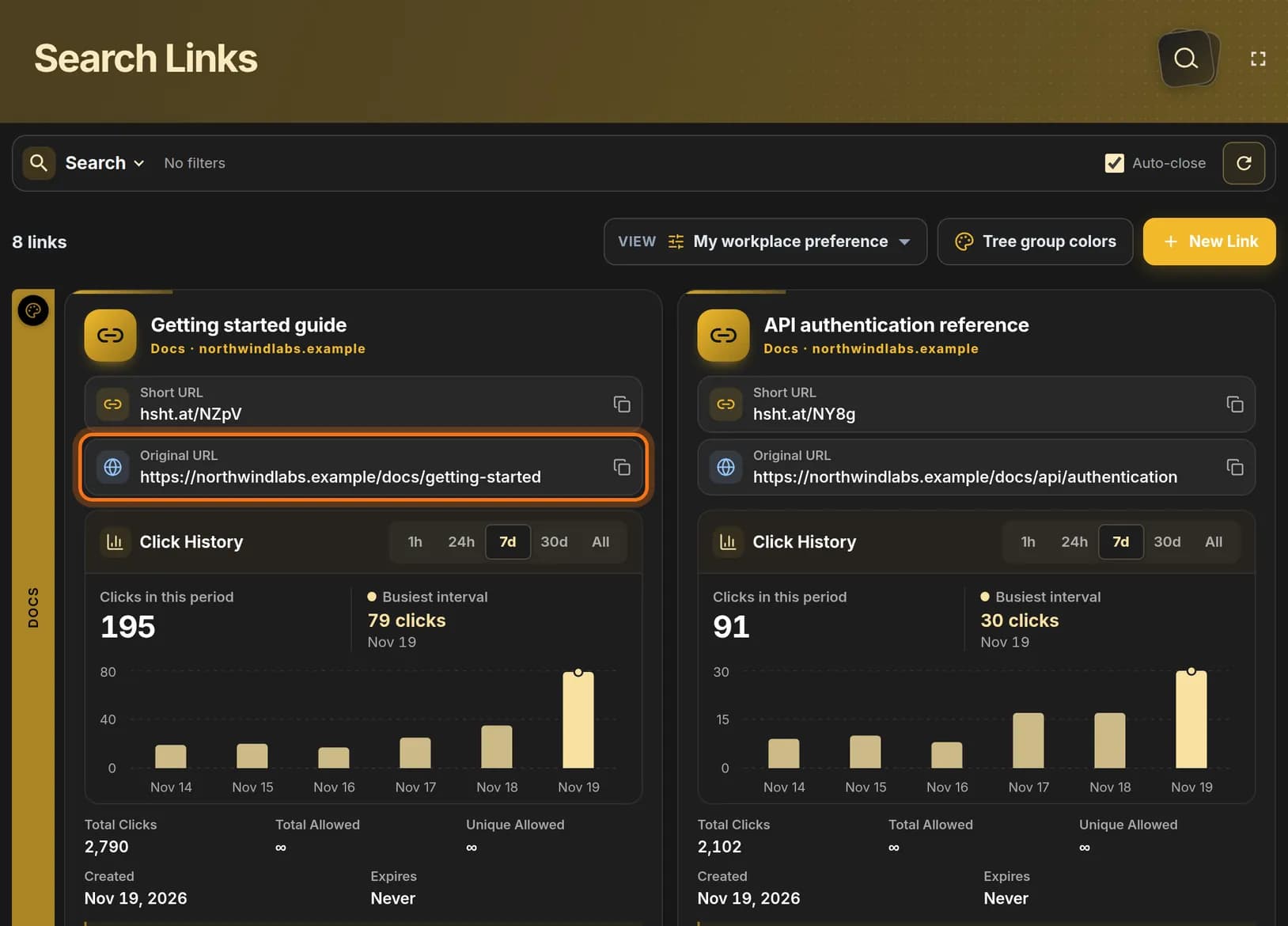 Full size
The Original URL row shows where the short link leads. Step 8: Test the link
- Open a new browser tab.
- Paste the short address into the address bar and press Enter.
- If HashThat shows a preview page first, check the address on it and continue to the website.
You should see: The page you copied in step 1.
Check it worked
- The short address opens the right page in a new tab.
- The link’s card on Search Links shows your description and project.
If something looks different
The short link opens the wrong page
Click the pencil icon at the bottom of the link’s card, correct Website address and save.
I cannot find my new link
On Search Links, links are grouped by project. Click the coloured bar with your project name, or use Search at the top.
Tip: Test the link in a private browser window as well. That shows what a visitor sees who is not signed in to anything.