Web · iPhone · iPad · Android
HashThat on every device you use.
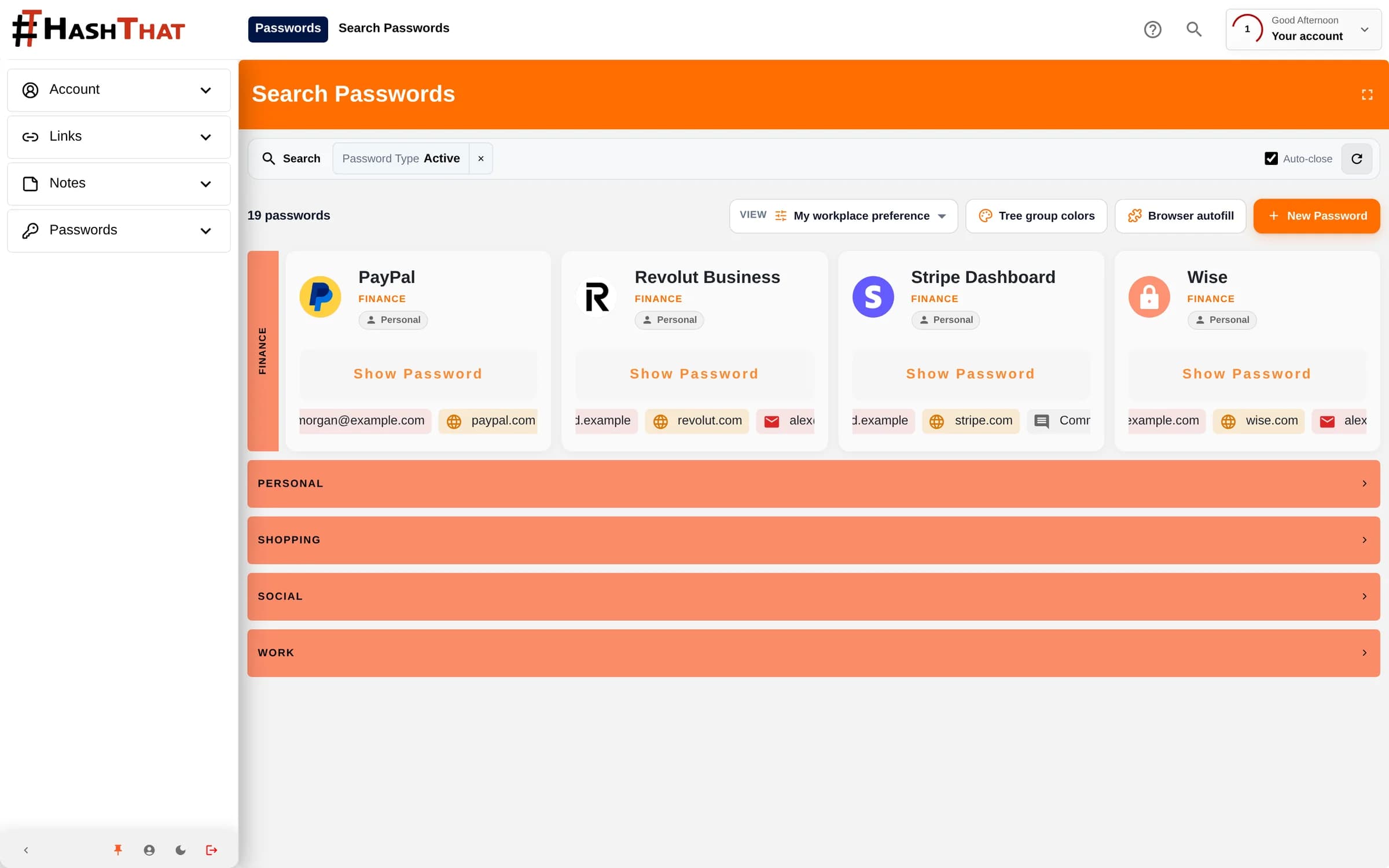
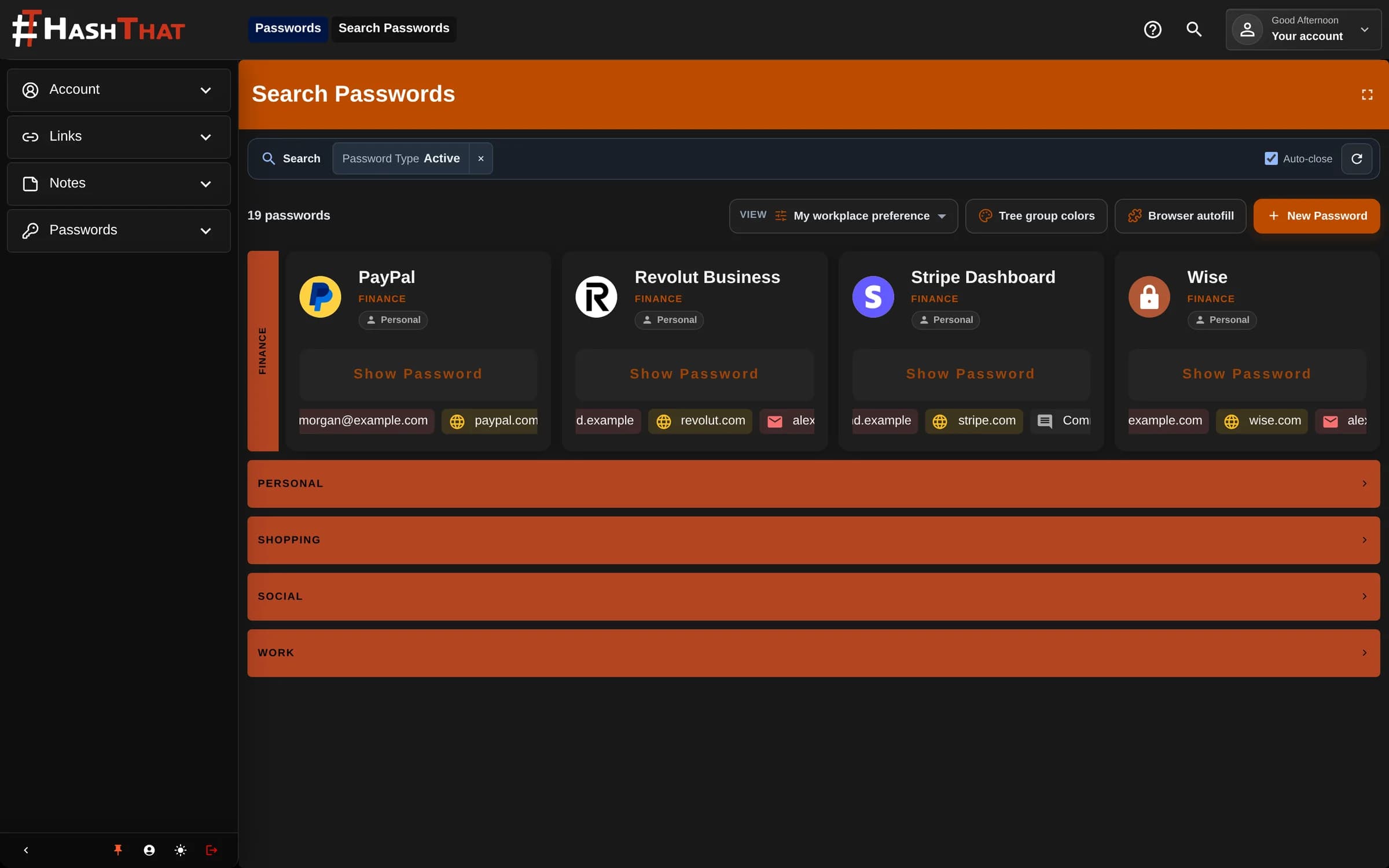
Install the app on your phone, or open the web app with nothing to install. Sign in once with the same account and your passwords, notes and links are there.
- Free plan
- 31-day Pro trial
- No card needed to start
Choose your device
Pick where you want to start
Nothing to install
Web app
- Works in any modern browser
- Full vault, notes and links
- Business seats and billing are managed here
Requires: Any up-to-date browser
On the App Store
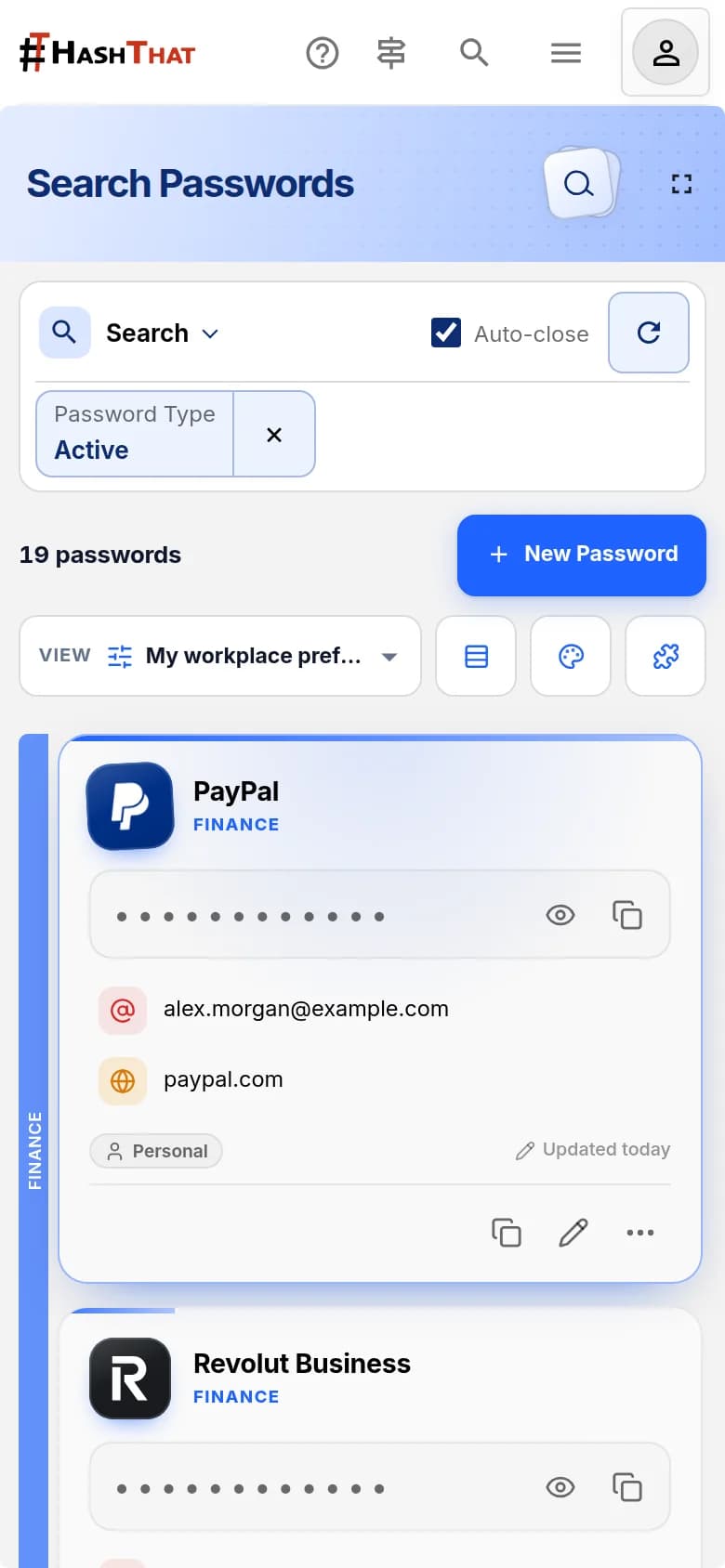
iPhone and iPad
- Unlock with Face ID
- AutoFill in Safari and in apps
- Your vault, notes and links in your pocket
Requires: iOS 15.6 or later

On Google Play
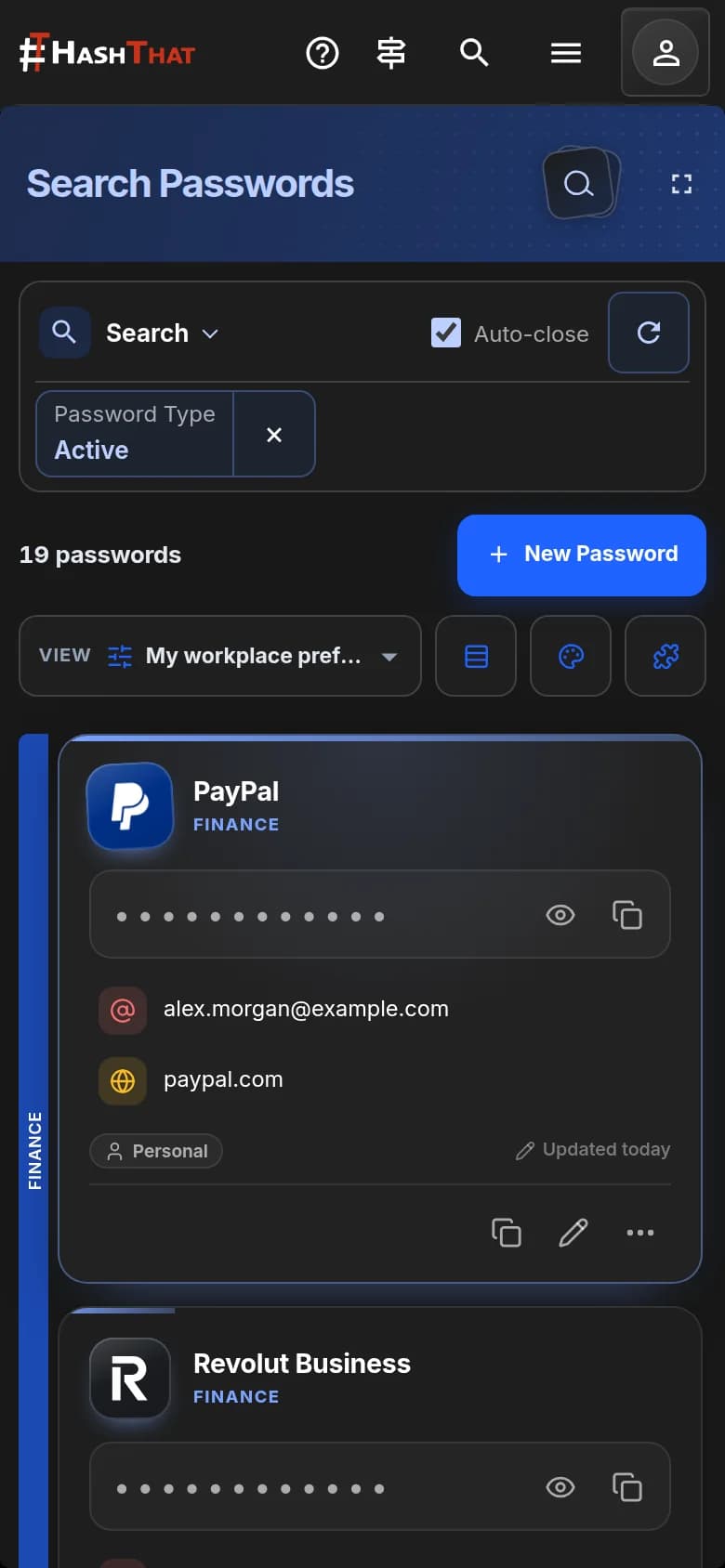
Android
- Unlock with your fingerprint
- Autofill in apps and browsers
- Your vault, notes and links in your pocket
Requires: Android 8 or later

Browser extensionComing soon
Fill your saved logins on websites straight from your desktop browser.
Up and running
Set up in three steps
Step 1: Create your free account
Sign up with your email. One account works on every device.
Step 2: Install the app and sign in
Get HashThat from the App Store or Google Play and sign in with the same email.
Step 3: Save your first login
Add a password on any device. It is there on the others the next time you open them.
One account. Every device. Still private.
Moving between your phone and your computer should not mean giving up control of your data.
Your vault follows you
Save a login on one device and find it on the others. No exporting, no copying files around.
Encrypted before it leaves
Passwords and notes are encrypted on your device, so HashThat cannot read what it stores and syncs.
In your language
The app is available in 15 languages, on the web and on mobile.
Questions before you install
Is HashThat free to download?
Yes. The apps are free to install and the free plan holds up to 20 passwords. Paid modules add more when you need them.
Do I need a separate account for each device?
No. You create one HashThat account and sign in with it on the web, on your iPhone or iPad, and on Android.
Which phones and tablets are supported?
iPhone and iPad with iOS 15.6 or later, and Android phones and tablets with Android 8 or later.
Is there an app for my computer?
On a computer you use the web app, which runs in any modern browser with nothing to install. A browser extension for filling logins is coming soon.
Can HashThat read the passwords I sync between devices?
No. Passwords and notes are encrypted on your device with a zero-knowledge approach before they are stored, so HashThat cannot read them.