HashThat tutorials
Step-by-step guides with a picture for every click. Pick a task, follow along, and check your result at the end.
5 tutorials
 Passwords3 min · 9 steps
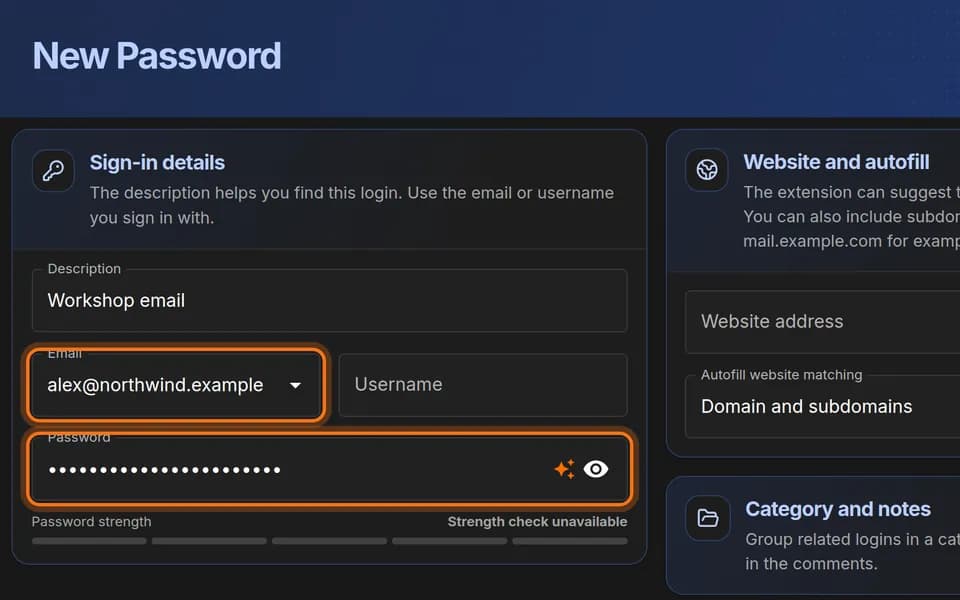
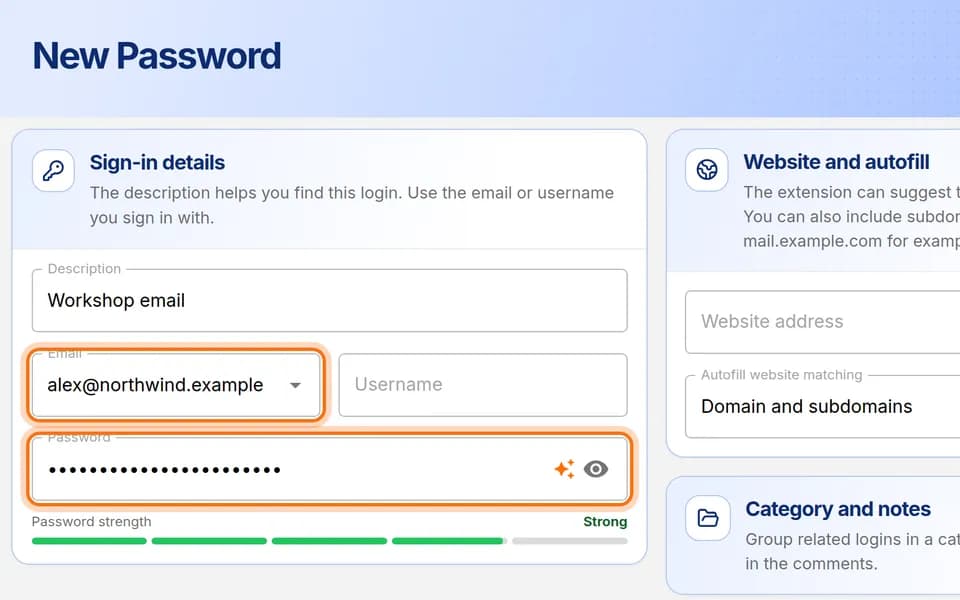
Save your first login
Add one username and password to your vault, step by step, then find it again.
 Passwords4 min · 8 steps
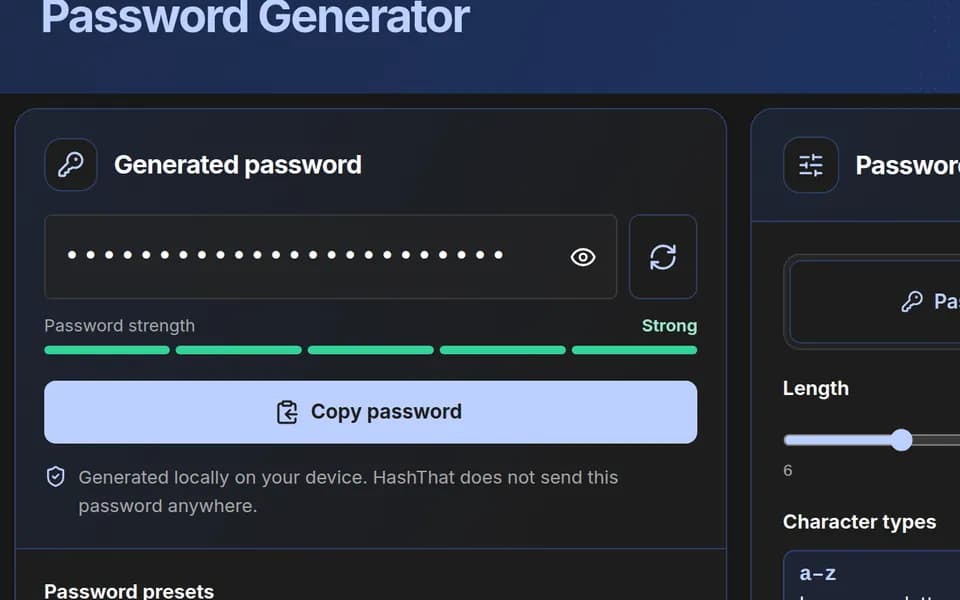
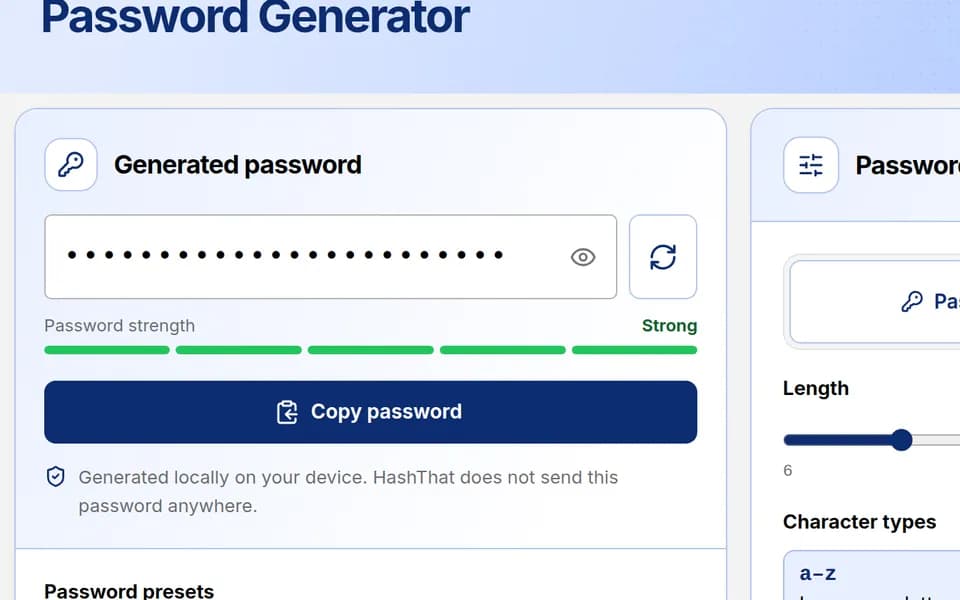
Generate a strong password
Create a random password, adjust it to a website’s rules, copy it, and keep it in your vault.
 Passwords8 min · 7 steps
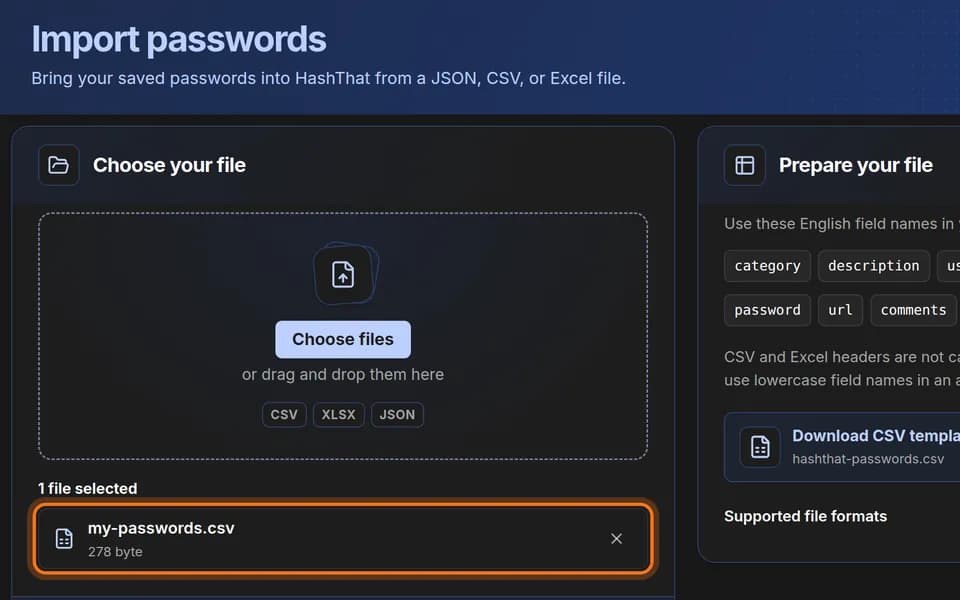
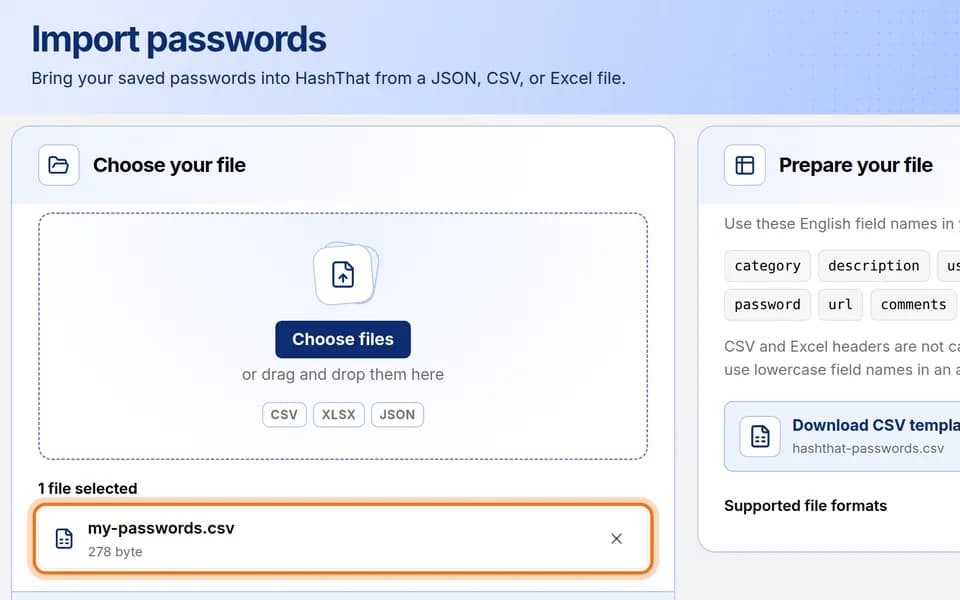
Import passwords from a file
Move many logins into HashThat at once from a CSV, Excel or JSON file.
 Passwords4 min · 6 steps
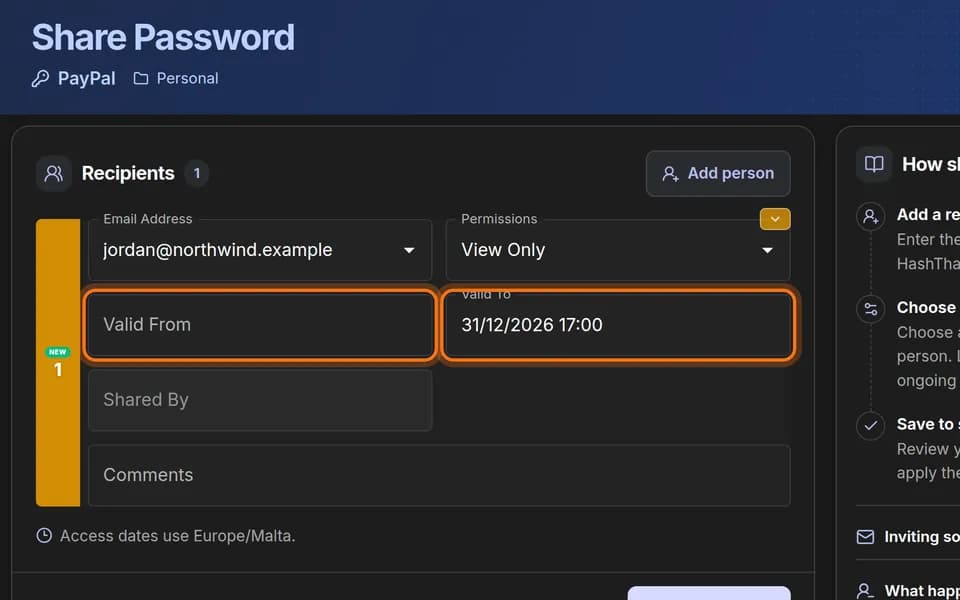
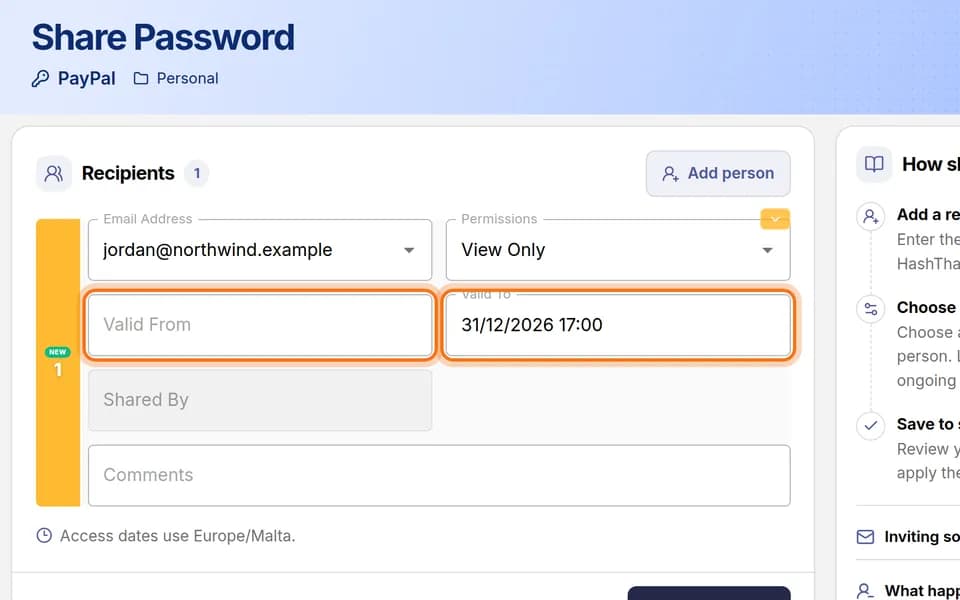
Share a password with one person
Give one person access to one login by email, choose what they may do, and set an end date.
 Passwords5 min · 4 steps
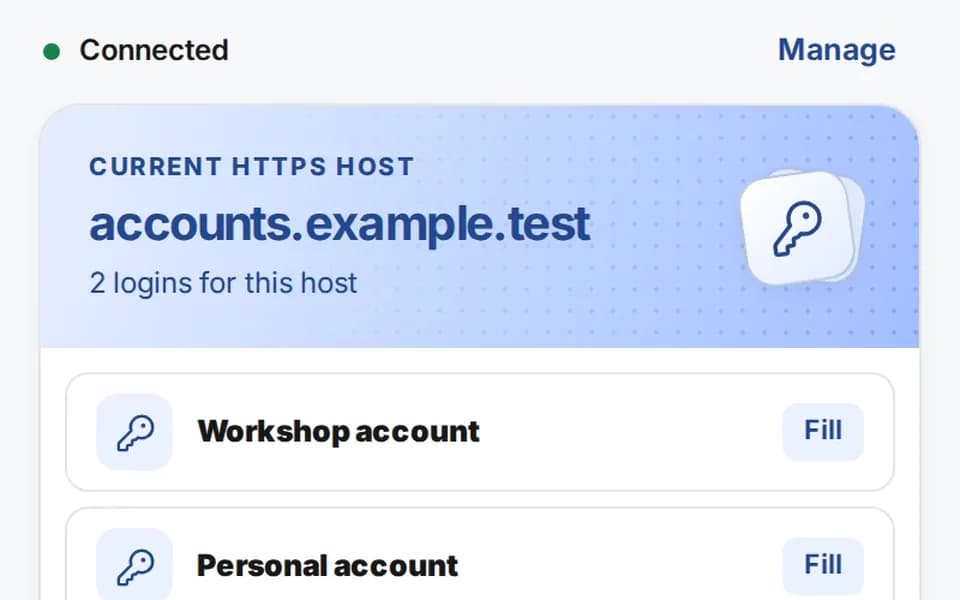
Fill a login with the browser extension
Connect the HashThat Autofill extension to your account once, then fill a saved login on a website with one click.