Invite a friend and earn billing credit
Find your personal invite link, send it to a friend, and follow their progress until your credit is issued.
- 5 steps
- About 3 minutes
Before you start
- You are signed in to HashThat.
- You know someone who would find HashThat useful.
Step 1: Open Plans & referrals
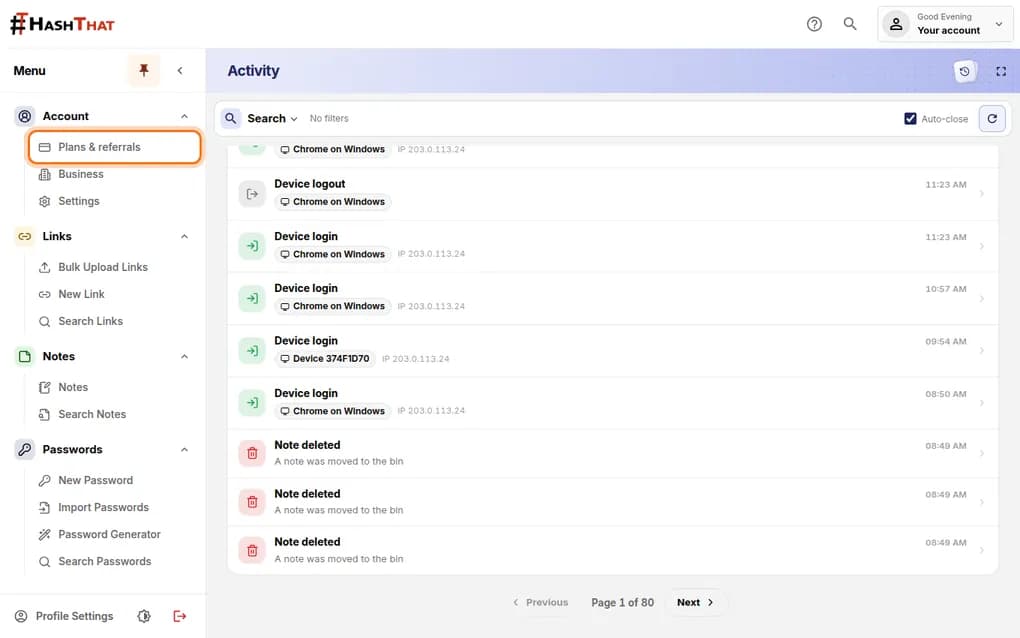
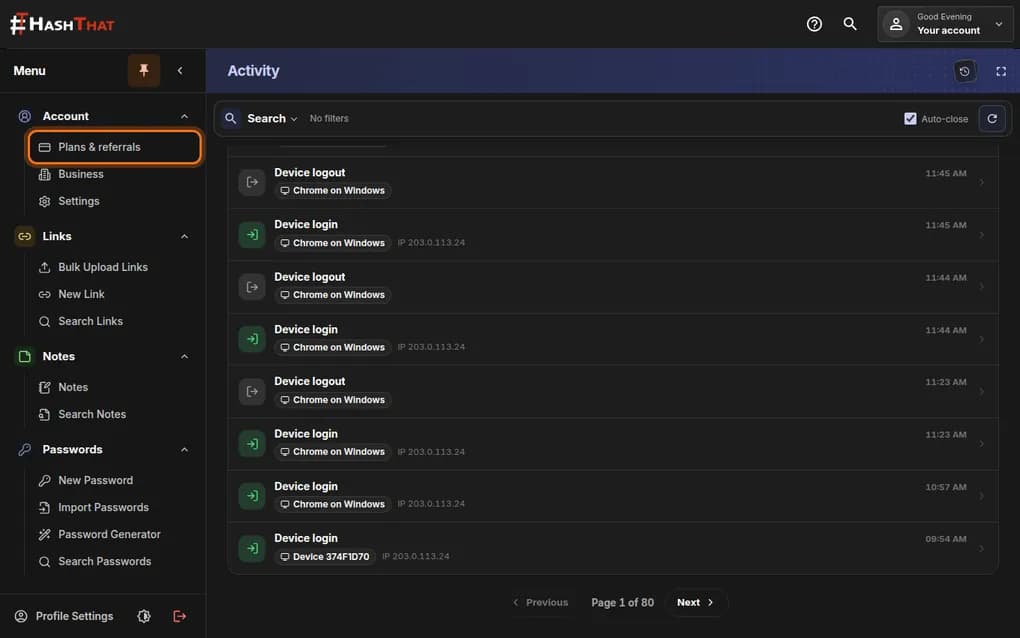
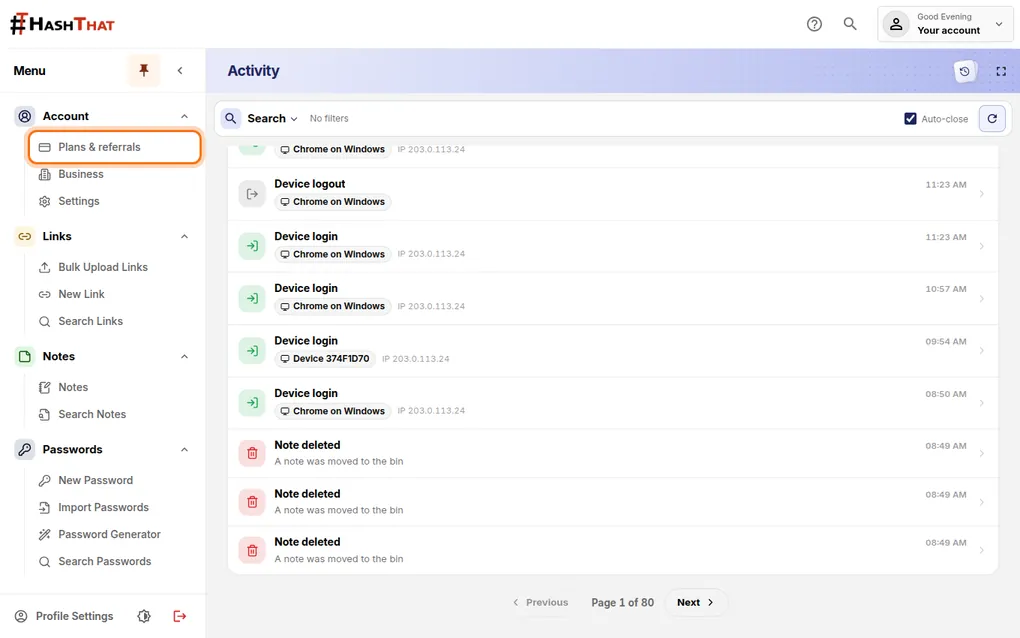
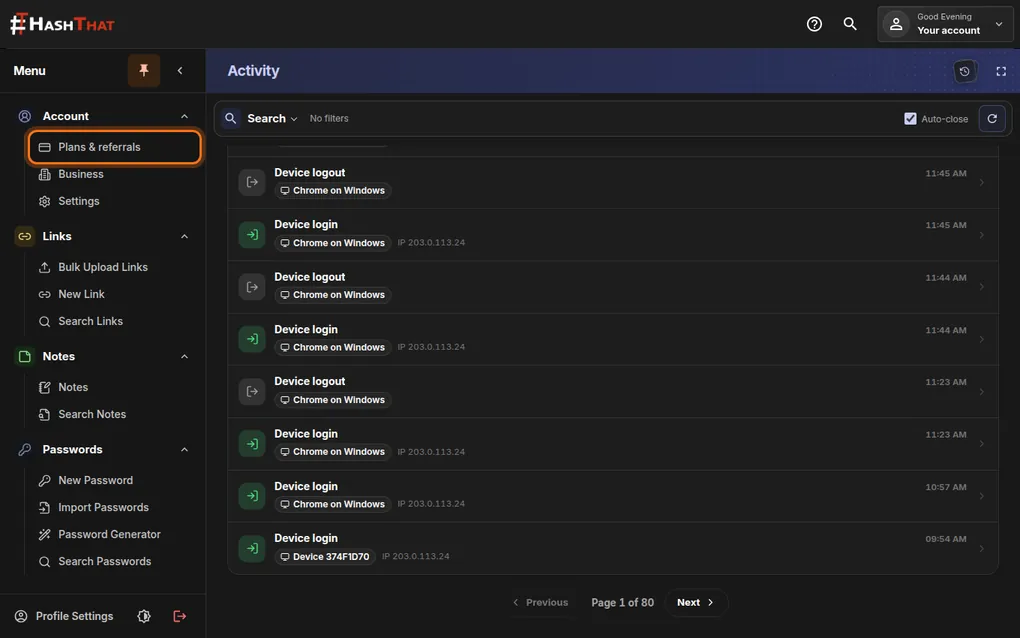
- Look at the menu on the left side of the screen.
- Under Account, click Plans & referrals.
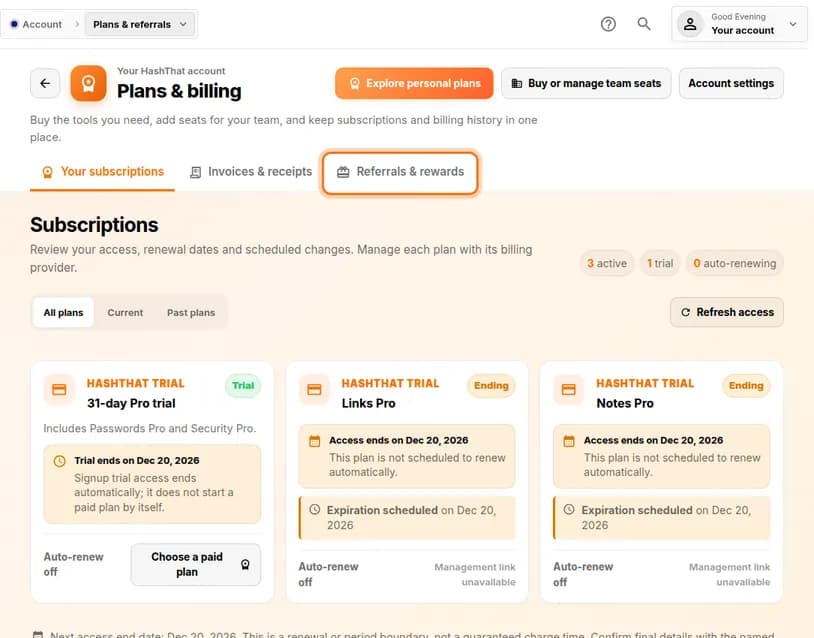
You should see: A page titled Plans & billing.
 Full size
 Full size
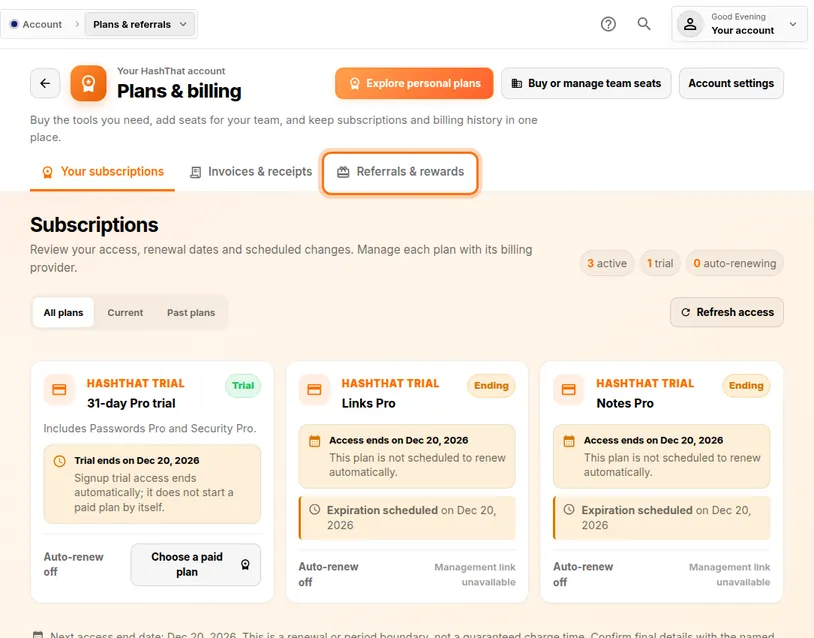
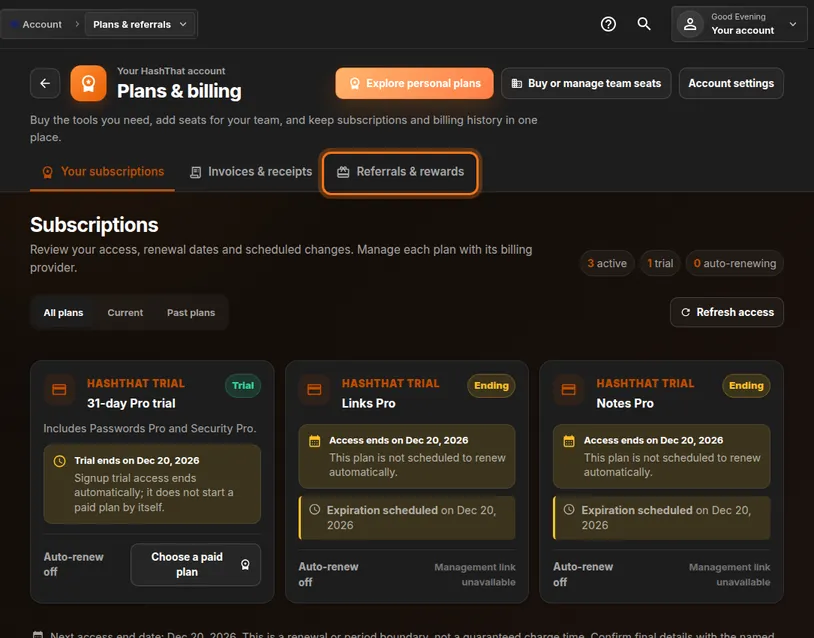
Plans & referrals is the first item in the Account group. Step 2: Open the referrals tab
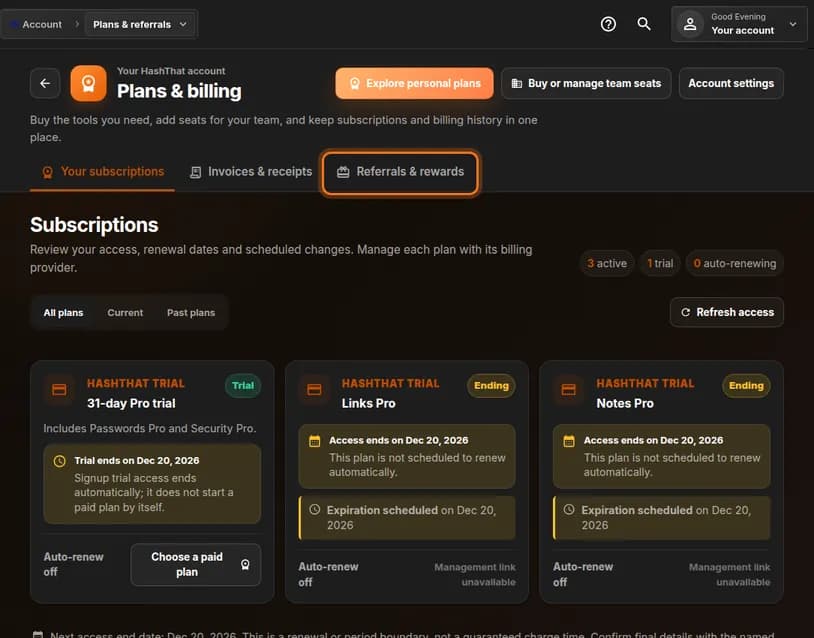
- Below the page title there are three tabs.
- Click the third one, Referrals & rewards.
You should see: A section called Friend referrals with a box labelled Your personal invite.
 Full size
 Full size
The first tab shows your own plans. The third is for invites. Step 3: Copy or share your link
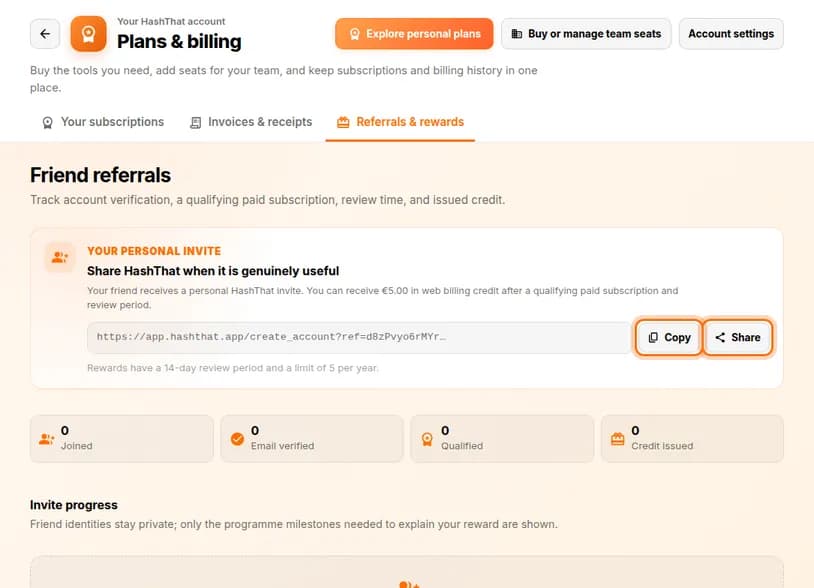
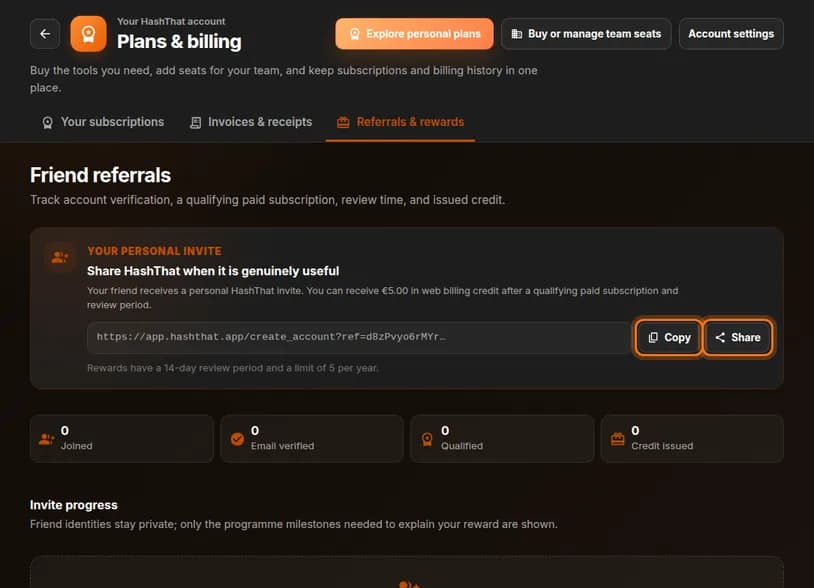
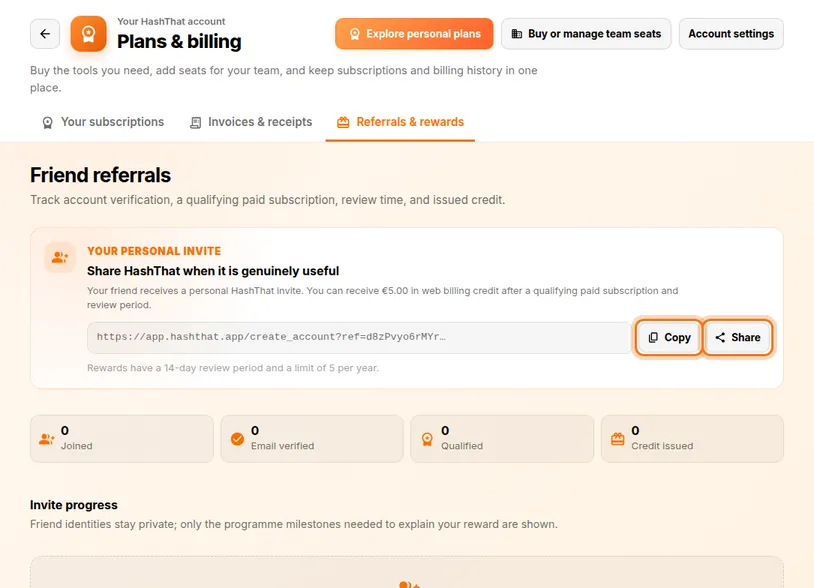
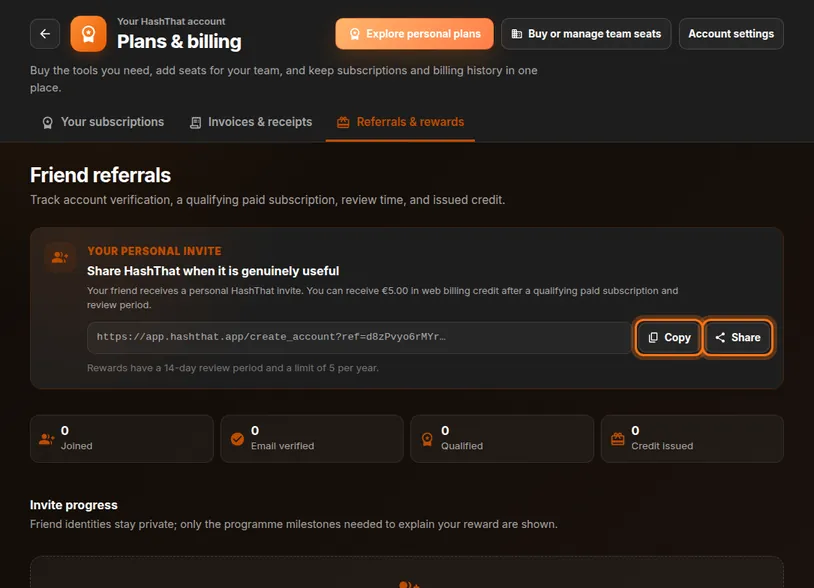
- Find the long web address in the Your personal invite box. That is your personal link.
- Click Copy to copy it, then paste it into an email or a chat message.
- On a phone, Share opens your usual sharing menu instead.
 Full size
 Full size
The reward and its conditions are written above the link. Add a line of your own, such as why you use HashThat. A personal message works much better than a bare link.
Step 4: Wait for your friend to join
- Your friend opens the link and creates a free account.
- They confirm their email address.
- The reward becomes possible when they start a qualifying paid subscription.
Step 5: Follow the progress
- Come back to the Referrals & rewards tab.
- Read the four counters: Joined, Email verified, Qualified and Credit issued.
- Below them, Invite progress lists each invite and how far it has got.
You never see who your friends are in this list. Only the steps of each invite are shown.
Check it worked
- After your friend creates an account, Joined goes up by one.
- After the review period, Credit issued goes up and the credit is taken off your next web invoice.
If something looks different
My friend joined but nothing is counted
They have to use your link to open the sign-up page. An account created without the link cannot be connected to your invite afterwards.
Qualified went up but there is no credit yet
Rewards have a review period, shown under your link. The credit is issued when it ends.
Can I get the credit as money?
No. Referral credit lowers future HashThat invoices on the web. It is not cash and cannot pay an App Store or Google Play charge.
Tip: There is a yearly limit on rewards, shown under your link. Send the invite to people who will really use the app rather than to everyone you know.