Review admin activity in your business
See who invited people, changed access or updated the business, and filter the list to find one kind of change.
- 5 steps
- About 3 minutes
Before you start
- You are signed in to HashThat in a web browser.
- You are the owner or an admin of a business workspace.
Step 1: Open the Activity tab
- In the left menu, under Account, click Business.
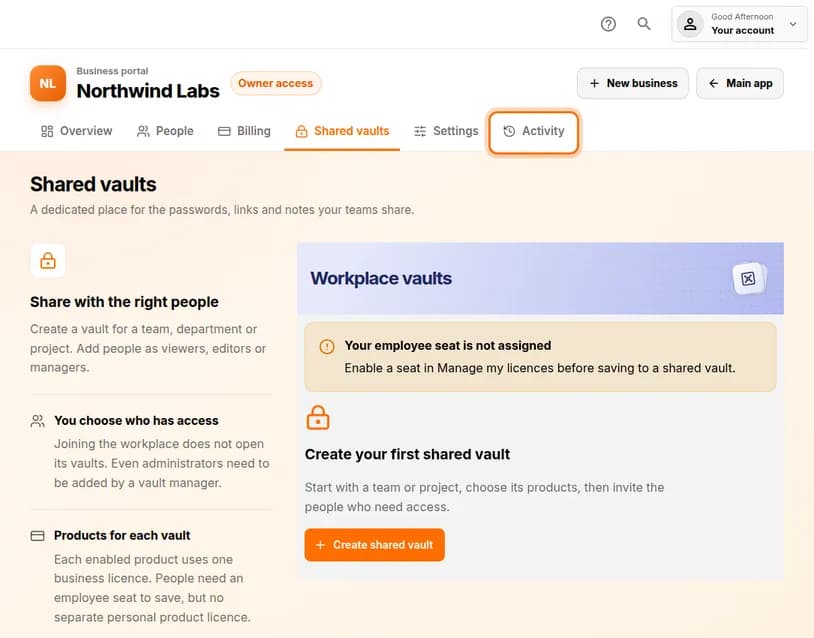
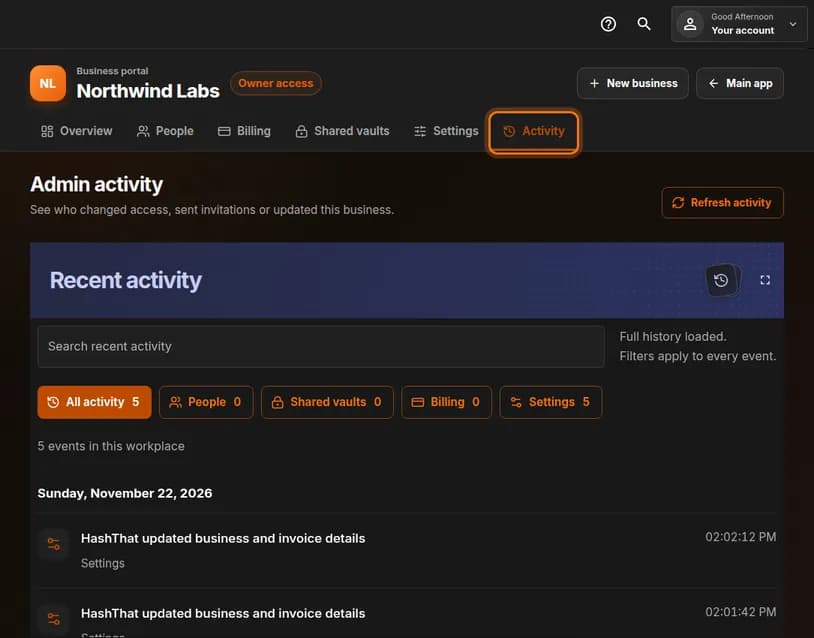
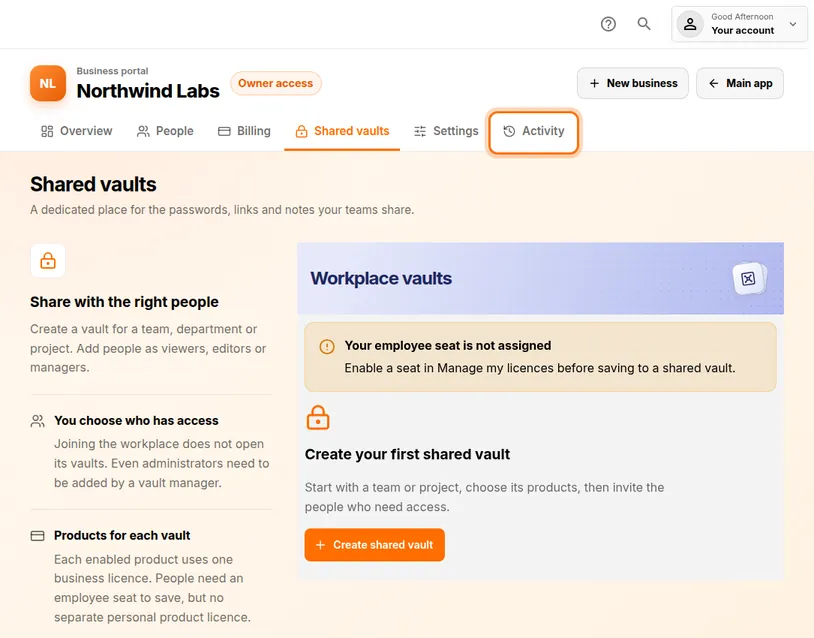
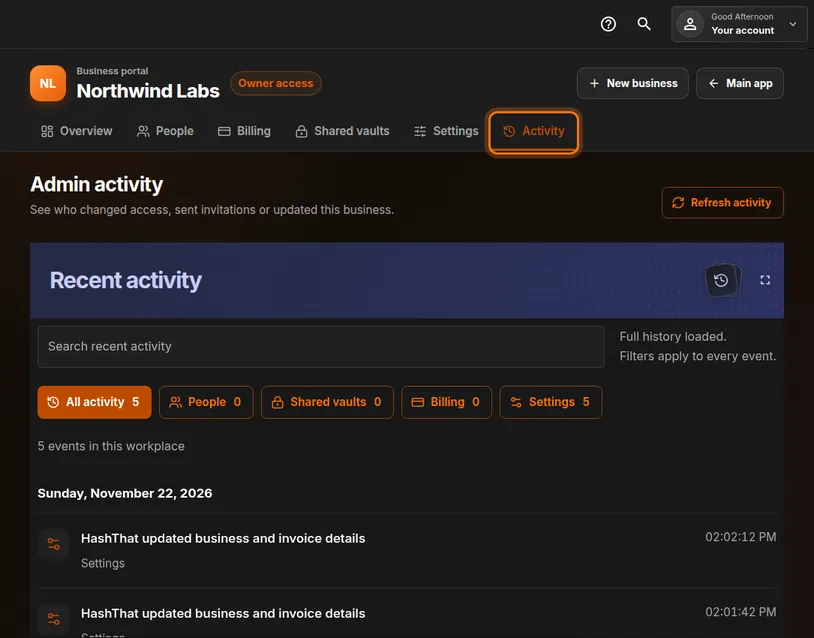
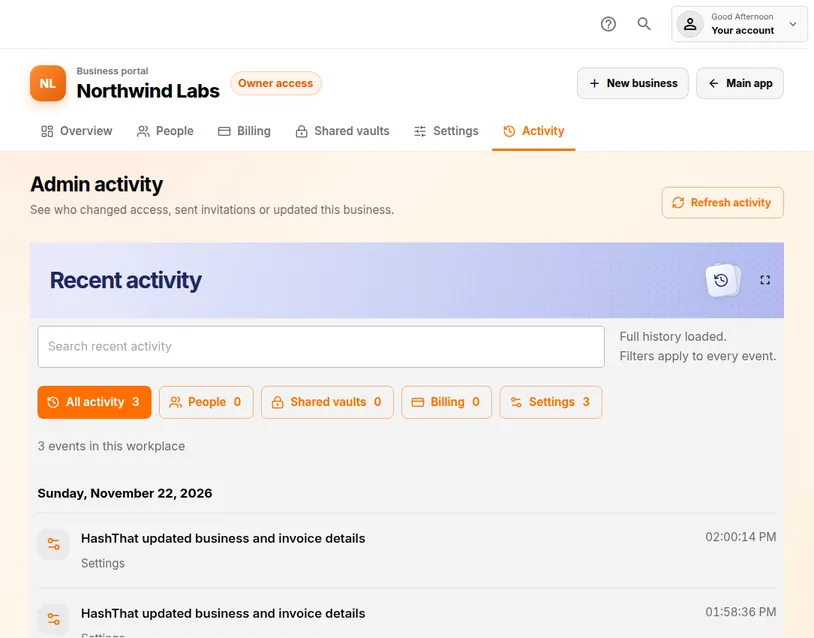
- In the row of tabs under your business name, click Activity.
You should see: A page titled Admin activity.
 Full size
 Full size
Activity is the last tab. Full history on the overview opens the same page. Step 2: Read the list
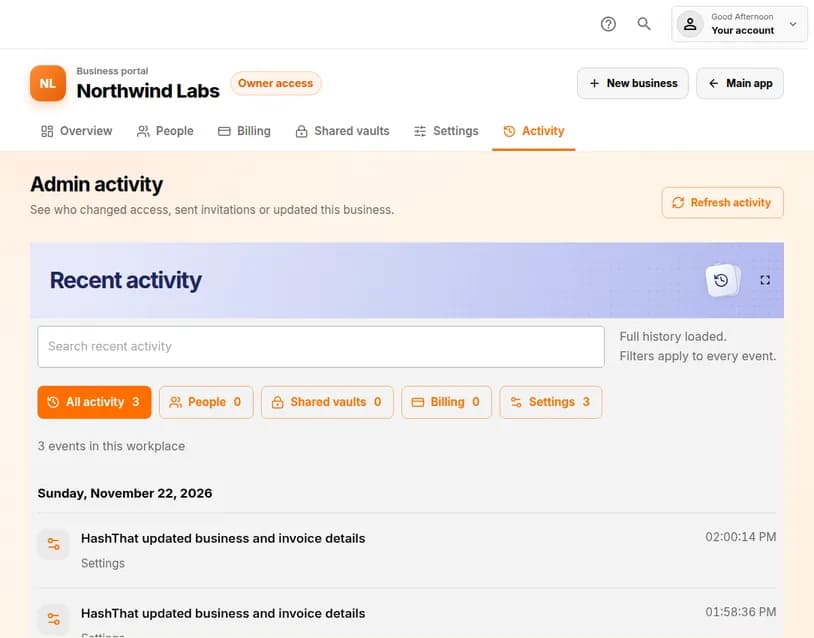
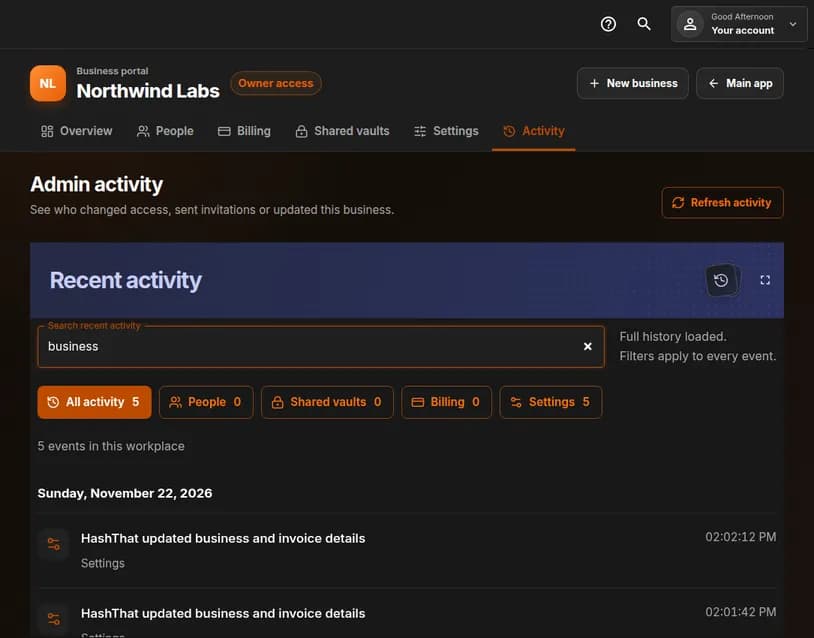
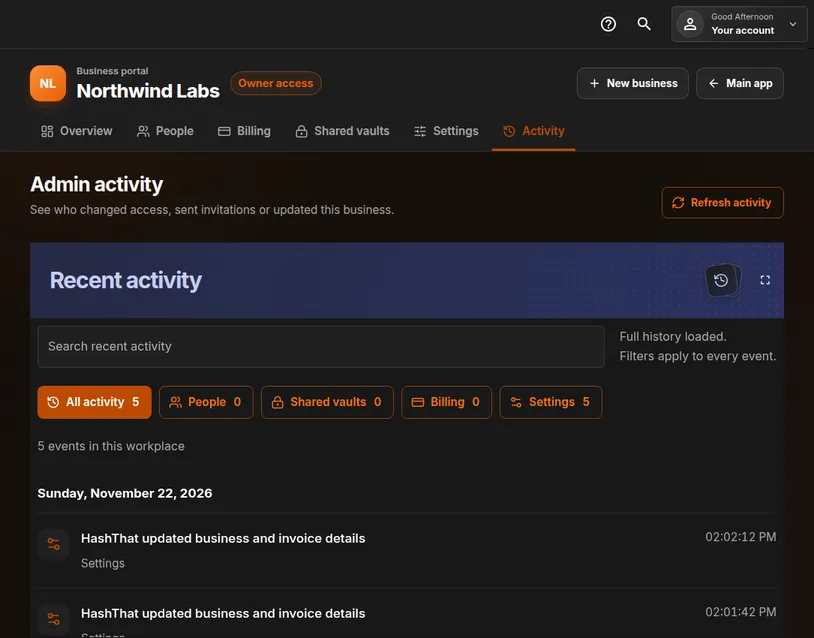
- Events are grouped by day, with the newest day first.
- Each line says who did what, for example updated business and invoice details.
- Under the line is the area it belongs to, and on the right the time.
 Full size
 Full size
The line above the list shows how many events the workplace has. The list records administrative changes. It never shows passwords, notes or anything inside a vault.
Step 3: Show one kind of change
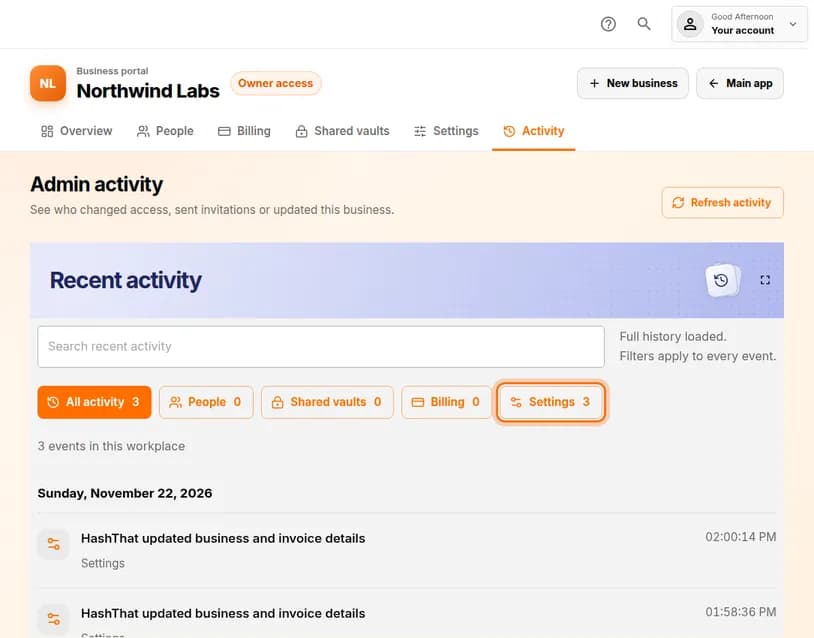
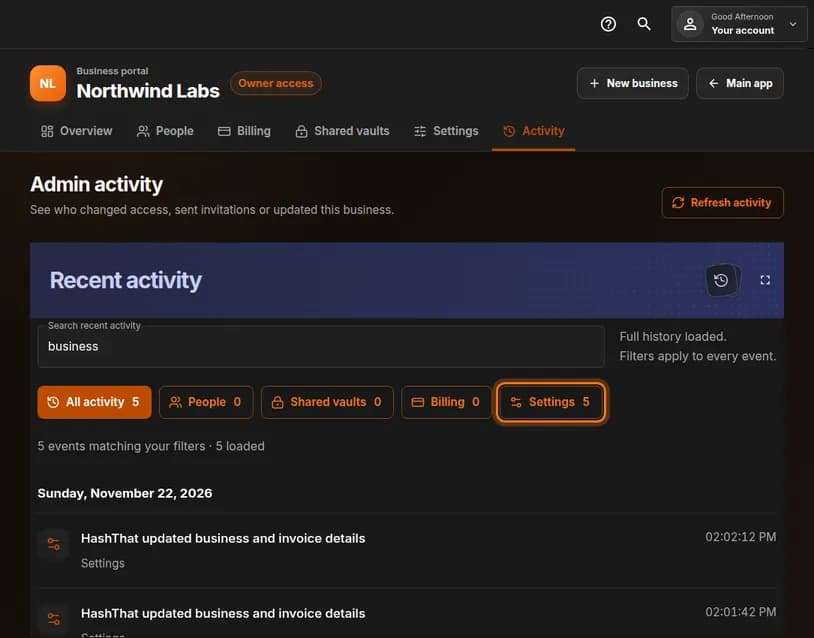
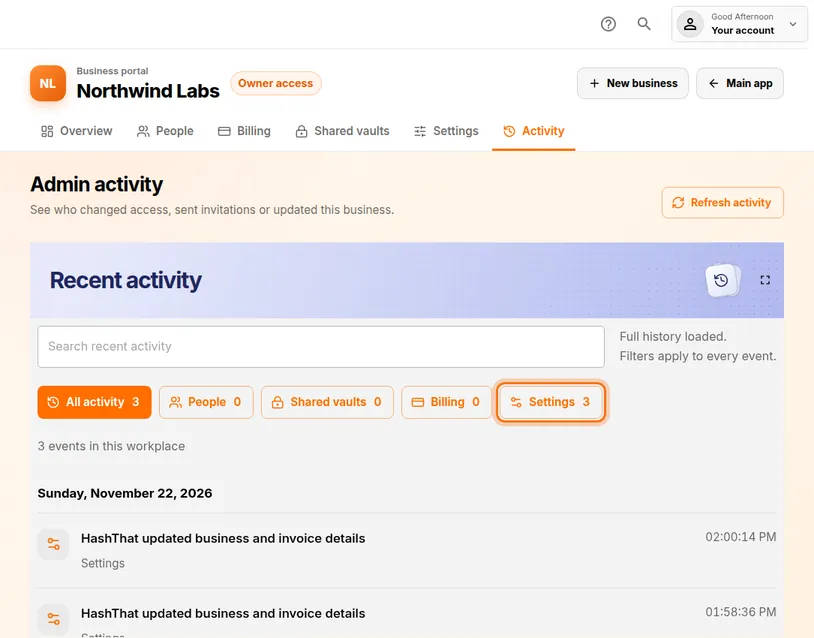
- Look at the row of buttons above the list: All activity, People, Shared vaults, Billing and Settings.
- Click one to see only those events. The number on each button shows how many there are.
- Click All activity to see everything again.
 Full size
 Full size
People covers invitations and access changes. Billing covers seats and licences. Step 4: Search for a word
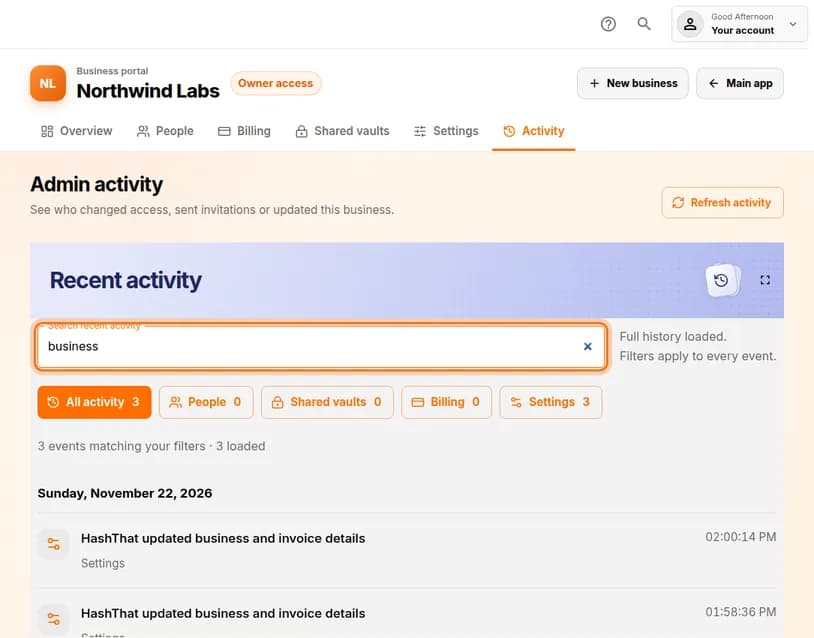
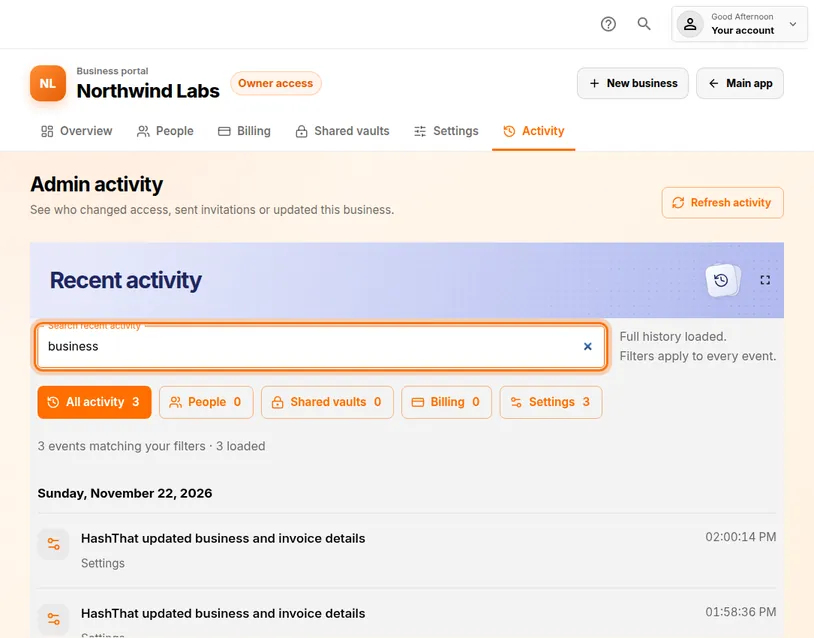
- Click Search recent activity.
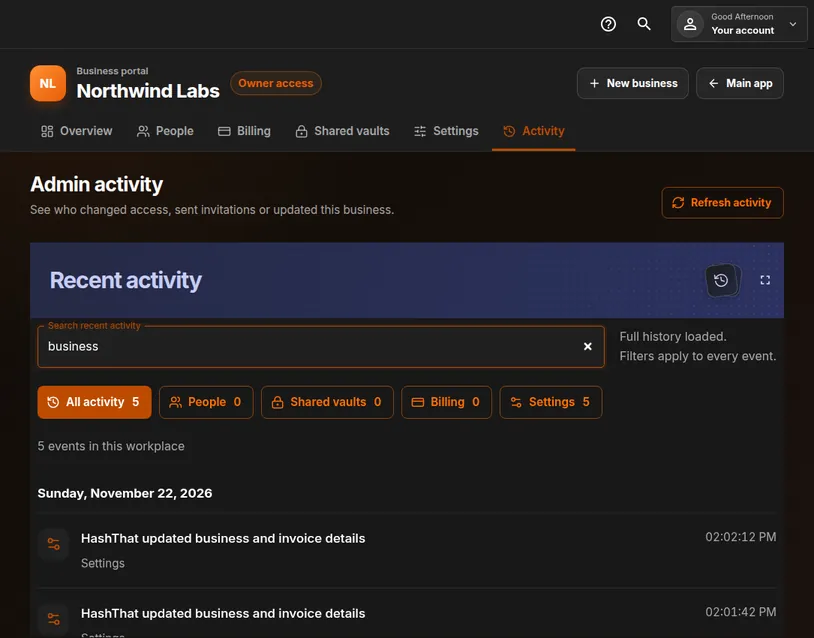
- Type a word, such as a colleague’s name or invoice.
- Click the × in the box to clear the search.
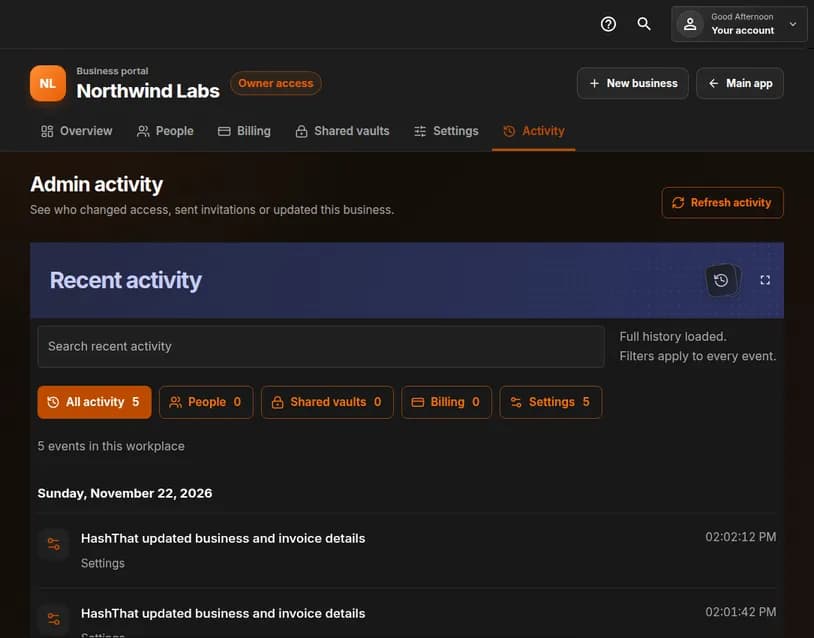
You should see: Only events containing that word stay in the list.
 Full size
 Full size
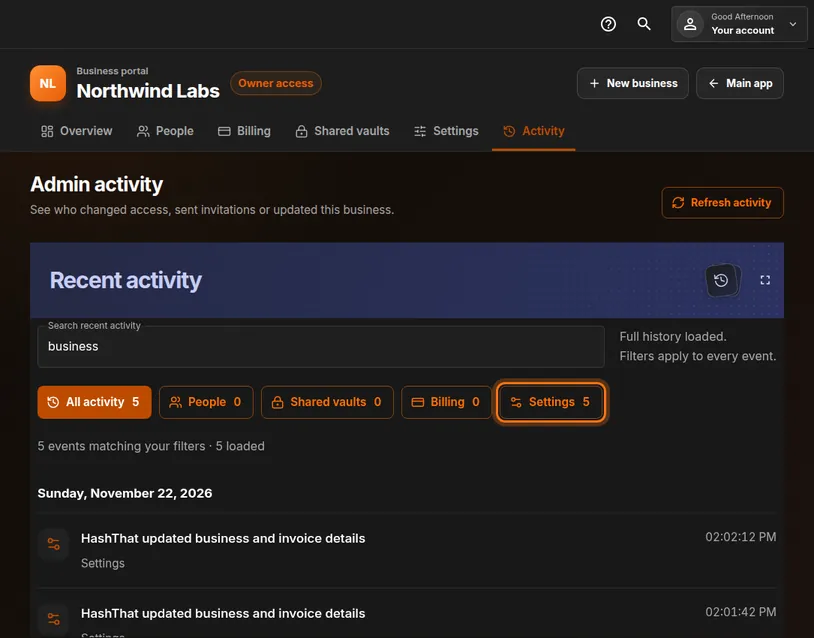
A search and a filter button can be combined. Step 5: Load the newest events
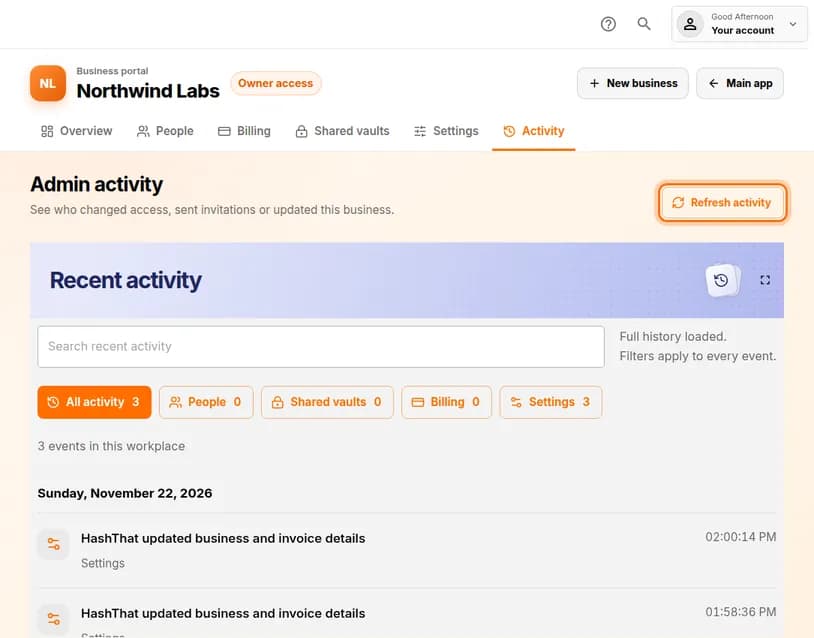
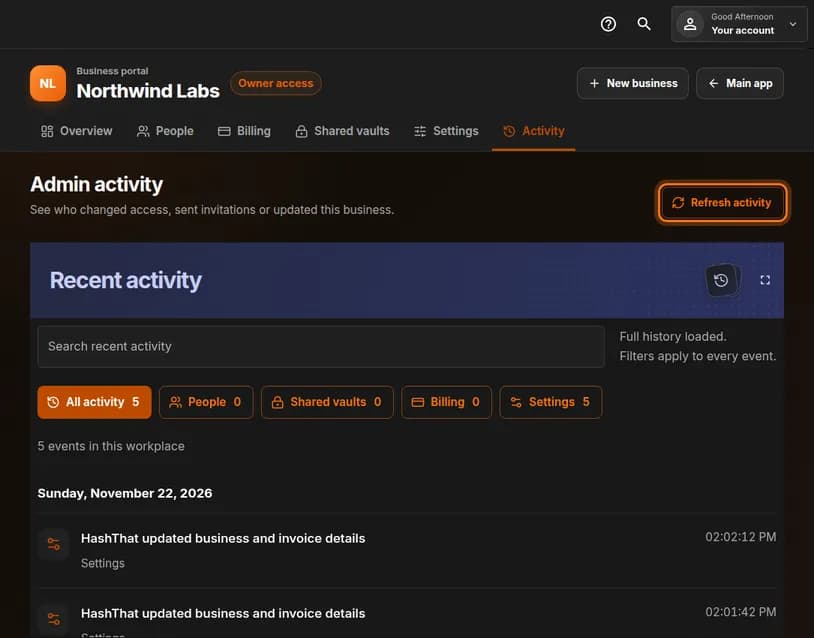
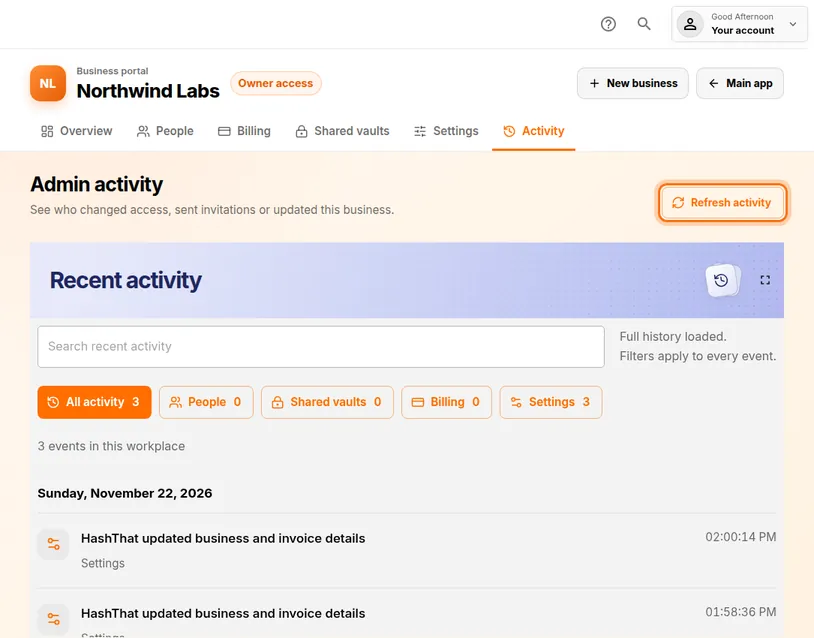
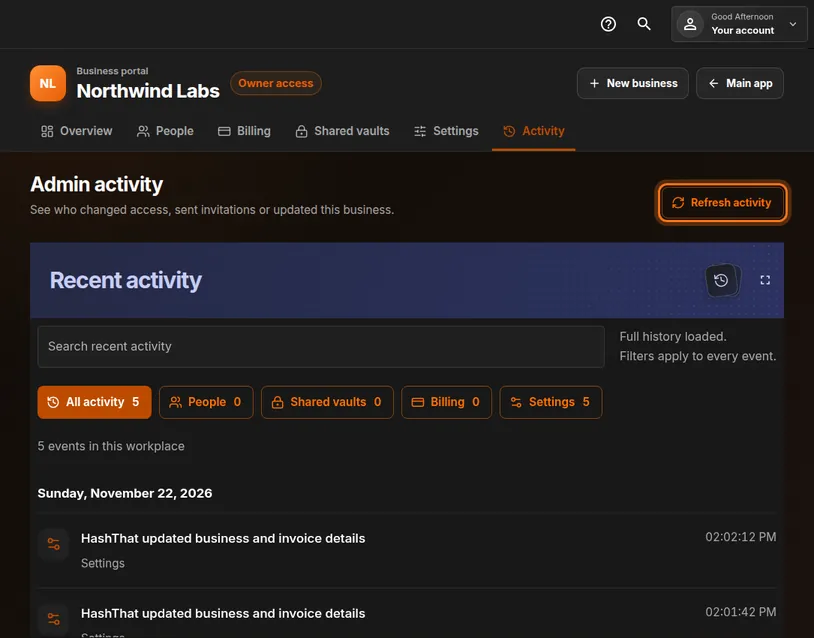
- Click Refresh activity at the top right.
 Full size
 Full size
Use this if a colleague has just made a change and you do not see it yet.
Check it worked
- A change you made yourself, such as saving business details, appears at the top of the list.
- The numbers on the filter buttons add up to the number on All activity.
If something looks different
The list is nearly empty
A new workspace has only a few events. The list fills as you invite people, assign licences and create vaults.
I do not see the Activity tab
The tab is shown to people who can manage members: the owner and admins. If you are a regular member, ask one of them.
I am looking for who viewed a password
That is not in this list. Admin activity covers changes to the business itself. For a single login, open its card and click the clock icon to see its own history.
Tip: Look at the People filter after someone leaves the company. It shows at a glance when their access was removed and by whom.