- 2020
- First release
- 15
- Languages
- 3
- Platforms: web, iOS, Android
- 0
- Passwords HashThat can read
HashThat in brief
Copy these as they are, or use them as a starting point.
HashThat is a zero-knowledge password manager that also keeps your private notes and short links in one account.
HashThat is a privacy-first toolkit made by Multi Dimension Solutions Limited. It combines an encrypted password manager, private notes, short links with click analytics, extra account security and shared vaults for teams. Passwords and notes are encrypted on the user's own device before they are stored, so HashThat cannot read them. It runs on the web, iPhone, iPad and Android, in 15 languages, and each Pro product can be bought on its own.
Fact sheet
- Product
- HashThat
- Made by
- Multi Dimension Solutions Limited
- First released
- 2020
- Platforms
- Web app, iPhone and iPad, Android
- Languages
- 15 (English, with 14 translations)
- Products
- Password Manager, Encrypted Notes, Link Shortener, Security Pro, HashThat for Business
- Free plan
- 20 passwords, 2 notes and 5 short links, with no time limit
- Trial
- 31-day Pro trial for new accounts, no card needed
- Paid plans
- Each Pro product is sold on its own, monthly, yearly or for two years
- Encryption
- Zero-knowledge. AES-256, with keys derived from the master password by PBKDF2-SHA256 (1,200,000 rounds)
- Sign-in protection
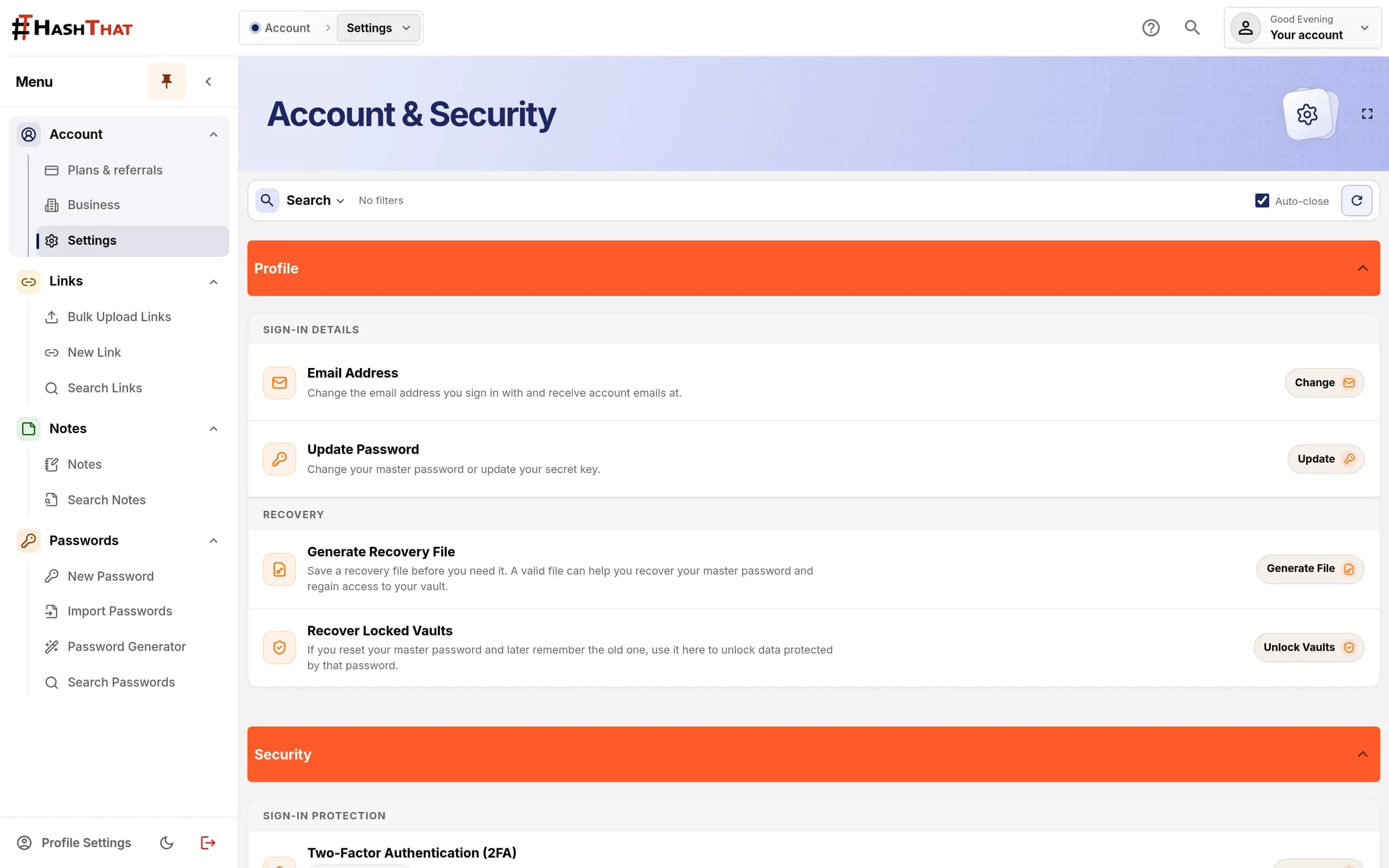
- Two-factor authentication, device verification, sign-in alerts and session management
The products
What HashThat does
Five products behind one sign-in. Each links to a page with the detail.
Password Manager
An encrypted vault with a generator, autofill on phones, import from a file, sharing with expiry dates and a history of changes.
Encrypted Notes
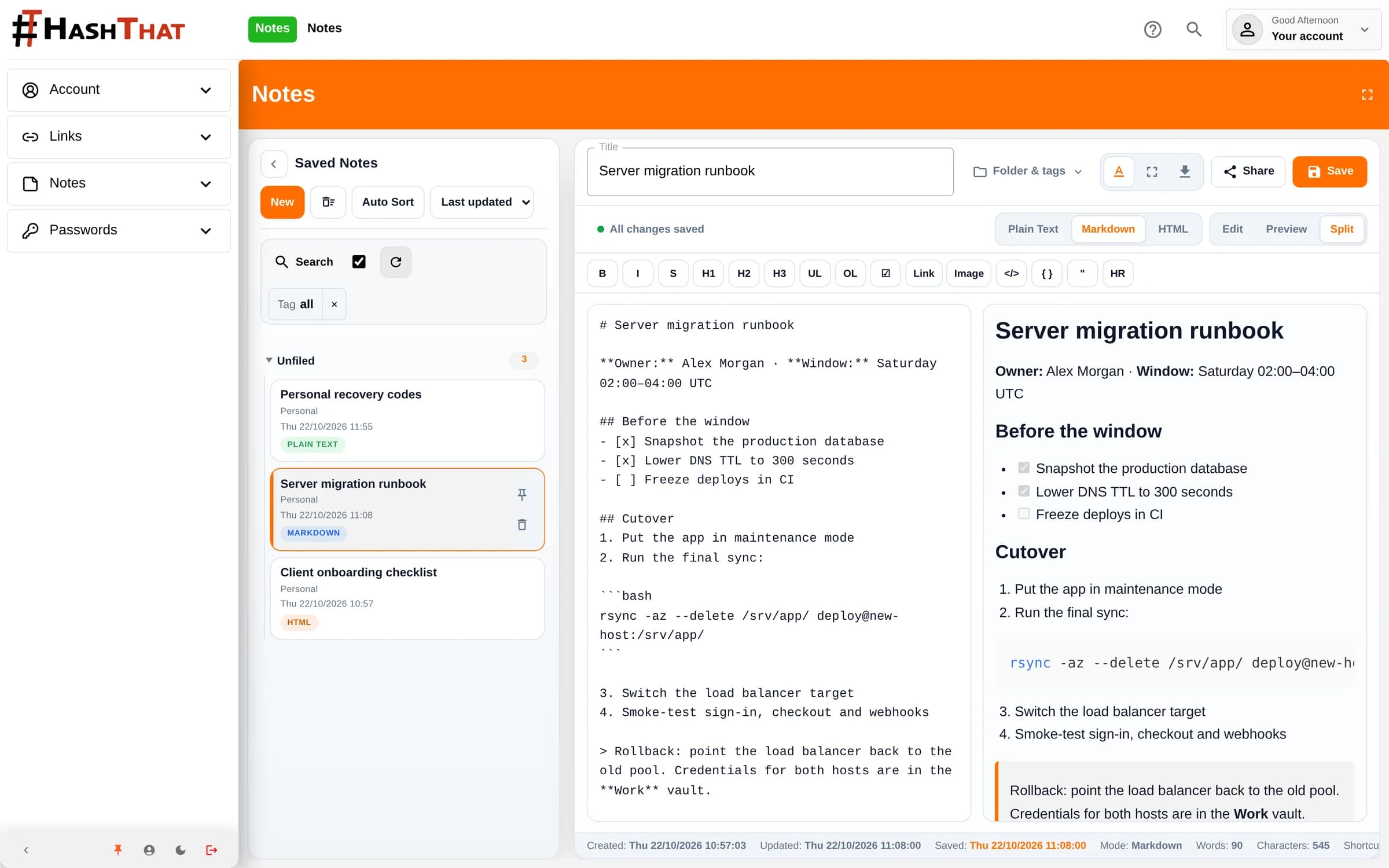
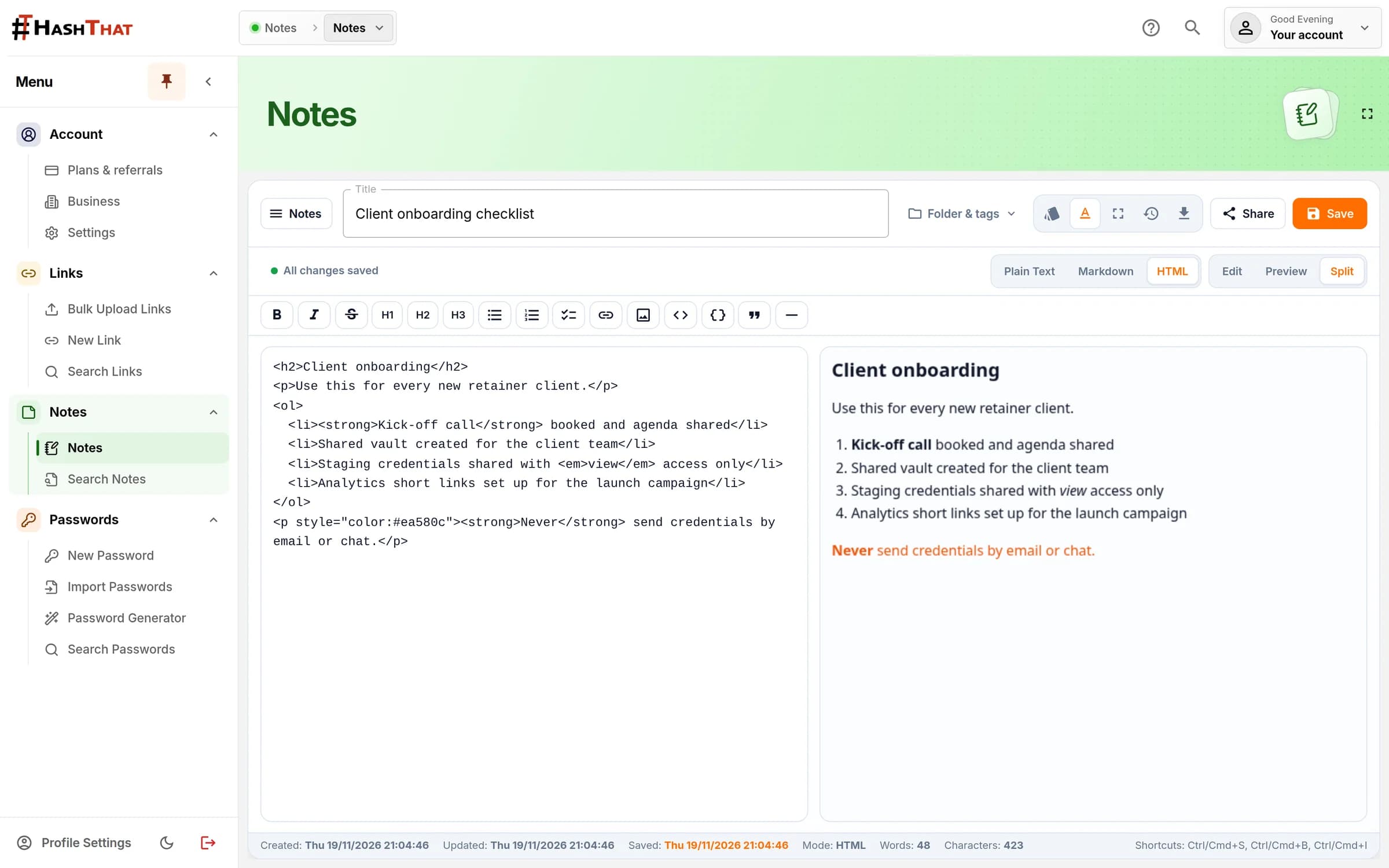
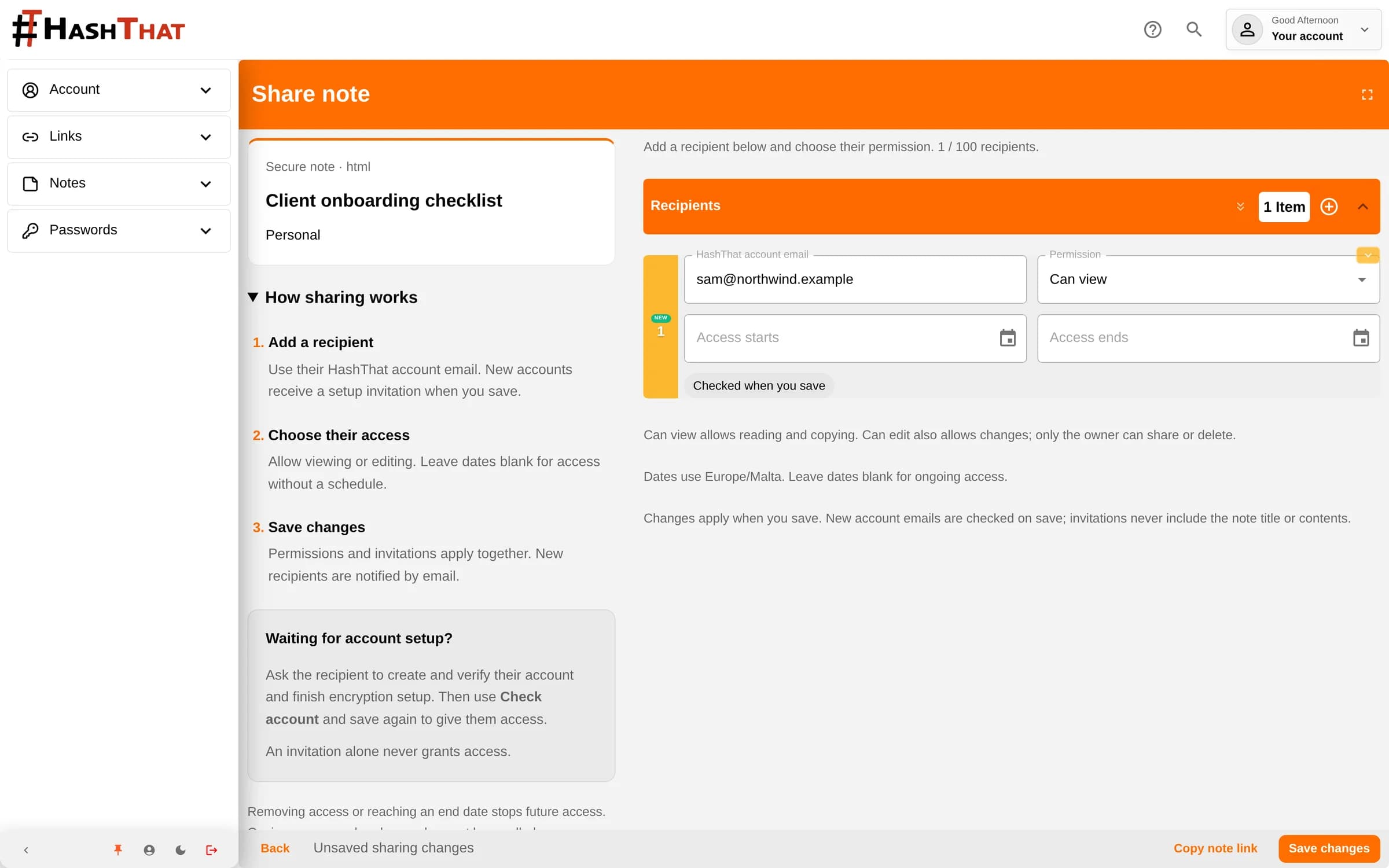
Private notes in plain text, Markdown or HTML, encrypted like passwords and shareable with other HashThat users.
Link Shortener
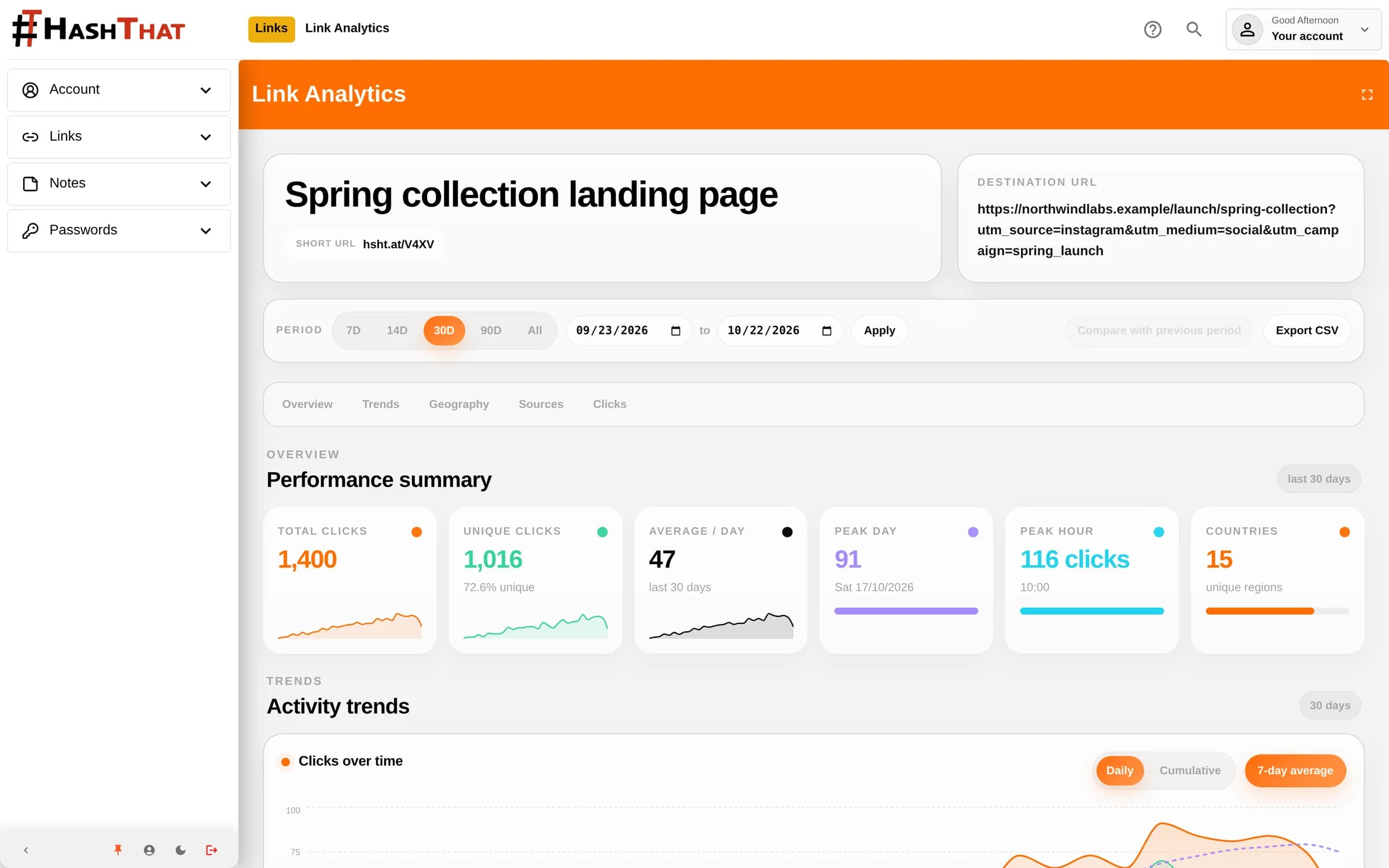
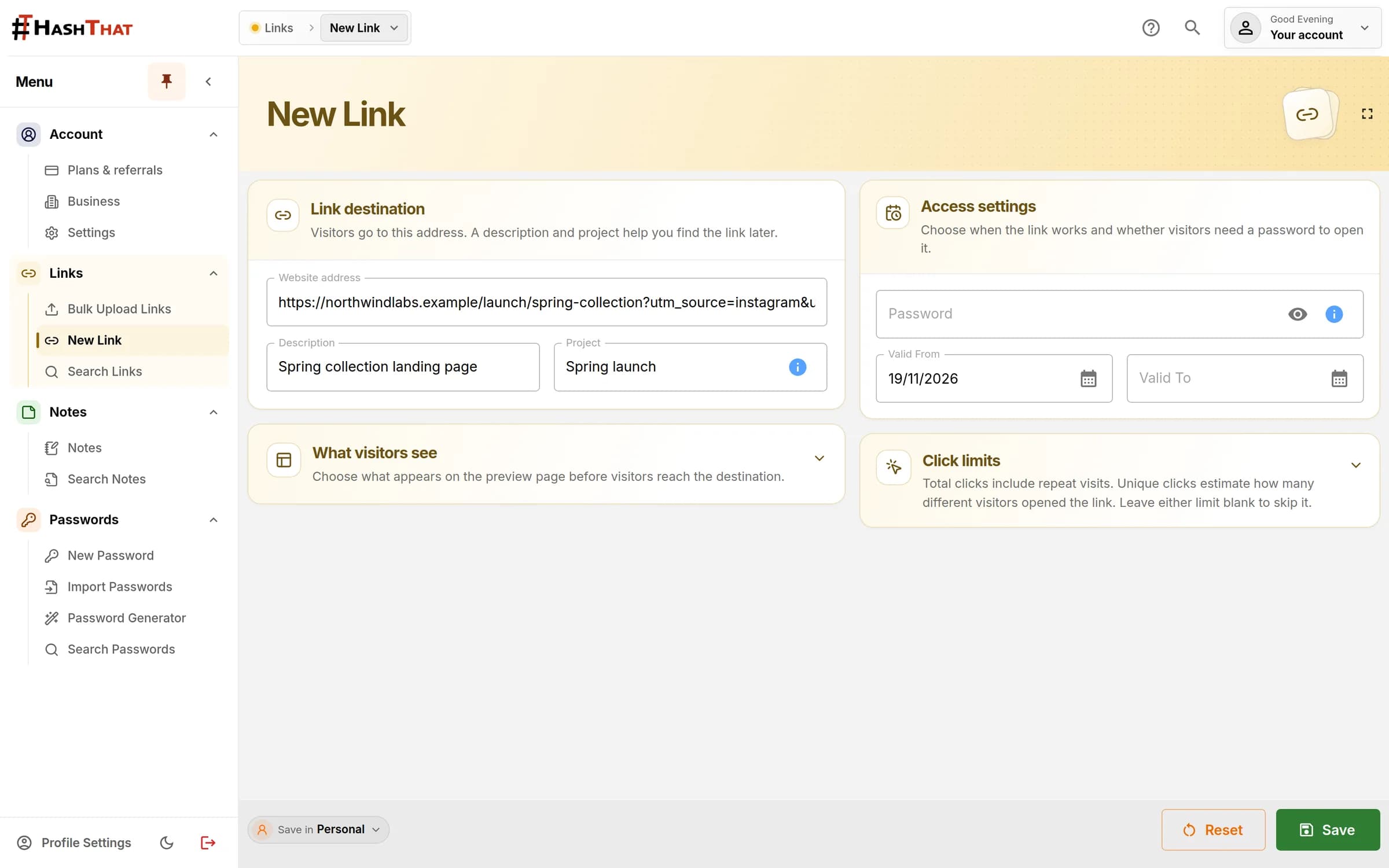
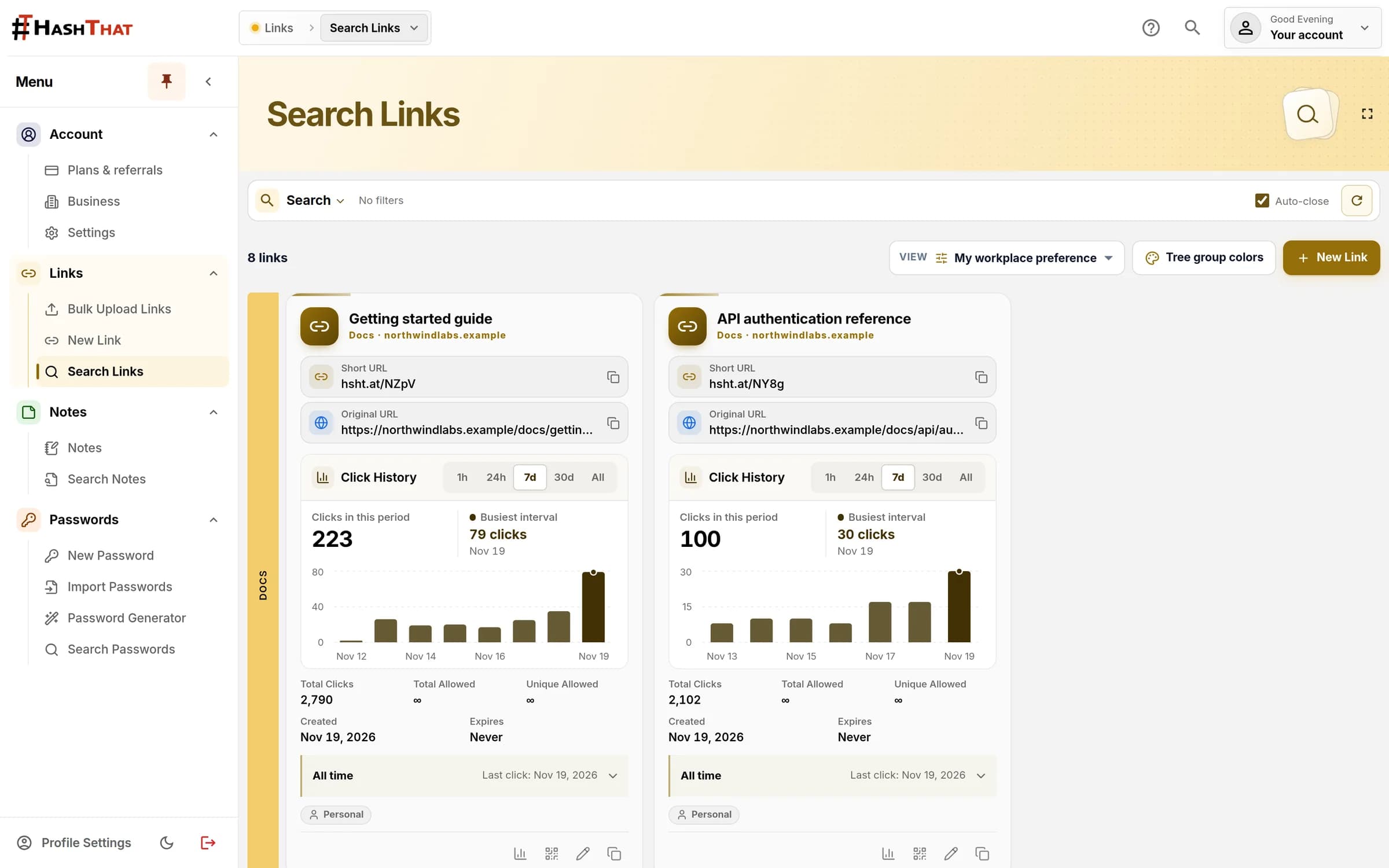
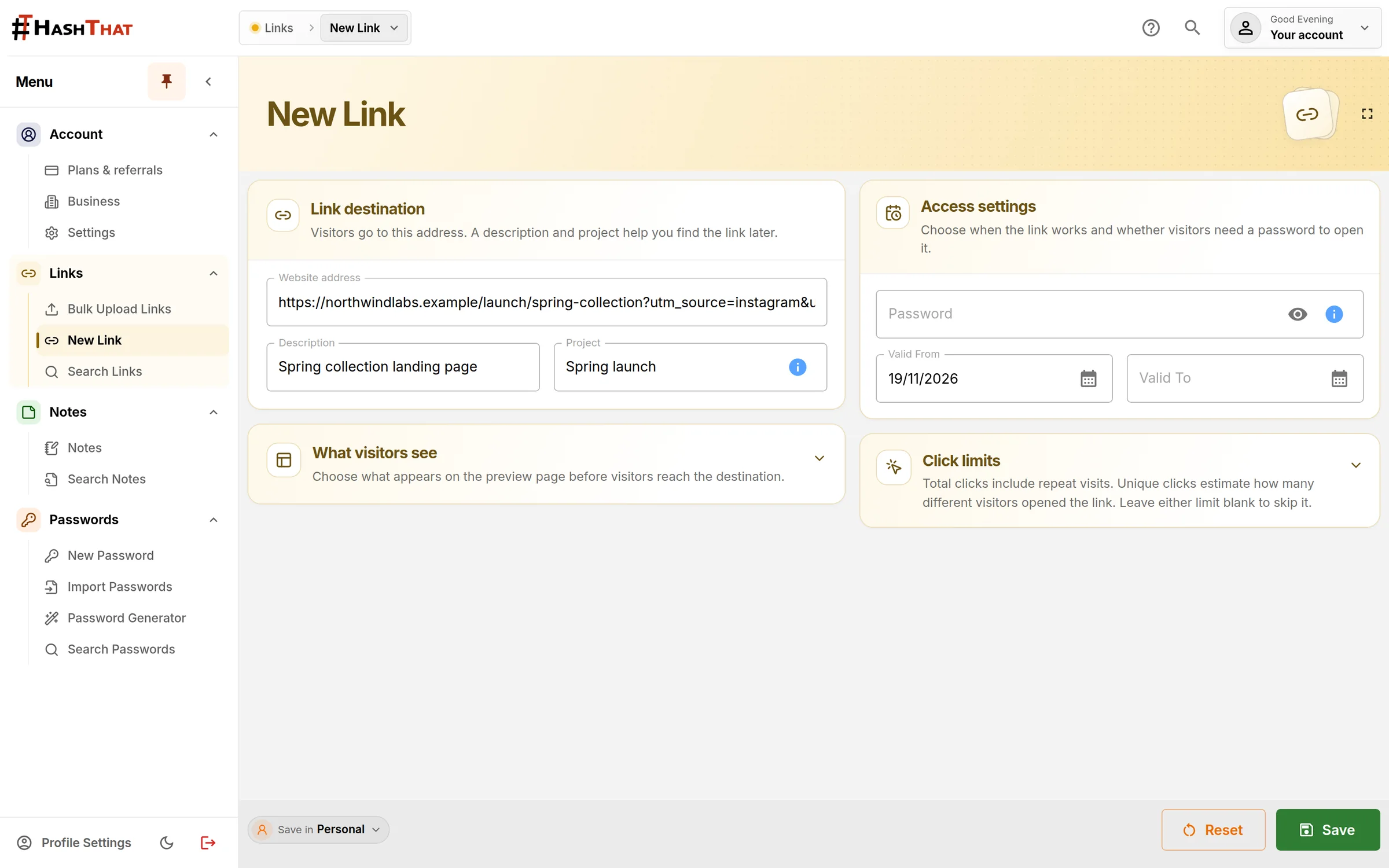
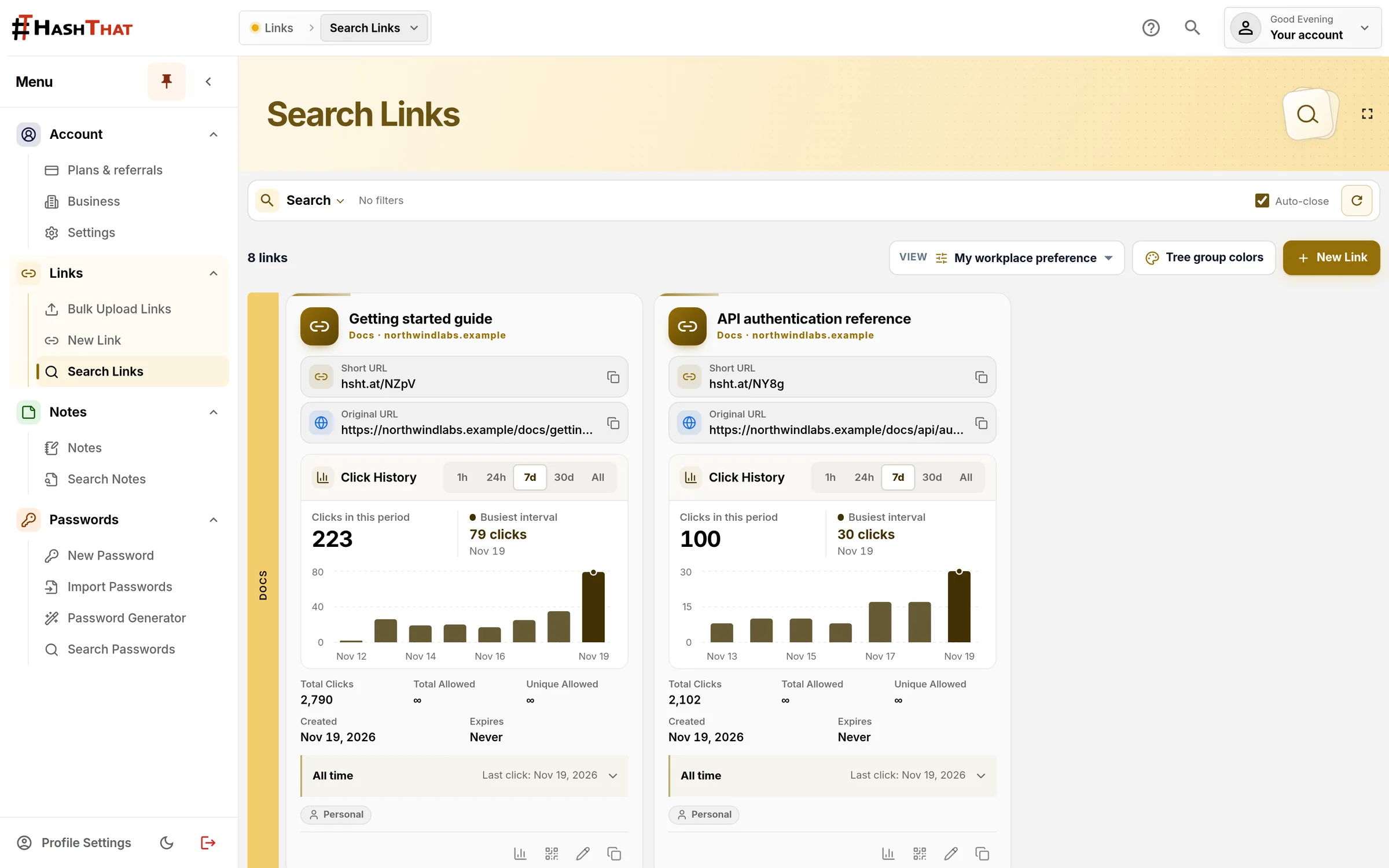
Short links with QR codes, password protection, validity windows, click limits and analytics by source, place and device.
Security Pro
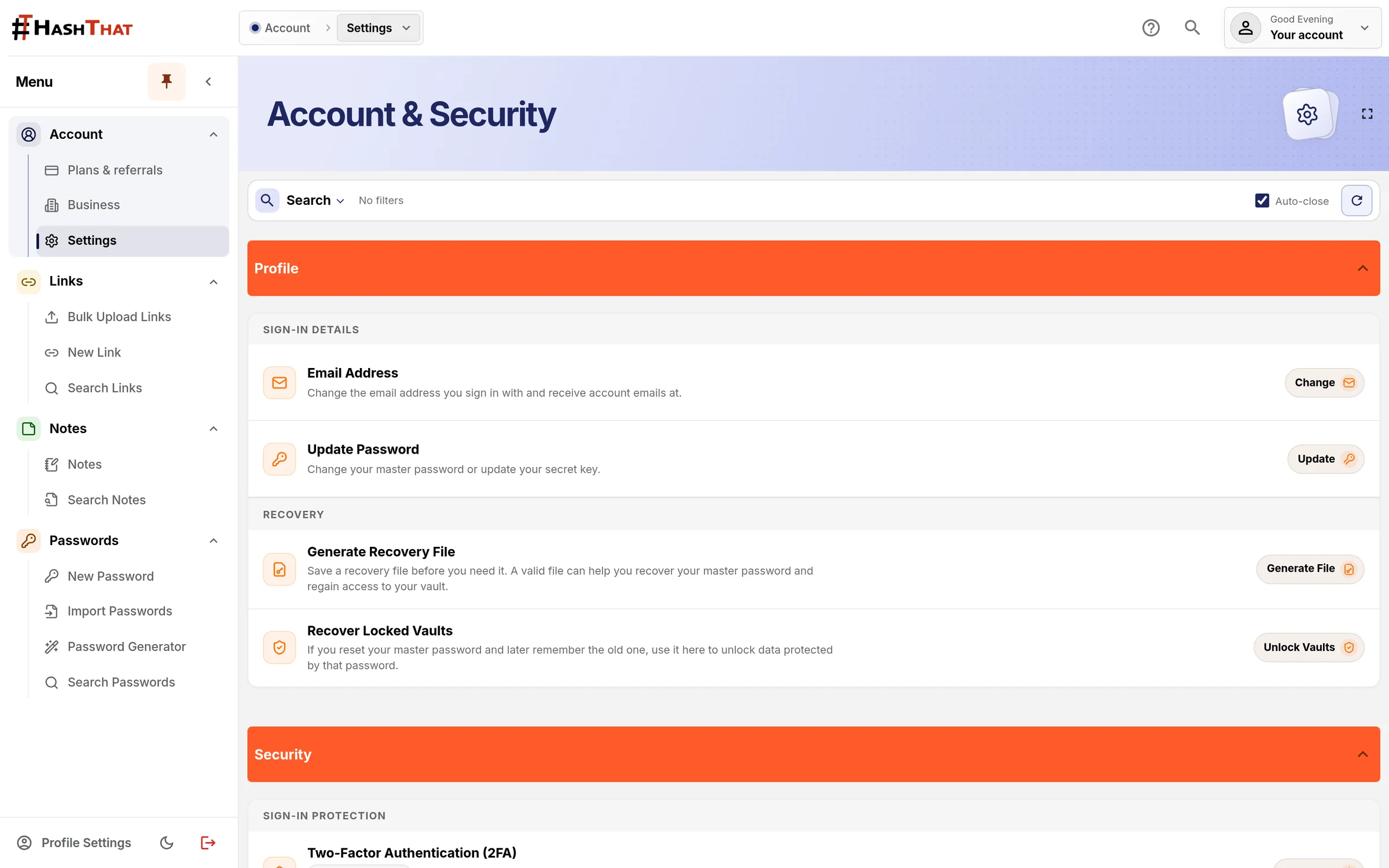
Two-factor sign-in with backup codes, an optional secret key, activity history and account recovery tools.
HashThat for Business
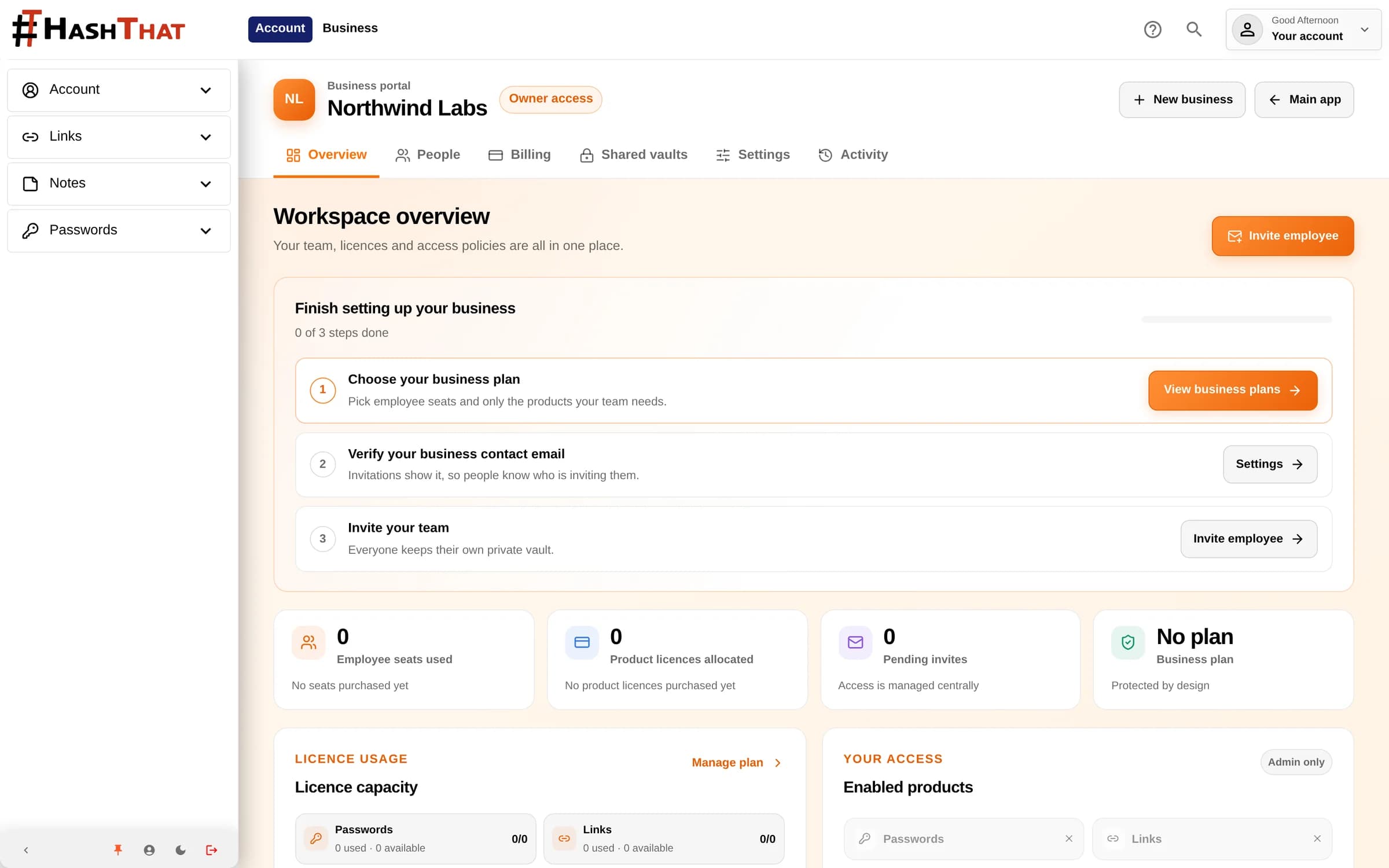
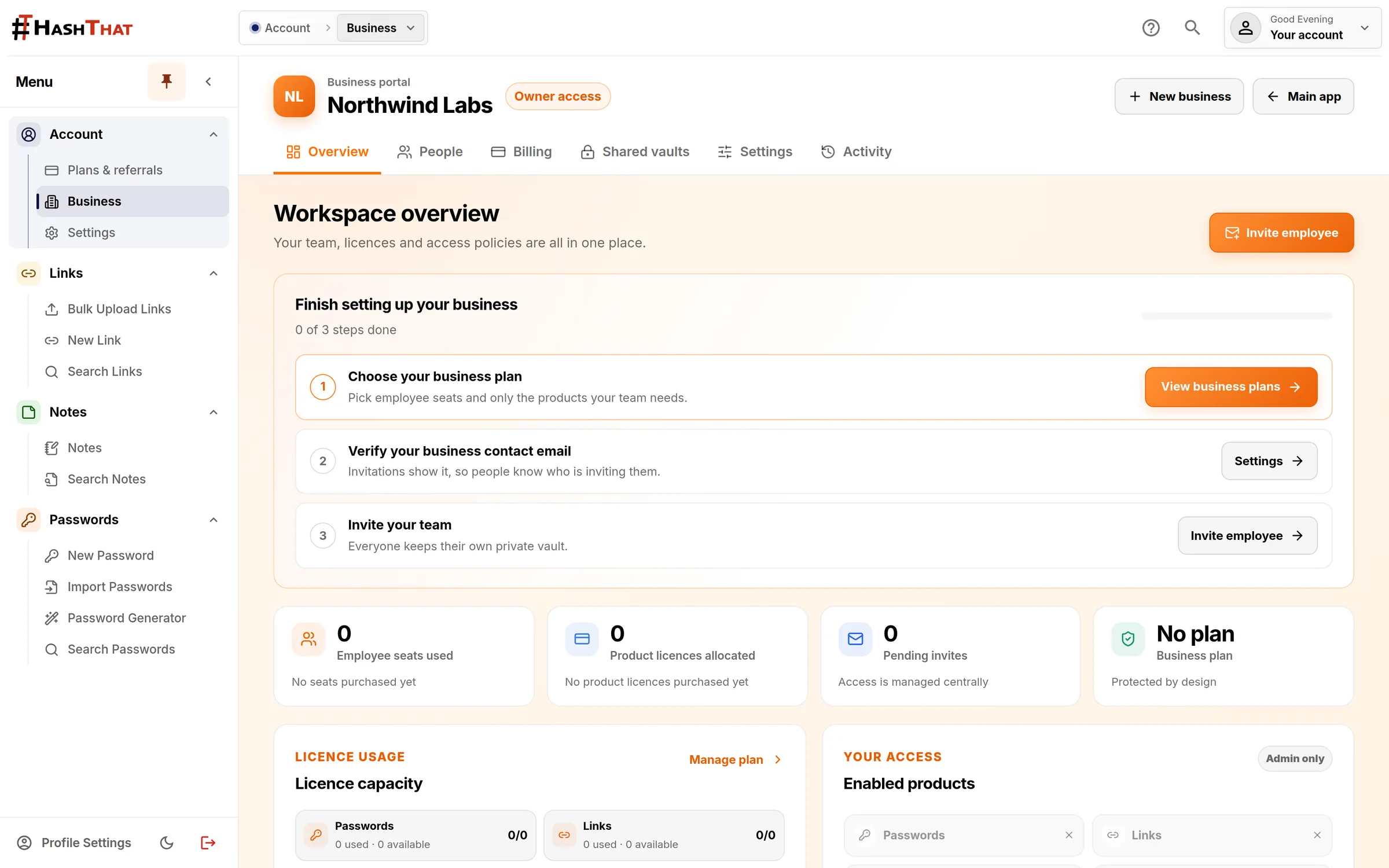
A workspace with employee seats, roles, invitations and shared team vaults. Admins cannot read personal vaults.
Where to get it
Story angles
What sets HashThat apart
Four points that reviewers tend to pick up on.
One account, three everyday tools
Most password managers stop at passwords. HashThat keeps private notes and short links in the same account, so people who need all three sign in once.
Pay for one product, not a bundle
Passwords, Notes, Links and Security are separate Pro products. Someone who only wants unlimited passwords pays only for that.
The company cannot read the vault
Passwords and notes are encrypted on the user's device. A forgotten master password is recovered with a file the user keeps, not by HashThat.
Built for more than English speakers
The app is available in 15 languages, on the web and on both phone platforms, with the same account everywhere.
For fact-checking
Security, in statements you can quote
Each line is explained in full on the security page, including what HashThat can and cannot see.
Read the security page- The master password is never sent to the server in plain text.
- Vault keys are derived from the master password with PBKDF2-SHA256 (1,200,000 rounds), and vault data is encrypted with AES-256.
- Password fields are encrypted one by one, and imports are encrypted on the device before upload.
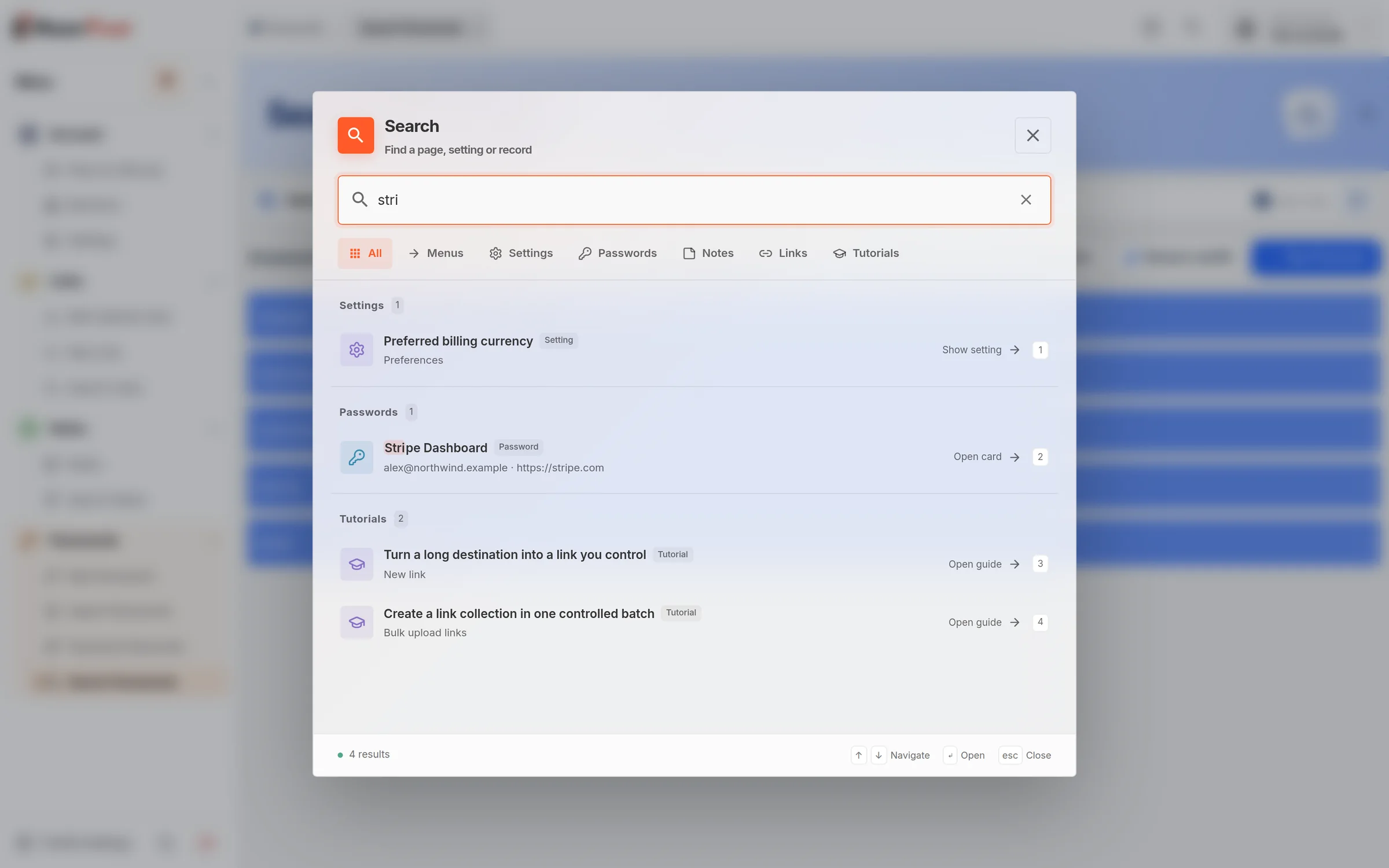
- Search runs on the device. What a user types into search is never sent to HashThat.
- A recovery file is read and decrypted on the user's device. Support never needs to see it.
- On phones, autofill asks for a fingerprint, face or screen lock before releasing a password.
- In a business workspace, admins manage seats and licences but cannot read employees' personal vaults.
Brand
Logos
PNG files with a transparent background.



Colours
HashThat red
#CB3219
The accent in the logo
Black
#000000
Logo text on light backgrounds
White
#FFFFFF
Logo text on dark backgrounds
Writing the name
- HashThat: one word, with a capital H and a capital T.
- Not “Hash That”, “Hashthat” or “HASHTHAT”.
- Product names are capitalised: Passwords Pro, Notes Pro, Links Pro, Security Pro.
Product
Screenshots
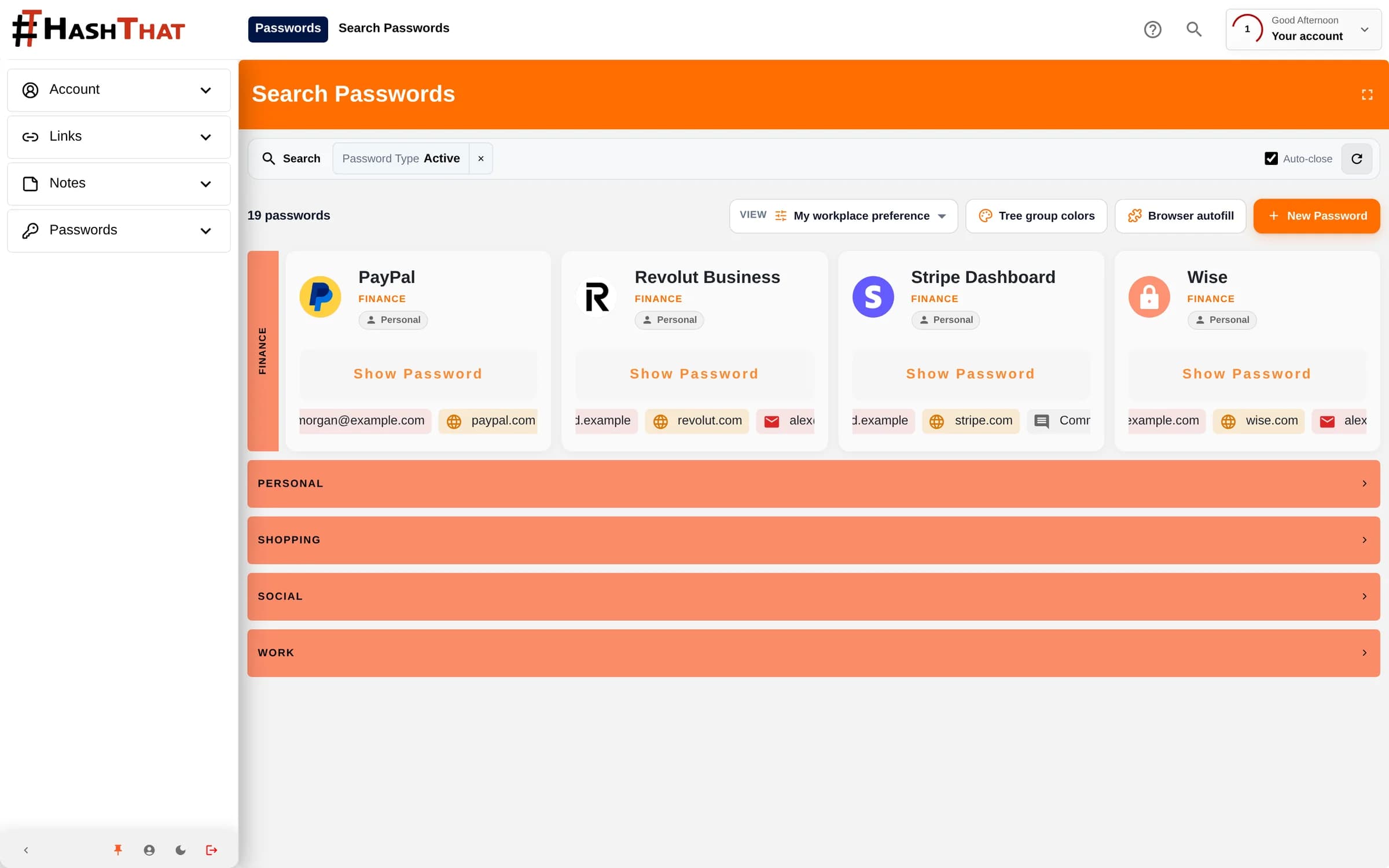
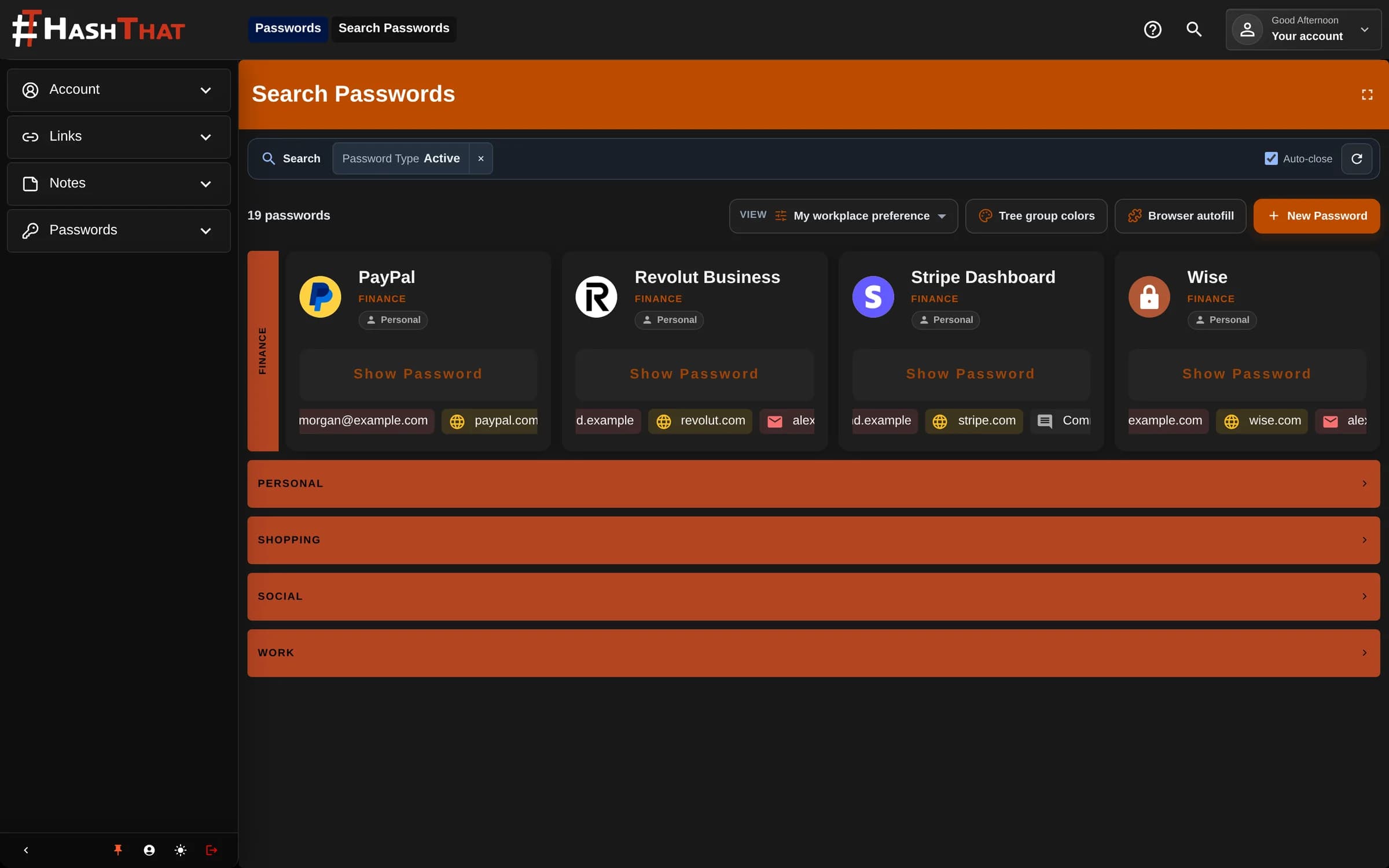
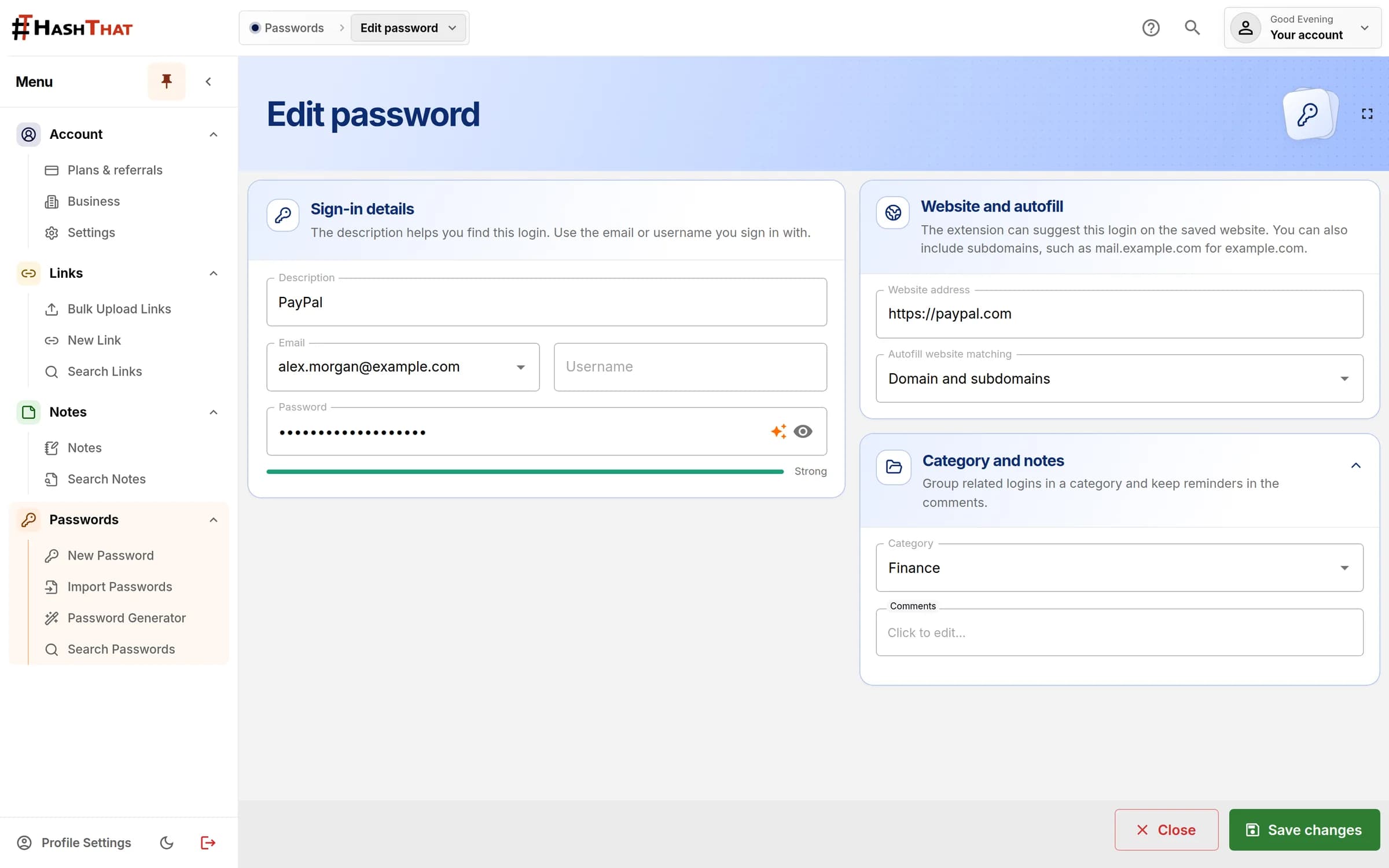
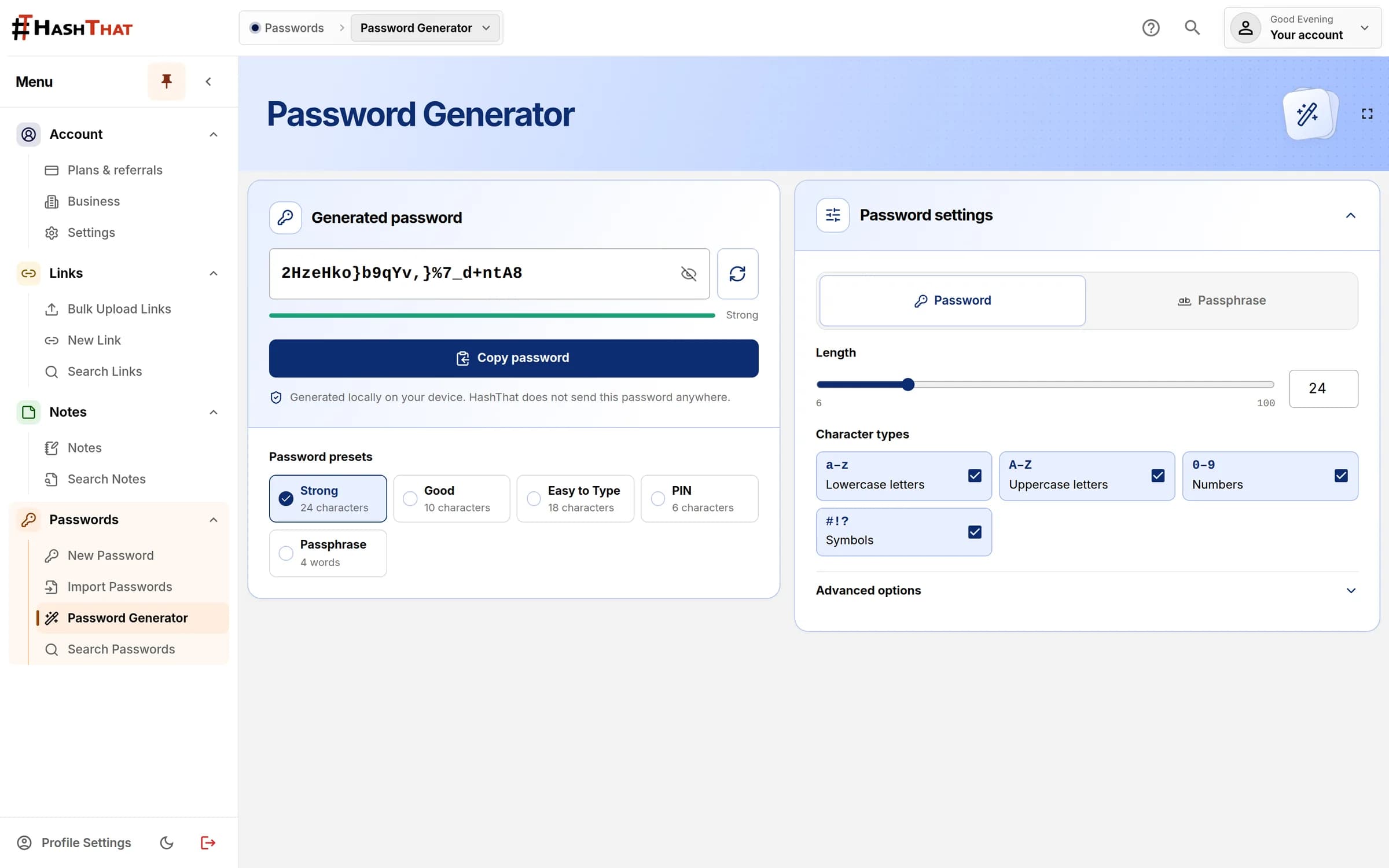
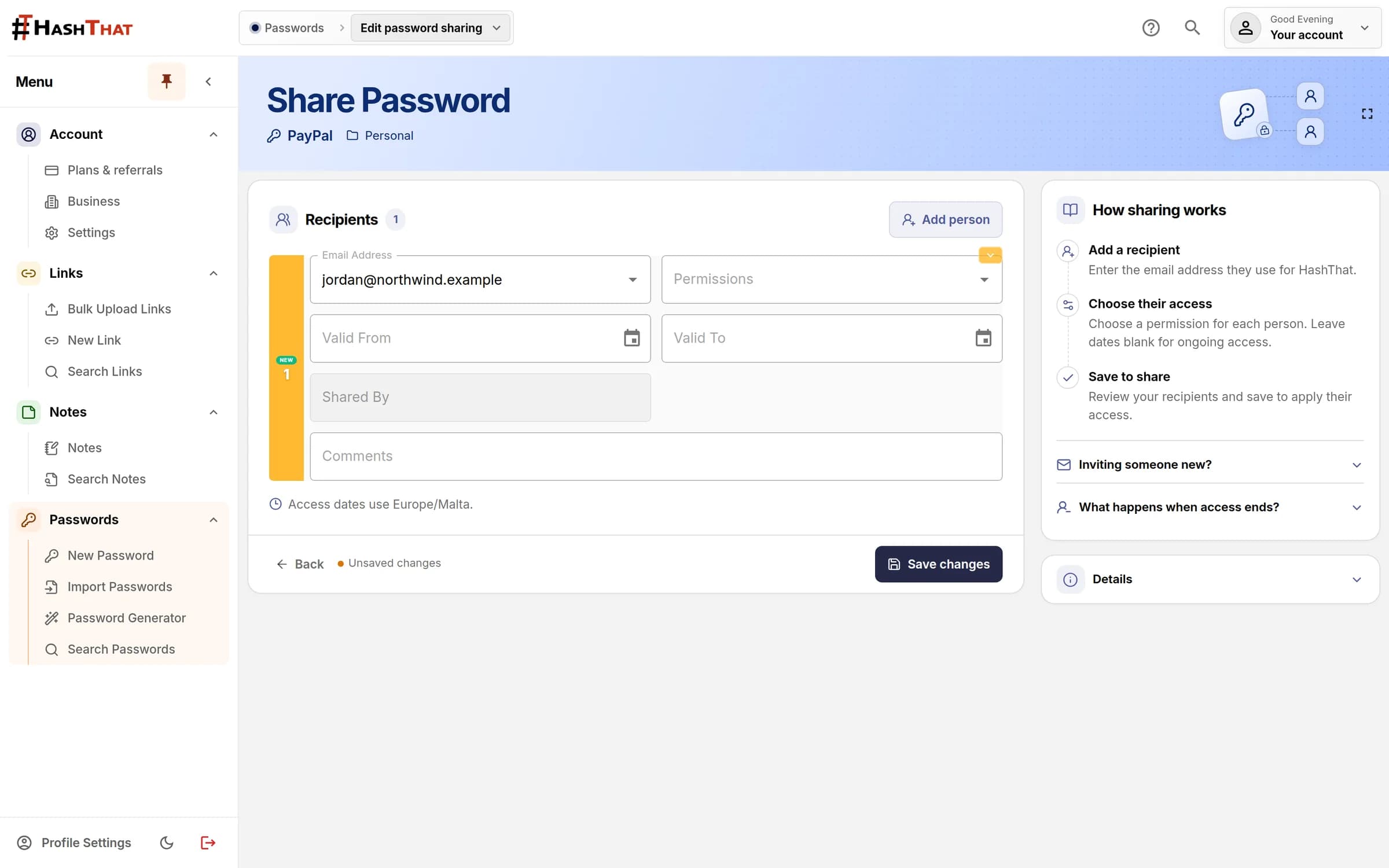
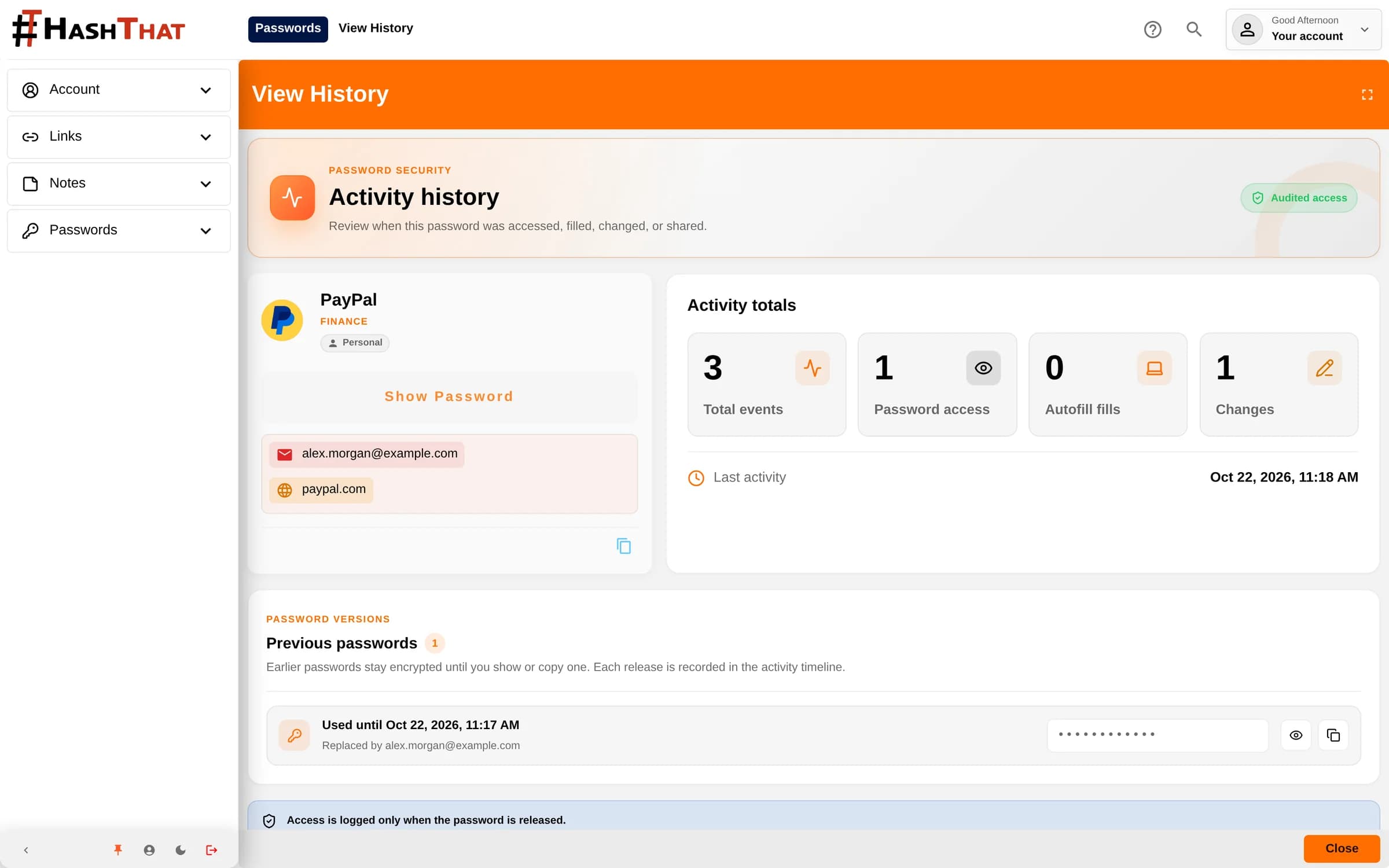
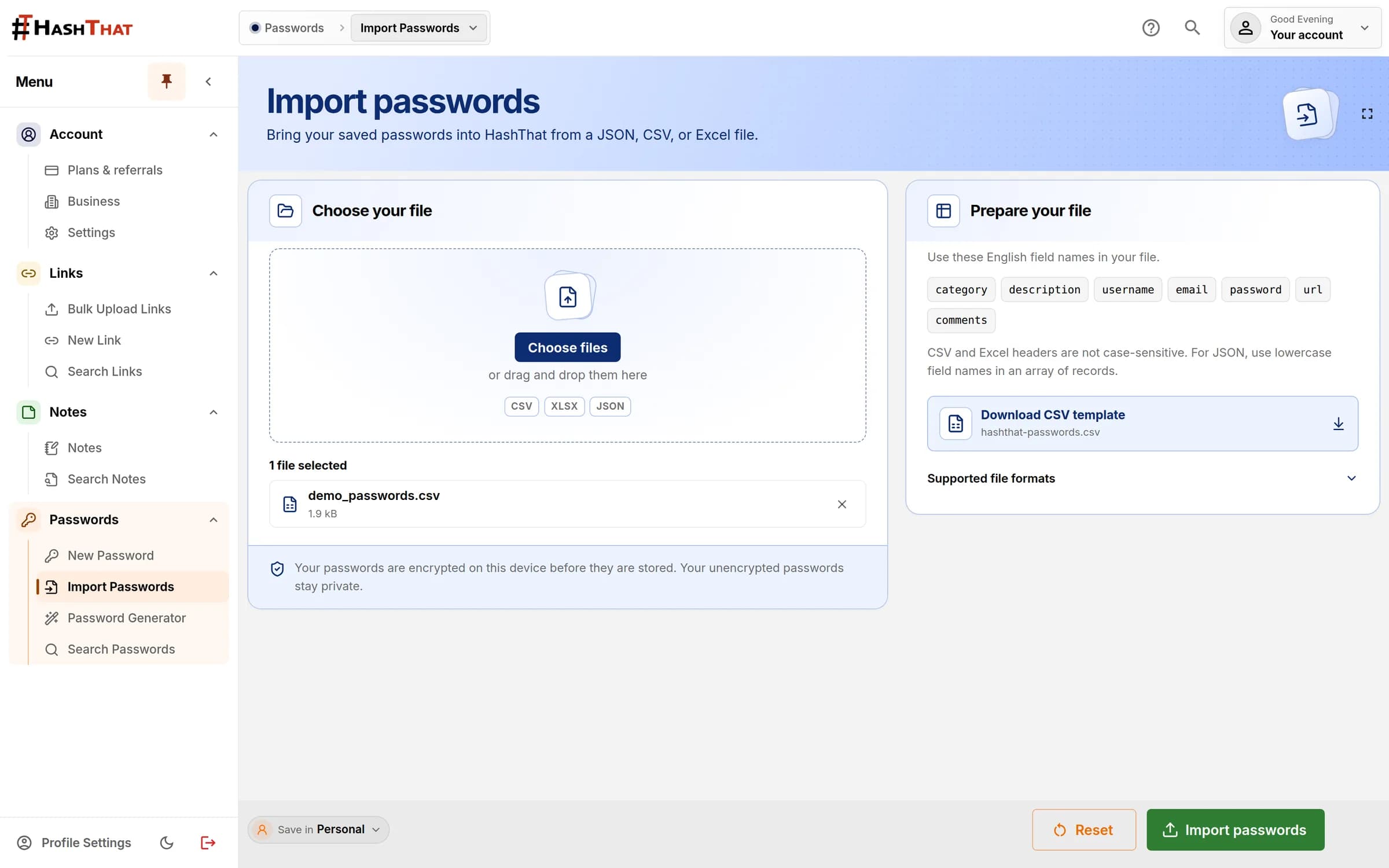
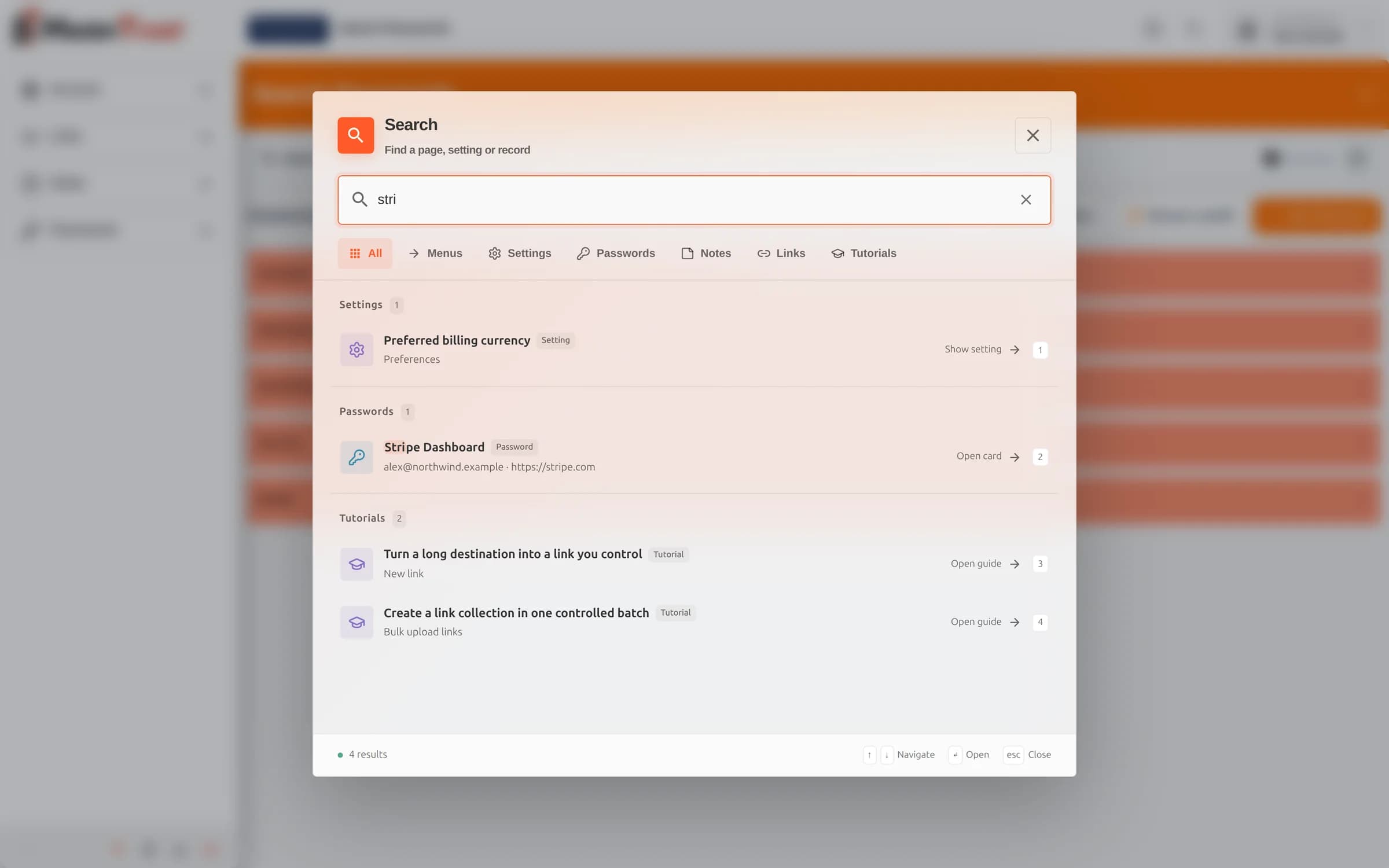
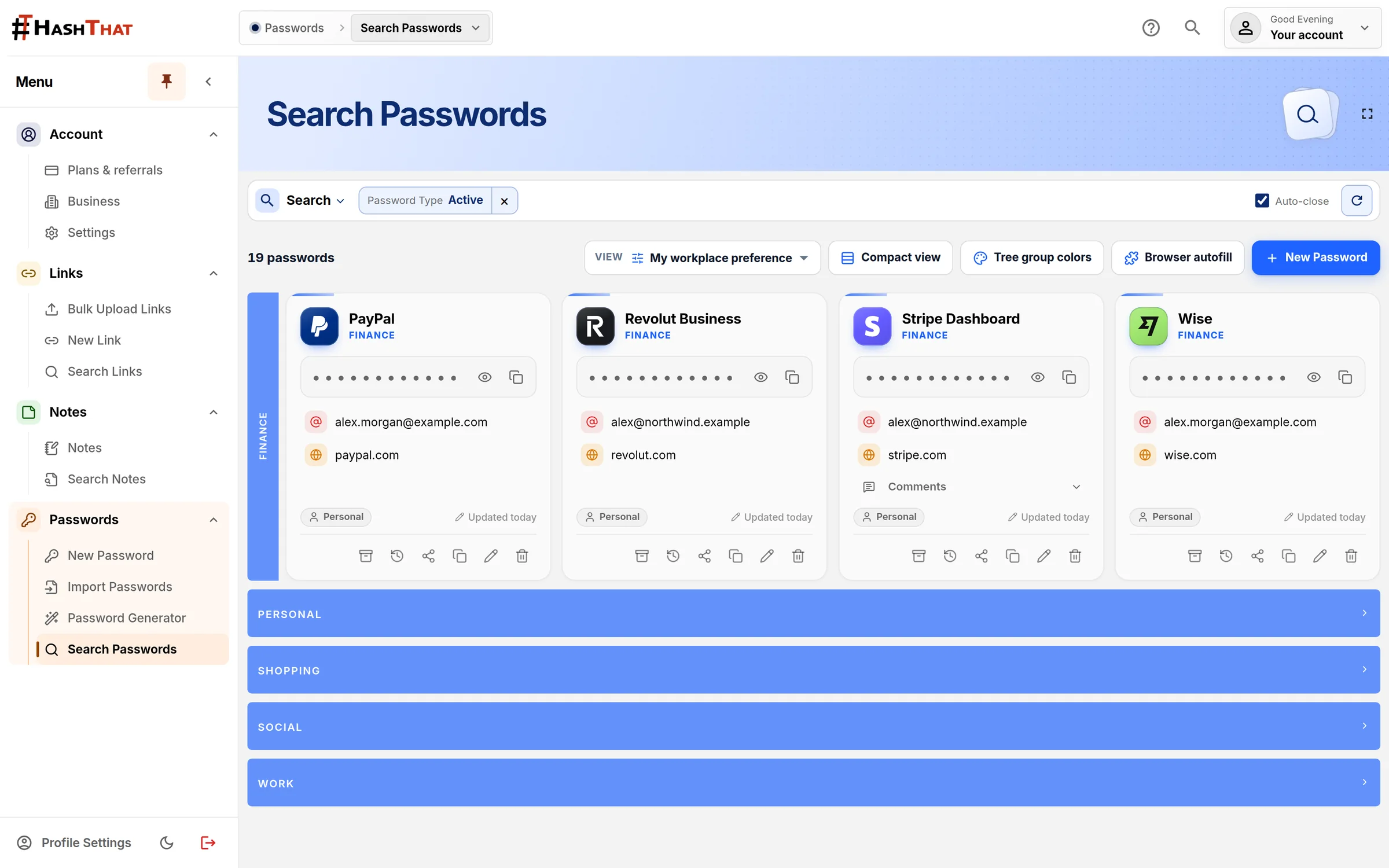
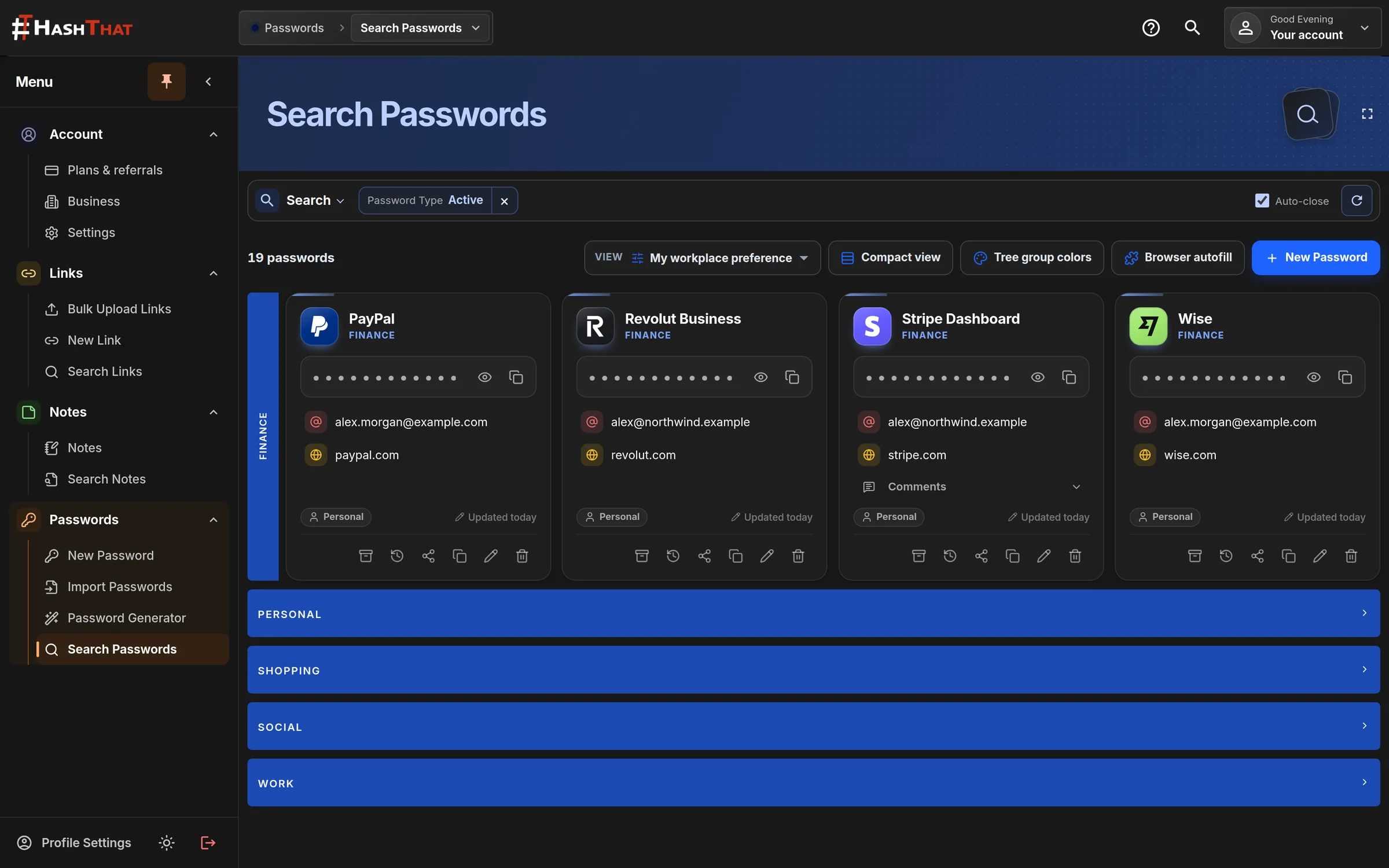
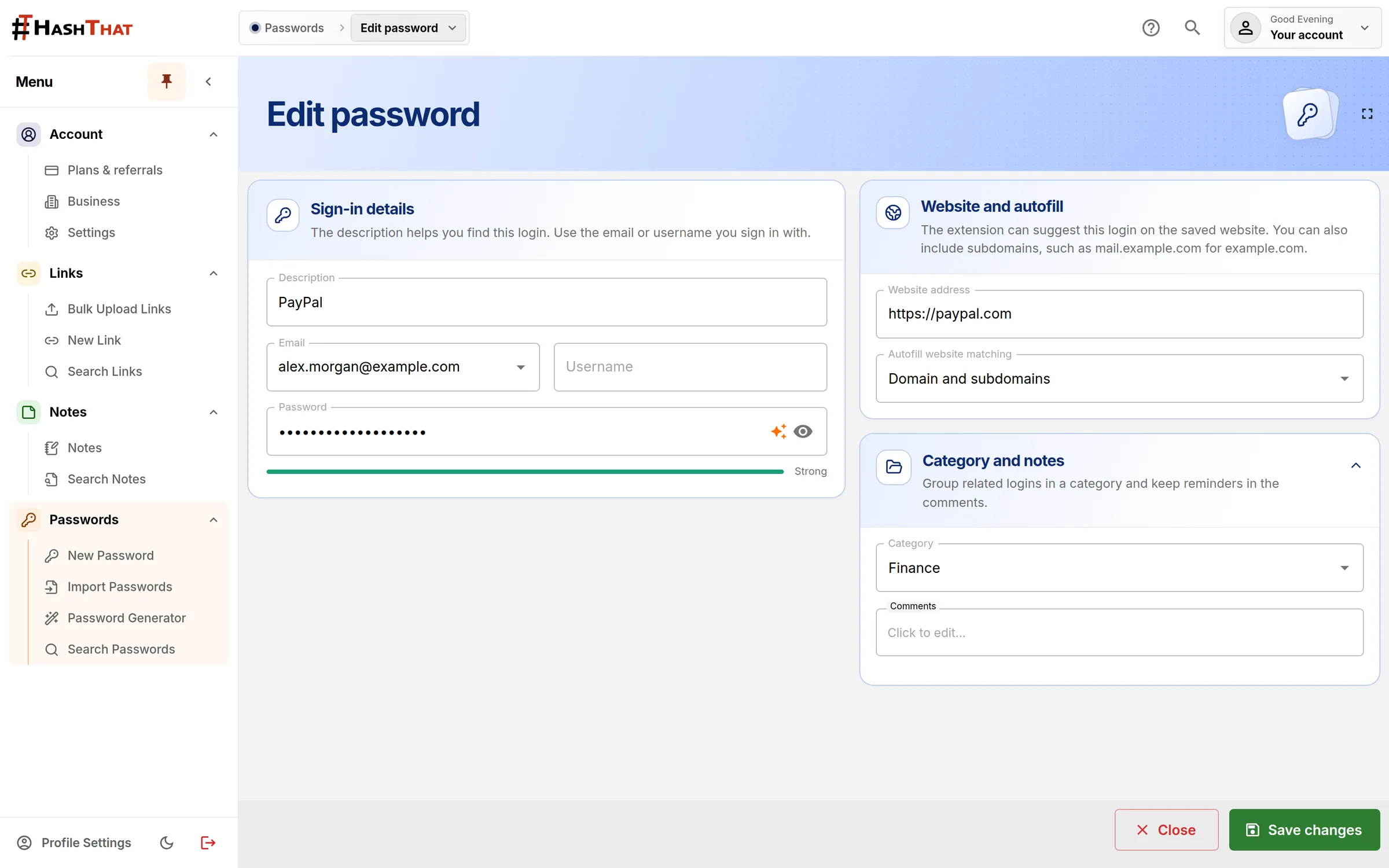
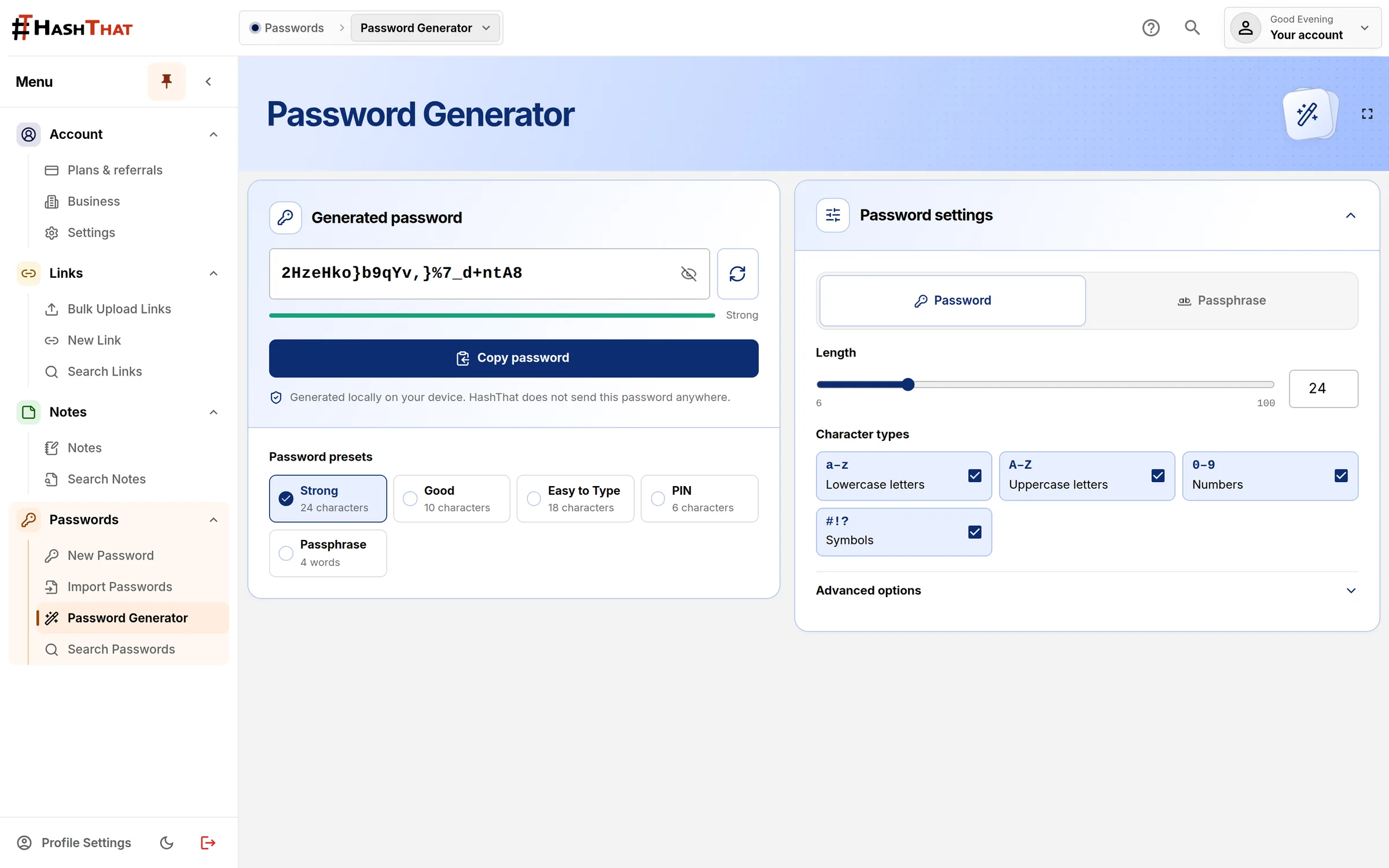
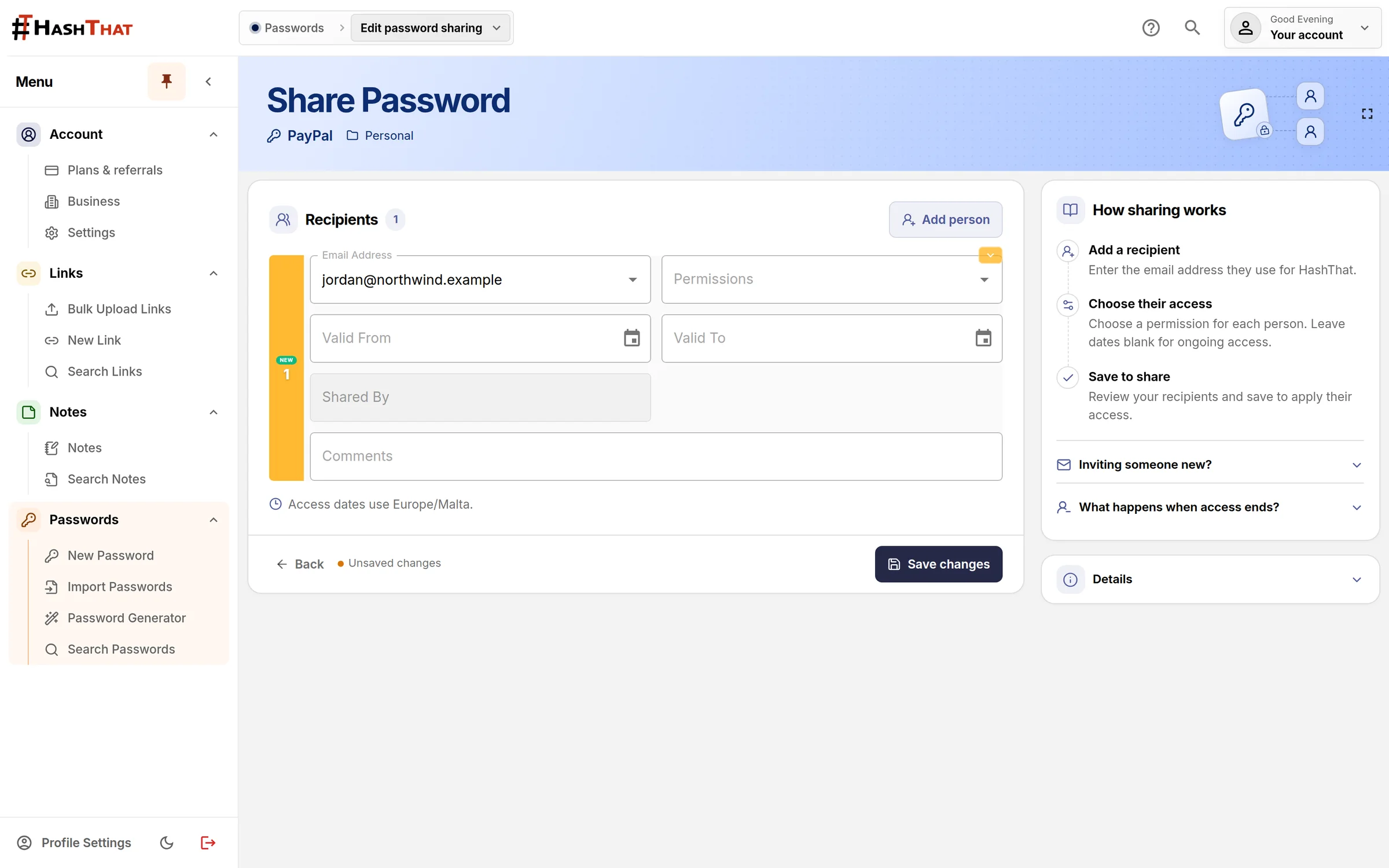
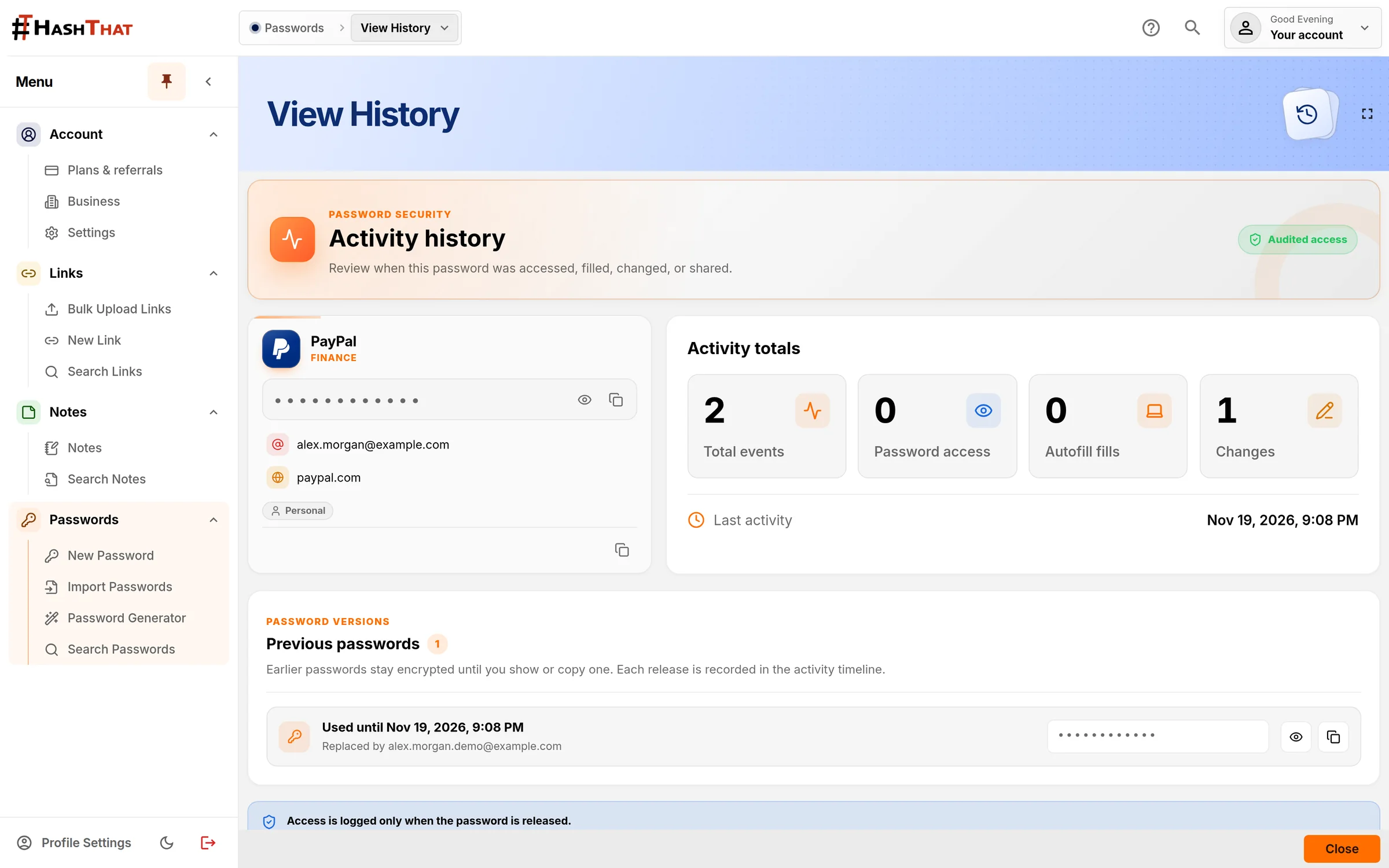
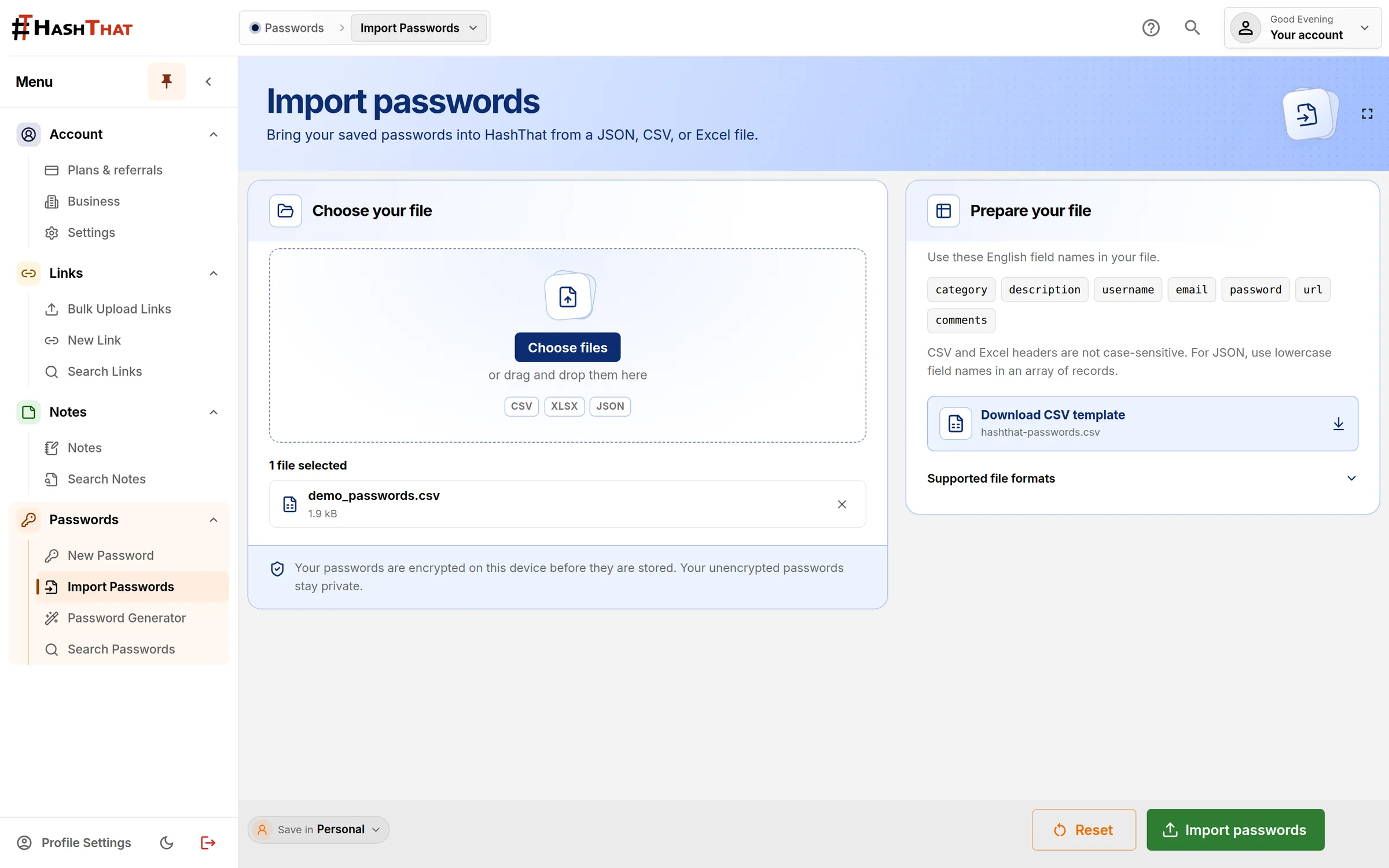
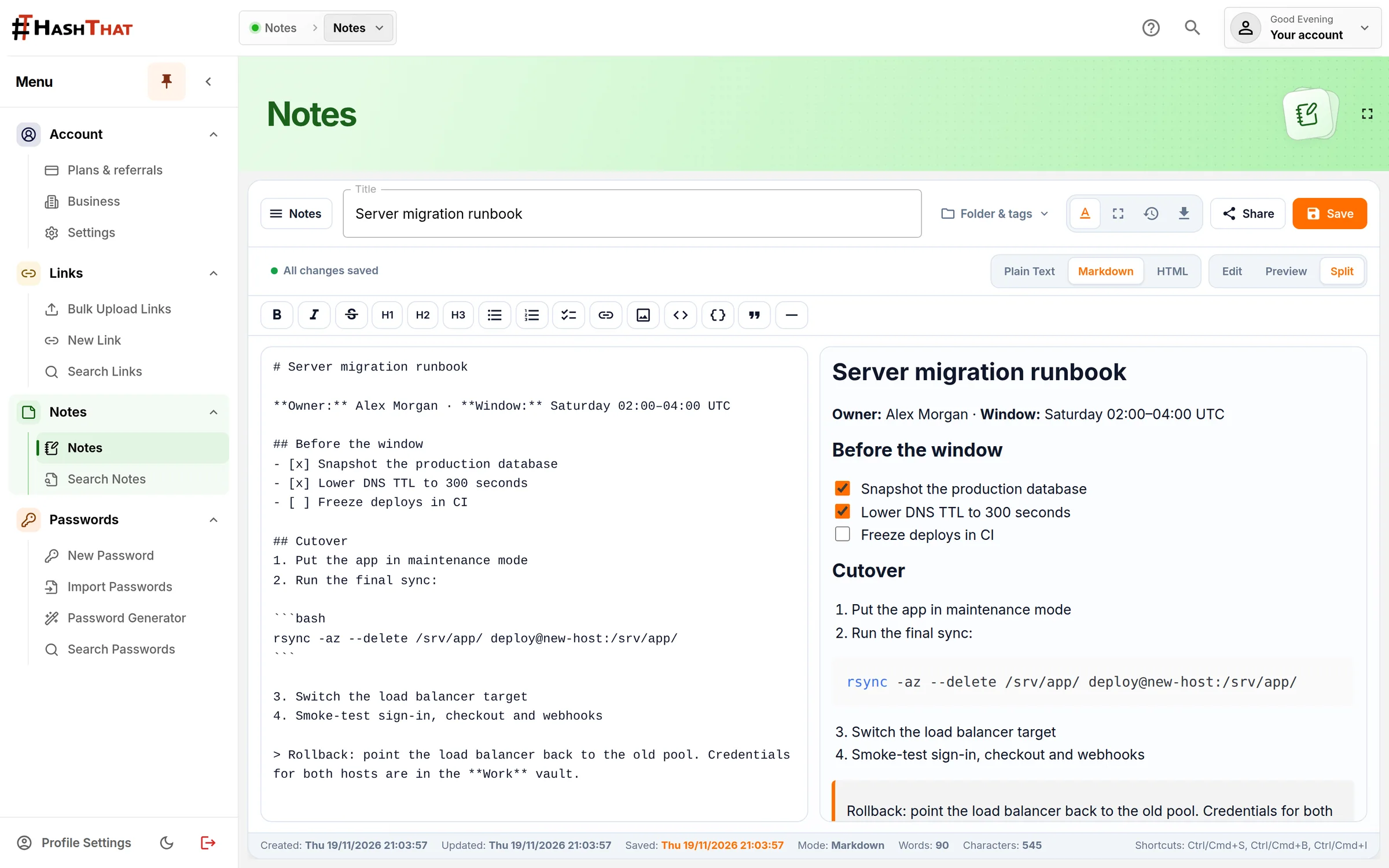
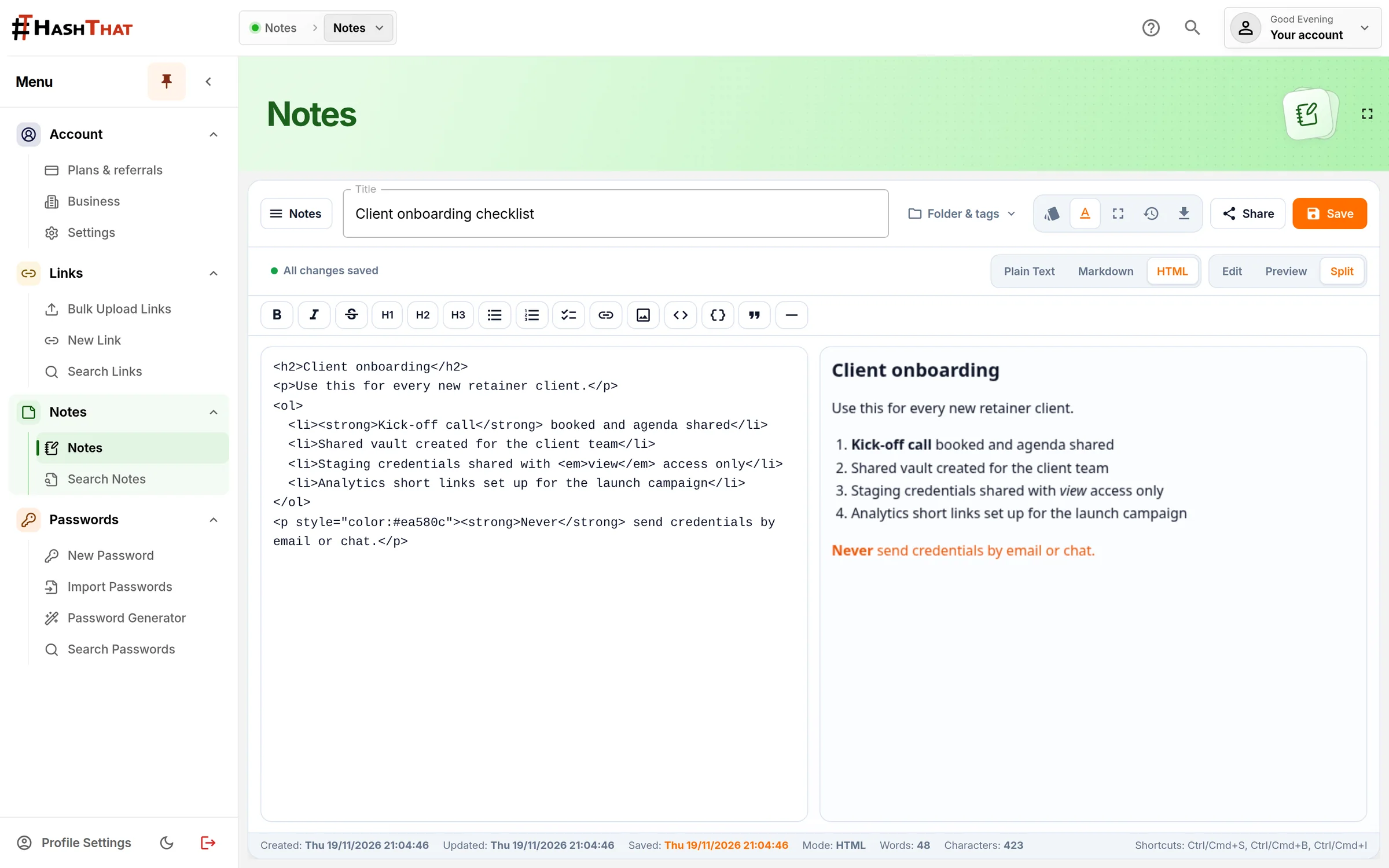
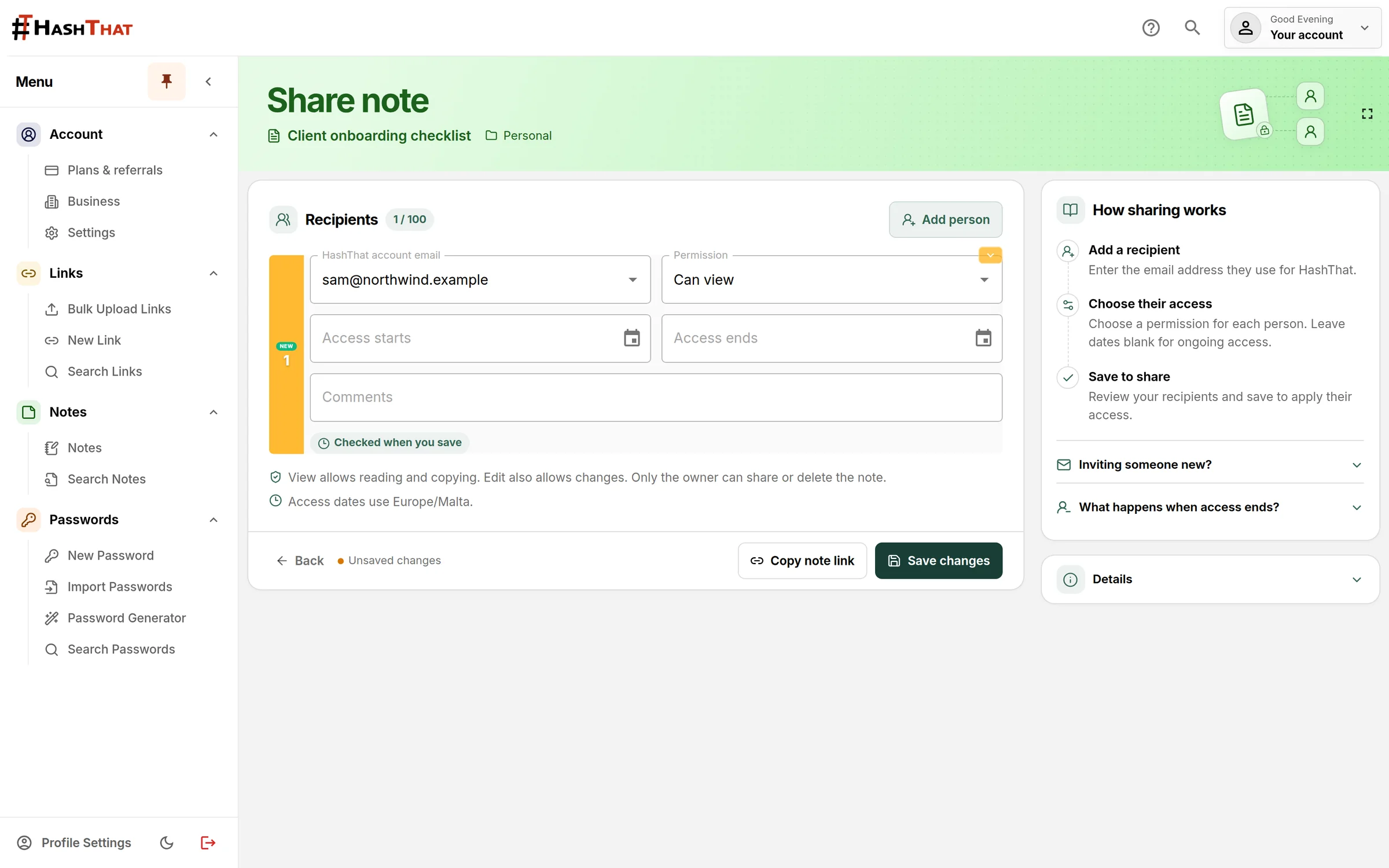
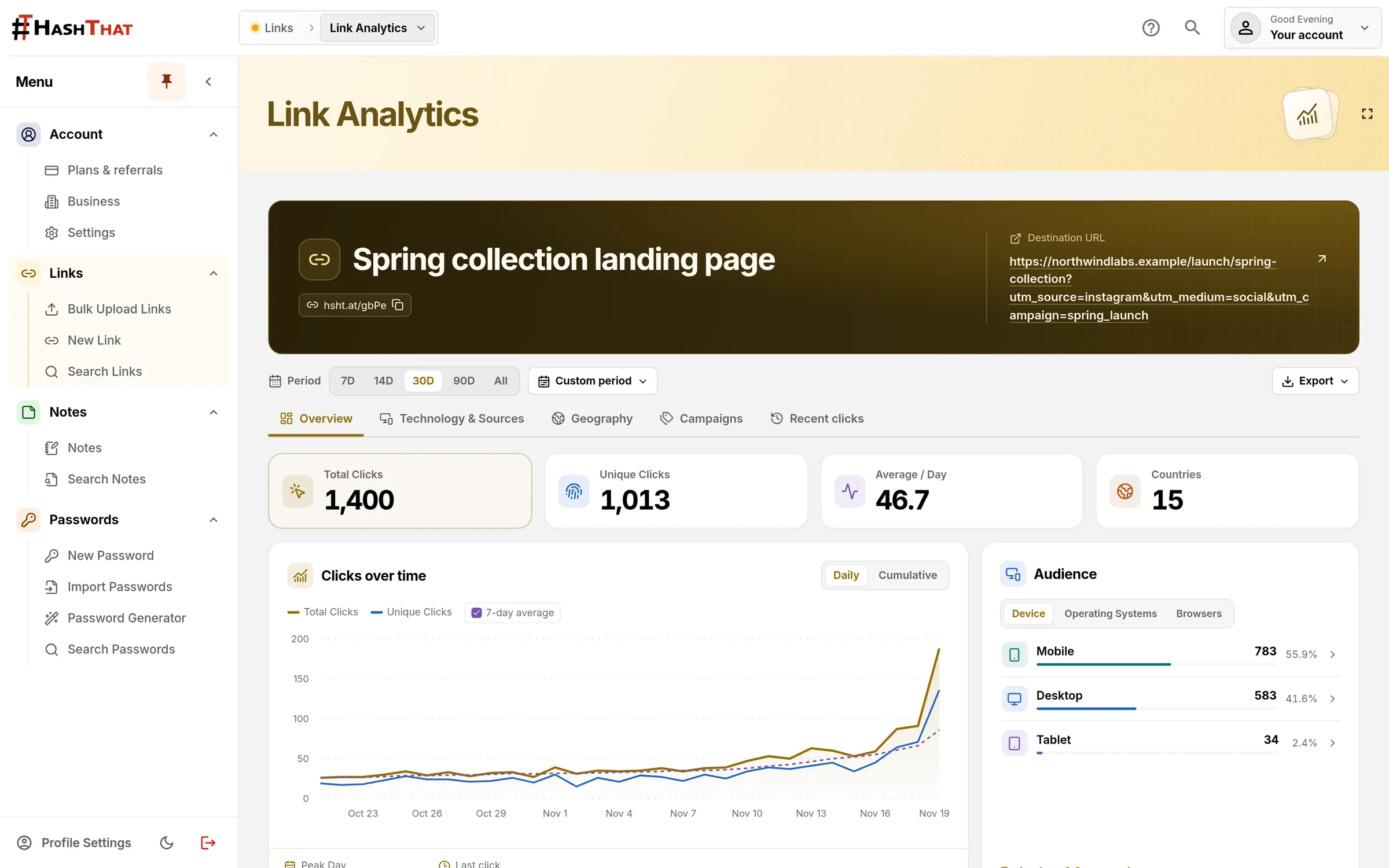
Sixteen high-resolution captures of the real app. The press kit has all of them as PNG files, with a phone screenshot as well.
Passwords
Notes and links
Background
HashThat so far
- 2020
HashThat is released
It starts as a password manager with one rule: passwords are encrypted on the user's own device, so the company storing them cannot read them.
- Growing
More than passwords
Encrypted notes, short links with analytics and Security Pro join the vault. Apps for iPhone and Android follow, and the app is translated into 15 languages.
- Today
One account, used around the world
HashThat covers passwords, notes, links, account security and shared vaults for teams, on the web and on phones.
- Next
Still building
Encrypted file storage and multi-link pages are planned, under the same privacy rules.
Quick answers
The questions we are asked most often by people writing about HashThat.
Can HashThat read its users' passwords or notes?
No. They are encrypted on the user's device before they are stored, and decrypted only on the user's device. HashThat stores them but holds no key that opens them.
What happens if someone forgets their master password?
HashThat cannot reset access to an existing vault, because it does not hold the key. A user who saved their recovery file can use it to recover their credentials on their own device. A password reset without it restores the account, but older vault data stays locked to the previous password.
Is there a free version?
Yes. The free plan stores up to 20 passwords, 2 notes and 5 short links with no time limit, and new accounts get a 31-day Pro trial without entering a card.
How is HashThat priced?
Each Pro product (Passwords, Notes, Links and Security) is sold separately, billed monthly, yearly or every two years. Teams pay per employee seat and add product licences per person. Current prices are on the pricing page.
Which devices does it run on?
Any modern browser through the web app, plus apps for iPhone, iPad and Android. The same account works on all of them.
Who makes HashThat?
Multi Dimension Solutions Limited, which released the first version in 2020.
Can I get access to the paid features for a review?
Yes. Contact us, say where you publish, and we will arrange access to the Pro features.
Go deeper
The pages reviewers ask for most.
How the security works
What is encrypted, where that happens, how recovery works, and what HashThat can and cannot see.
Plans and prices
What the free plan includes and what each Pro product adds, with current prices.
Step-by-step tutorials
Illustrated guides to every main task, useful for checking how a feature behaves.
About the company
Who builds HashThat, how it started and the principles behind it.
Using our brand
Free to use for editorial work
You do not need to ask before using these files in an article, video or review.
Go ahead
- Use the logos and screenshots to write about, review or compare HashThat.
- Crop a screenshot to show one feature.
- Take your own screenshots of the app.
Please avoid
- Changing the logo's colours, proportions or wording.
- Using the logo as your own, or to suggest HashThat endorses another product.
- Presenting edited screenshots as the real app.
Reviewing HashThat?
Ask for review access or an interview
Tell us where you publish and we will arrange access to the Pro features and answer your questions. Recommending HashThat regularly? The affiliate programme pays commission.